145
1. 8 7 7. 8 7 7. 2 26 9 BLACKBOX.COM
NEED HELP?
LEAVE THE TECH TO US
LIVE 24/7
TECHNICAL
SUPPORT
1.877.87 7.2269
There is a limit to the number of SDT Connector SSH tunnels that can be open at the one time on a particular Gateway. LES1400,
LES1200 and LES1508A models each support at least 50 such concurrent connections. For a site with a LES1400 gateway you can
have, at any time up to 50 users securely controlling an unlimited number of network attached computers and appliances (servers,
routers, etc.) at that site. LES1600, LES1700 and LES1516A, LES1532A, LES1548A support many hundreds of simultaneous client
tunnels.
7.2.5 MANUALLY ADDING A HOST TO THE SDT CONNECTOR GATEWAY
For each gateway, you can manually specify the network connected hosts that will be accessed through that console server and for each
host, specify the services that will used in communicating with the host.
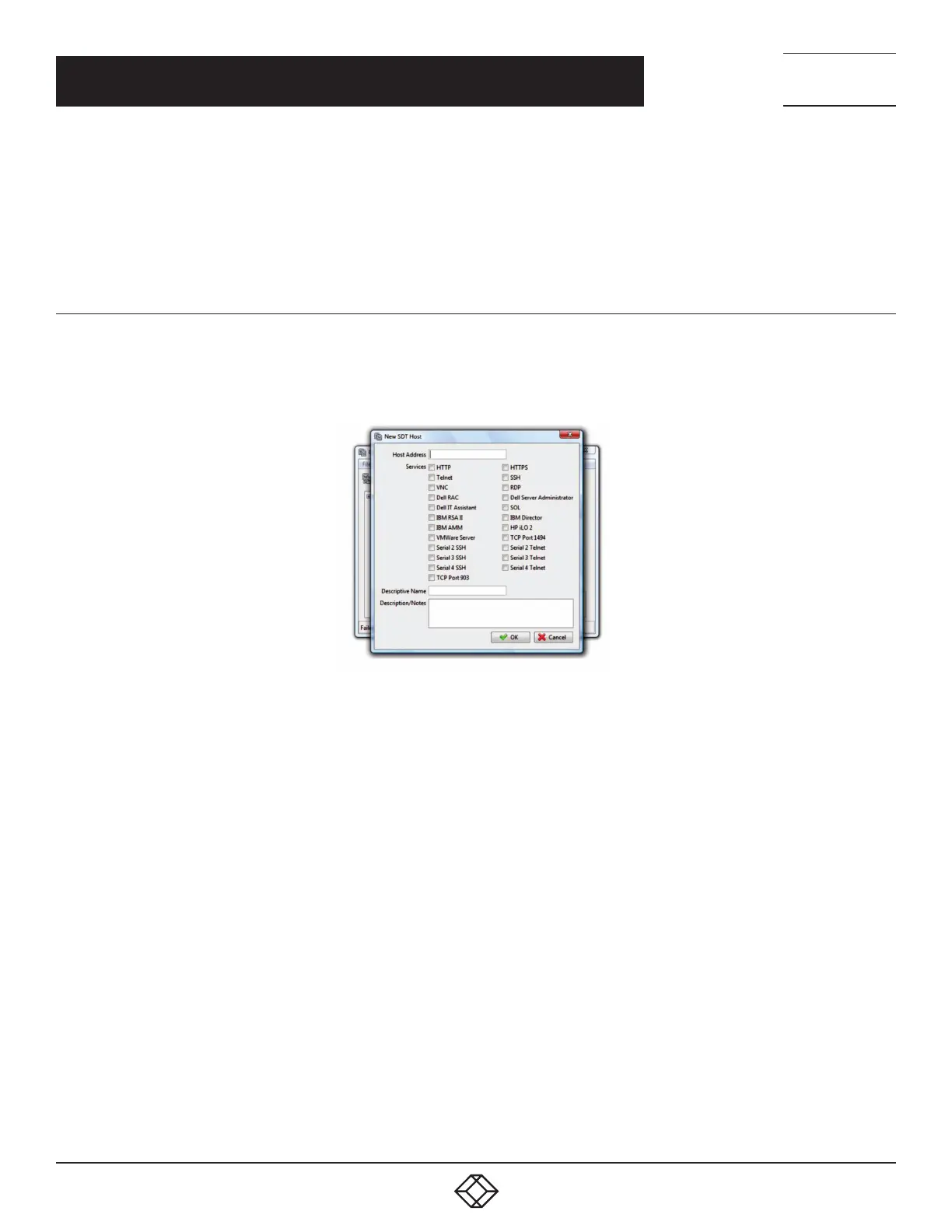
Select File > New Host (or select a gateway and click the Host icon).
FIGURE 7-9. NEW SDT HOST SCREEN
Enter the IP address or hostname of the host.
NOTE: A hostname must be resolvable by the gateway.
Select which Services are to be used in accessing the new host.
A range of service options are pre-configured in the default SDT Connector client (RDP, VNC, HTTP, HTTPS, Dell RAC, VMware etc). If
you wish to add services beyond the pre-configured range, see the next section.
Optionally, enter a Descriptive Name to display instead of the IP address or hostname.
Optionally enter desired information in the Description/Notes field.
For example: the console server’s site location; the console server’s running firmware version; or details on the site’s network
configuration.
Click OK.
CHAPTER 7: SSH TUNNELS AND SDT CONNECTOR











 To Next Page