85
1. 8 7 7. 8 7 7. 2 26 9 BLACKBOX.COM
NEED HELP?
LEAVE THE TECH TO US
LIVE 24/7
TECHNICAL
SUPPORT
1.877.87 7.2269
CHAPTER 5: SERIAL PORT, HOST DEVICE AND USER CONFIG
Once you have added all the slave console servers, the slave serial ports and the connected devices are configurable and accessible from
the master’s Management Console menu and accessible through the Master’s IP address.
Select the appropriate Serial & Network > Serial Port and Edit to configure the serial ports on the slave.
Select the appropriate Serial & Network > Users & Groups to add new users with access privileges to the slave serial ports (or to
extend existing users access privileges).
Select the appropriate Serial & Network > Trusted Networks to specify network addresses that can access nominated slave serial
ports.
Select the appropriate Alerts & Logging > Alerts to configure slave port Connection, State Change or Pattern Match alerts.
Click Apply.
The configuration changes made on the master are propagated out to all the Slaves.
5.6.4 MANAGING THE SLAVES
PortShare
Clients
Console
Servers
Serial Port
Devices
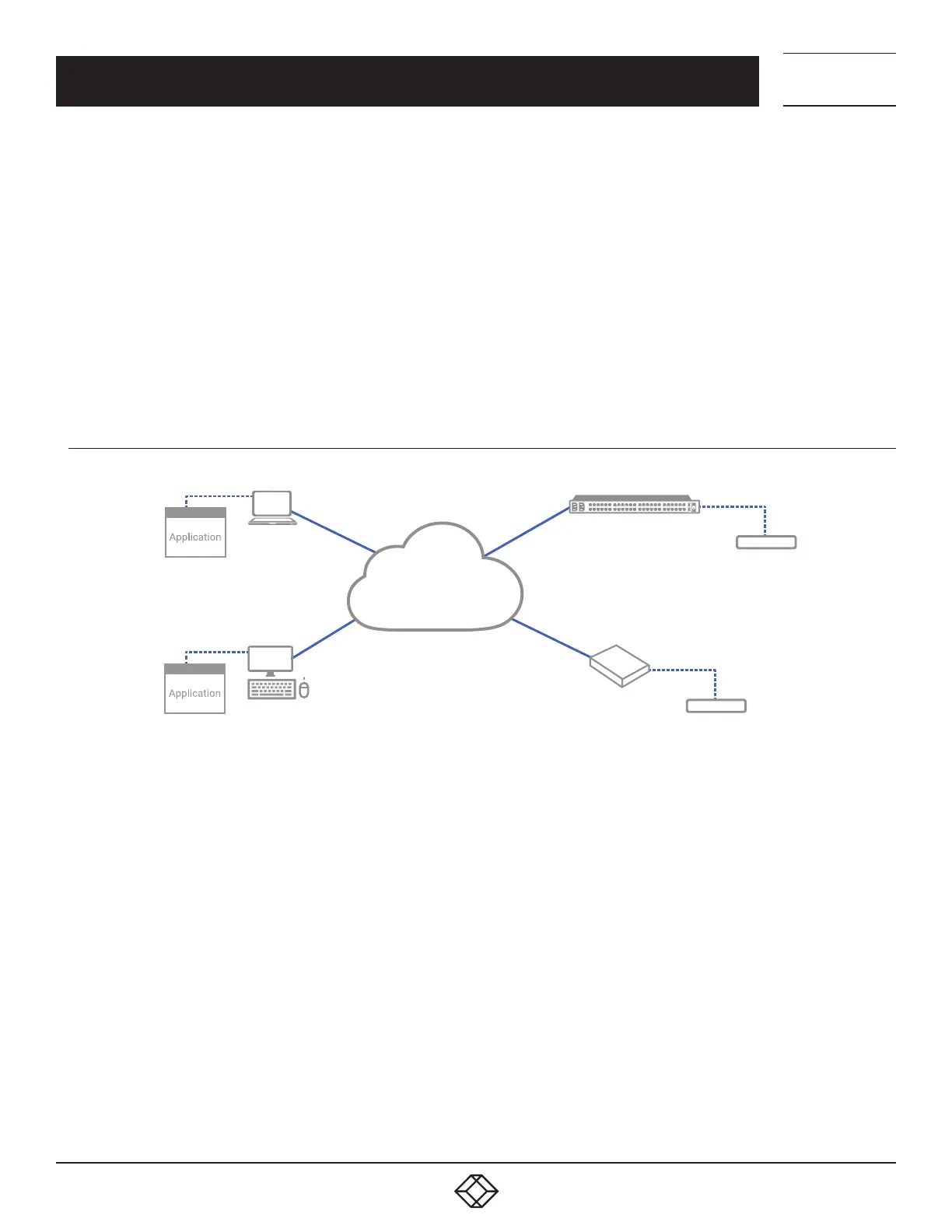
FIGURE 5-23. SLAVE CONFIGURATION
The master is in control of the slave serial ports. So, for example, if you change a User access privileges or edit any serial port
setting on the master, the updated configuration files will be sent out to each slave in parallel. Each slave will then automatically
make changes to their local configurations (and only make those changes that relate to its particular serial ports).
You can still use the local slave Management Console to change the settings on any slave serial port (such as alter the baud rates).
These changes will be overwritten the next time the master sends out a configuration file update.
While the master is in control of all slave serial port related functions, it is not master over the slave network host connections or
over the slave console server system itself.
So, slave functions such as IP, SMTP & SNMP Settings, Date &Time, DHCP server must be managed by accessing each slave
directly and these functions are not overwritten when configuration changes are propagated from the master. Similarly, the slaves
Network Host and IPMI settings have to be configured at each slave.
The master’s Management Console provides a consolidated view of the settings for its own and the entire slave’s serial ports, but
the master does not provide a fully consolidated view. For example if you want to find out who's logged in to cascaded serial ports
from the master, you’ll see that Status > Active Users only displays those users active on the master’s ports, so you may need to
write custom scripts to provide this view. This is covered in Chapter 12.











 To Next Page