190
1. 8 7 7. 8 7 7. 2 26 9 BLACKBOX.COM
NEED HELP?
LEAVE THE TECH TO US
LIVE 24/7
TECHNICAL
SUPPORT
1.877.87 7.2269
CHAPTER 9: POWER, ENVIRONMENT AND DIGITAL I/O
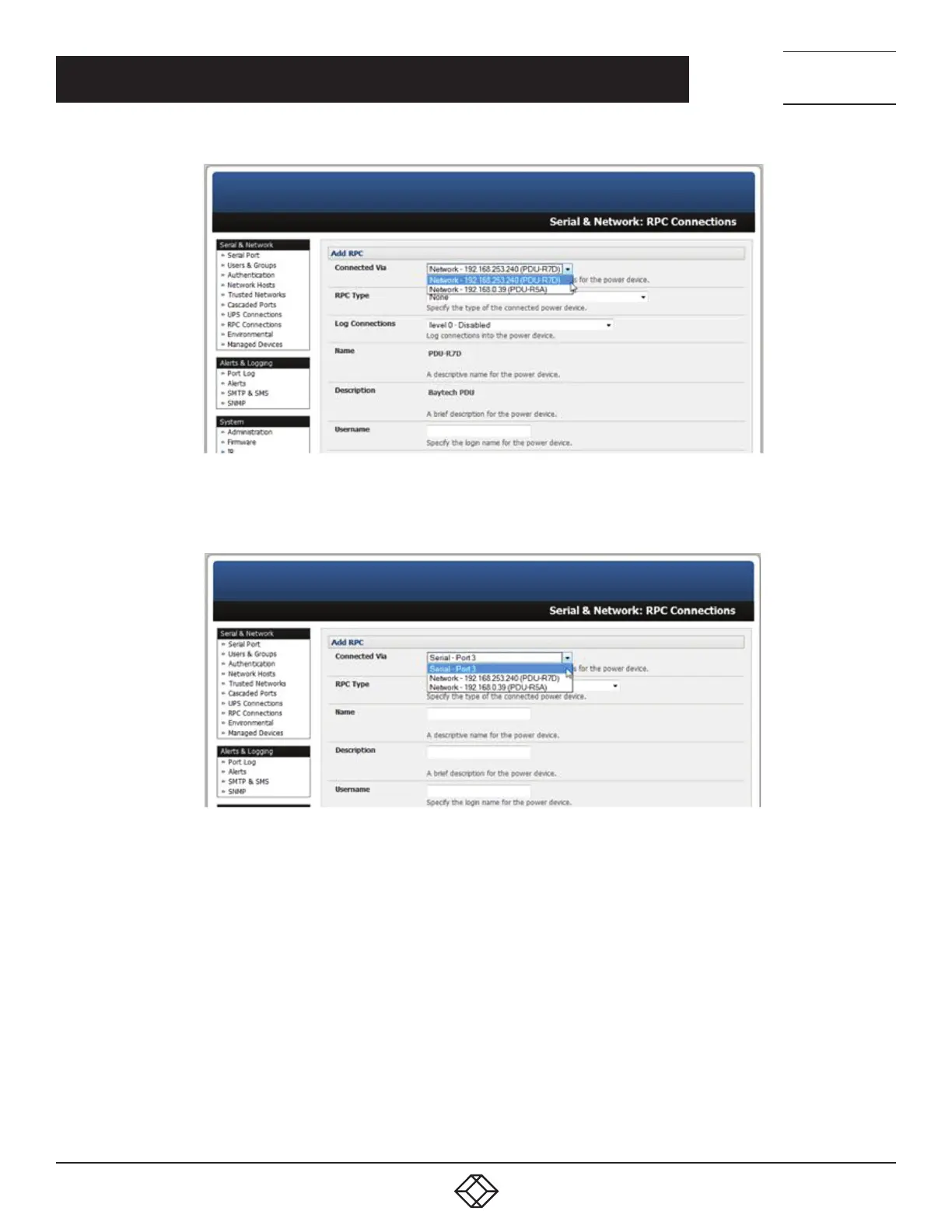
FIGURE 9-3.
Alternatively, if you select Serial connection for Connected Via, you will need to enter a Name and Description for the power device.
FIGURE 9-4.
Select the appropriate RPC Type for the PDU (or IPMI) being connected.
If you are connecting to the RPC via the network you will be presented with the IPMI protocol options and the SNMP RPC Types
currently supported by the embedded Network UPS Tools.
If you are connecting to the RPC by a serial port you will be presented with all the serial RPC types currently supported by the
embedded PowerMan and Black Box’s power manager.
Enter the Username and Password used to login into the RPC.
NOTE: These login credentials are not related to the Users and access privileges configured in Serial & Networks > Users & Groups.
If SNMP protocol is selected enter the SNMP v1 or v2c Community for Read/Write access. By default this would be private.
Check Log Status.











 To Next Page