310
1. 8 7 7. 8 7 7. 2 26 9 BLACKBOX.COM
NEED HELP?
LEAVE THE TECH TO US
LIVE 24/7
TECHNICAL
SUPPORT
1.877.87 7.2269
CHAPTER 16: ADVANCED CONFIGURATION
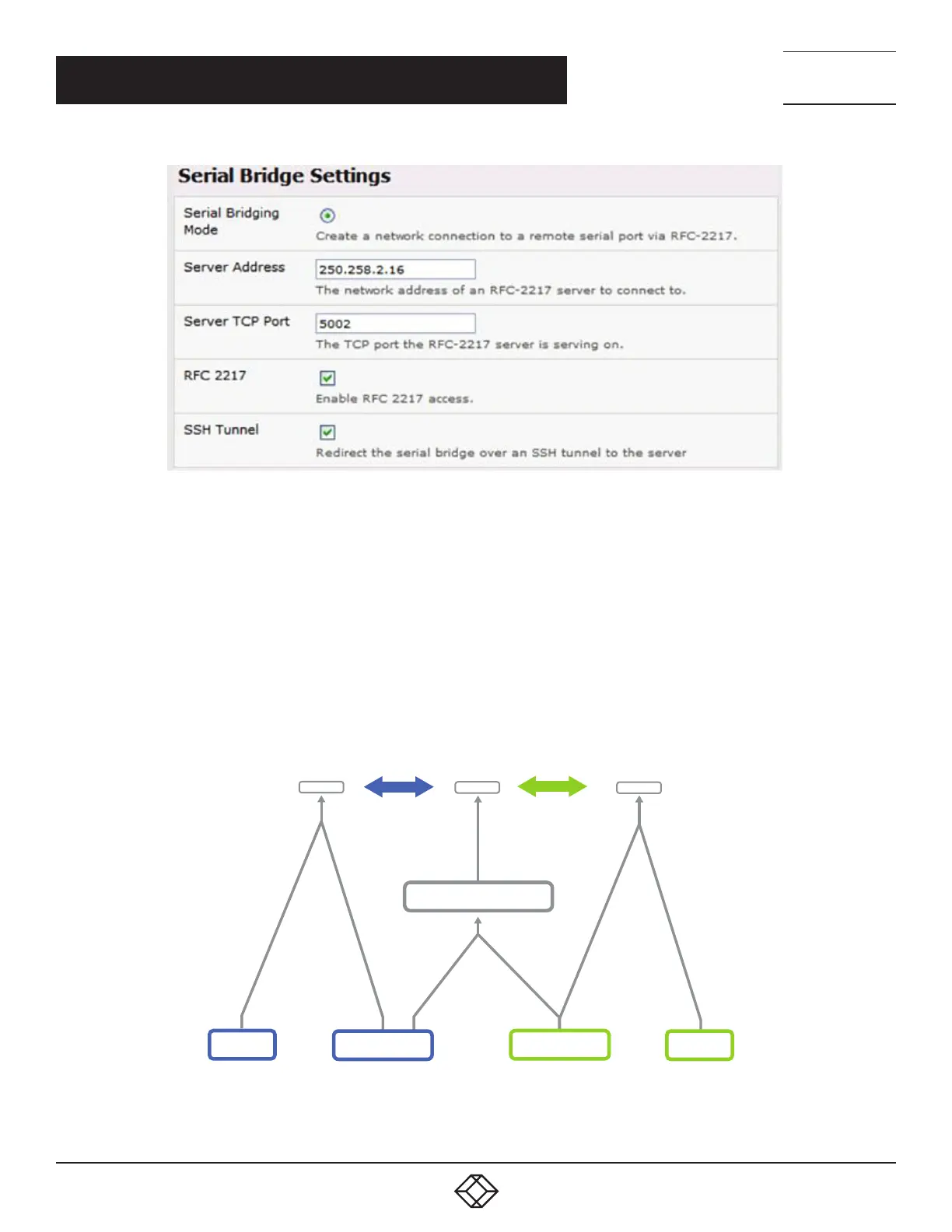
FIGURE 16-5.
Set up SSH keys for each end of the tunnel and upload these keys to the Server and Client console servers.
Client keys
The first step in setting up ssh tunnels is to generate keys. Ideally, you will use a separate, secure, machine to generate and store all
keys to be used on the console servers. However, if this is not ideal to your situation, keys may be generated on the console servers
themselves.
It is possible to generate only one set of keys, and reuse them for every SSH session. While this is not recommended, each
organization will need to balance the security of separate keys against the additional administration they bring.
Generated keys may be one of two types — RSA or DSA — and it is beyond the scope of this document to recommend one over the
other. RSA keys will go into the files id_rsa and id_rsa.pub. DSA keys will be stored in the files id_dsa and id_dsa.pub.
Client #1
Client #2Server
Client #1 keys
Client #2 keys
Authorized keys
id_dsa
id_rsa
id_rsa.pub
id_dsa.pub
FIGURE 16-6. CLIENT KEYS











 To Next Page