34
1. 8 7 7. 8 7 7. 2 26 9 BLACKBOX.COM
NEED HELP?
LEAVE THE TECH TO US
LIVE 24/7
TECHNICAL
SUPPORT
1.877.87 7.2269
CHAPTER 4: SYSTEM CONFIGURATION
If it is not convenient to change your computer’s network address, you can use the ARP-Ping command to reset the console
server’s IP address. To do this from a computer running Windows:
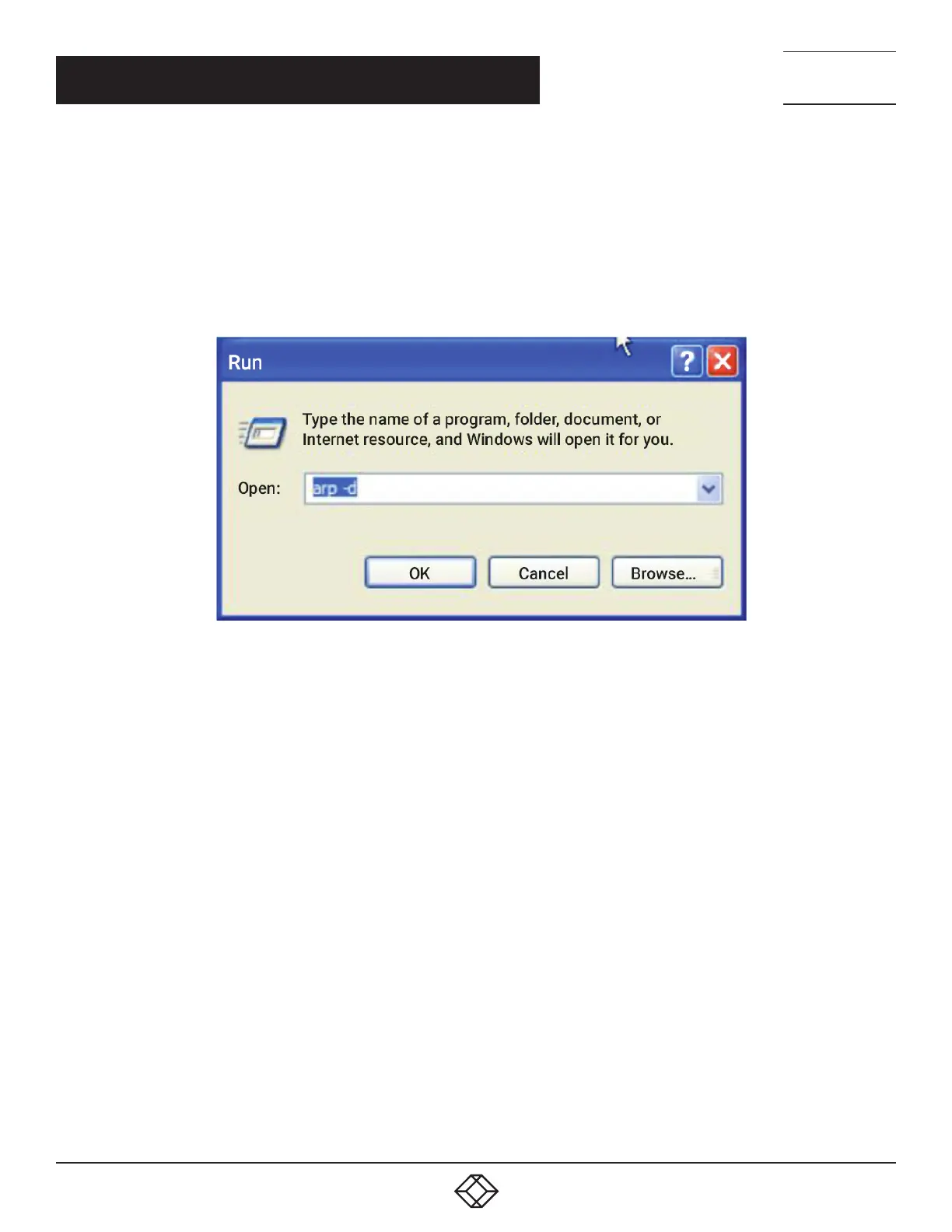
Click Start -> Run (or select All Programs > Accessories > Run).
Type cmd and click OK to bring up the cmd.exe shell prompt.
Type arp –d to flush the ARP cache.
Type arp –a to view the current ARP cache (this should be empty).
FIGURE 4-1. CMD.EXE SHELL PROMPT
Now add a static entry to the ARP table and ping the console server to assign the IP address to the console server.
In the example below, a console server has the MAC Address 00:13:C6:00:02:0F (designated on the label on the bottom of the unit)
and its IP address is set to 192.168.100.23.
NOTE: The computer issuing the arp command must be on the same network segment as the console server (that is, have an IP
address of 192.168.100.xxx).
On Windows: type arp -s 192.168.100.23 00-13-C6-00-02-0F
On Linux, macOS or Unix: type arp -s 192.168.100.23 00:13:C6:00:02:0F
Type ping -t 192.18.100.23 to start a continuous ping to the new IP Address.
Turn on the console server and wait for it to configure itself with the new IP address. It will start replying to the ping at this point.
Type arp –d to flush the ARP cache again.











 To Next Page