67
1. 8 7 7. 8 7 7. 2 26 9 BLACKBOX.COM
NEED HELP?
LEAVE THE TECH TO US
LIVE 24/7
TECHNICAL
SUPPORT
1.877.87 7.2269
CHAPTER 5: SERIAL PORT, HOST DEVICE AND USER CONFIG
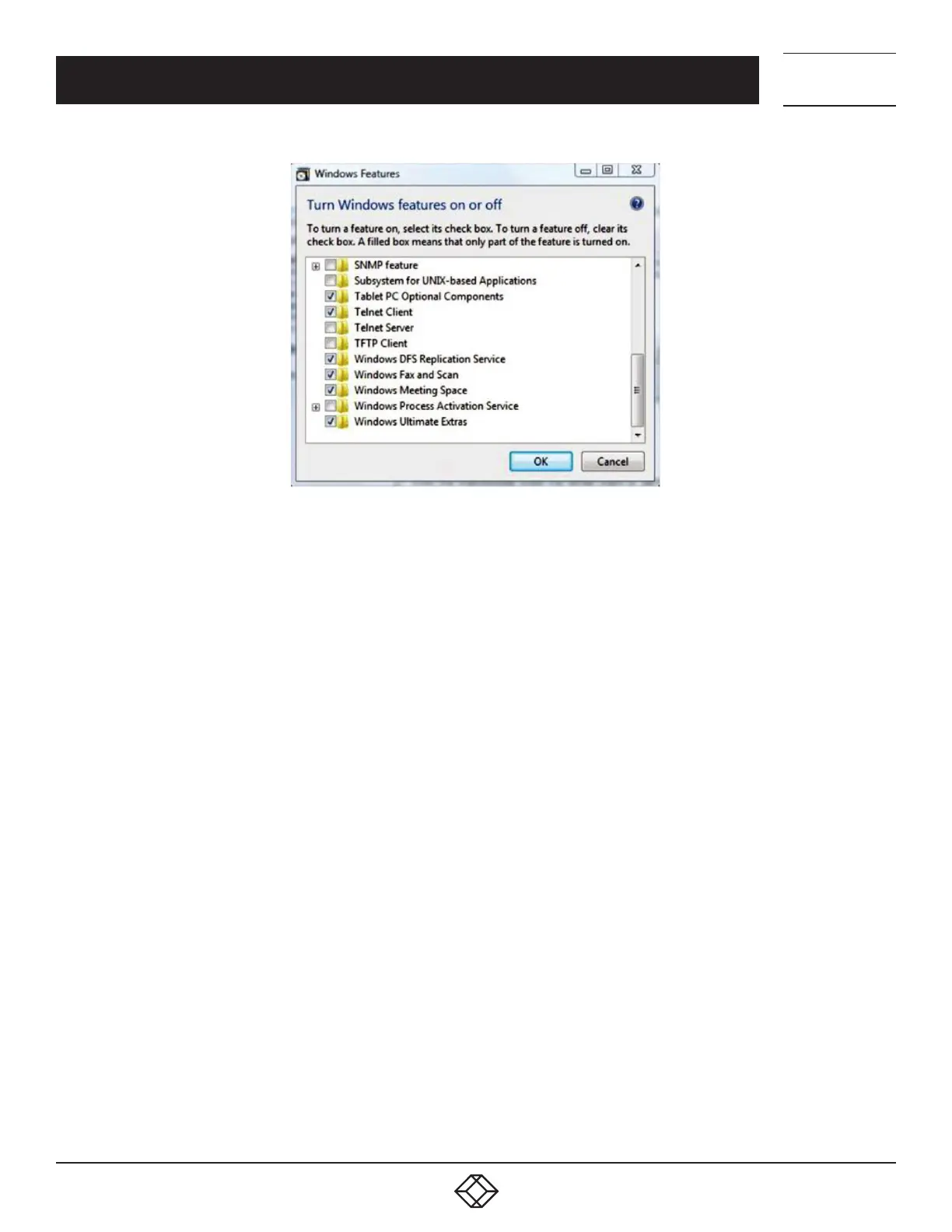
FIGURE 5-5. TURN WINDOWS FEATURES ON OR OFF
If you are prompted for an administrator password or confirmation, type the password or provide confirmation.
In the Windows Features dialog box, select the Telnet Client check box.
Click OK.
The installation may take several minutes.
If remote communications are being tunneled with SDT Connector, then Telnet can be used for securely accessing these attached
devices.
NOTE: In Console Server mode, Users and Administrators can use SDT Connector to set up secure Telnet connections that are SSH
tunneled from their client computers to the serial port on the console server. SDT Connector can be installed on Windows PCs
and on most Linux platforms and it enables secure Telnet connections to be selected with a simple point-and-click. To use
SDT Connector to access consoles on the console server serial ports, you configure SDT Connector with the console server as
a gateway, then as a host, and you enable Telnet service on Port 2000 + serial port # (that is Ports 2001–2048). See Chapter 7
for more details on using SDT Connector for Telnet and SSH access to devices that are attached to the console server serial
ports.
You can also use communications packages like PuTTY to set a direct Telnet (or SSH) connection to the serial ports.











 To Next Page