89
1. 8 7 7. 8 7 7. 2 26 9 BLACKBOX.COM
NEED HELP?
LEAVE THE TECH TO US
LIVE 24/7
TECHNICAL
SUPPORT
1.877.87 7.2269
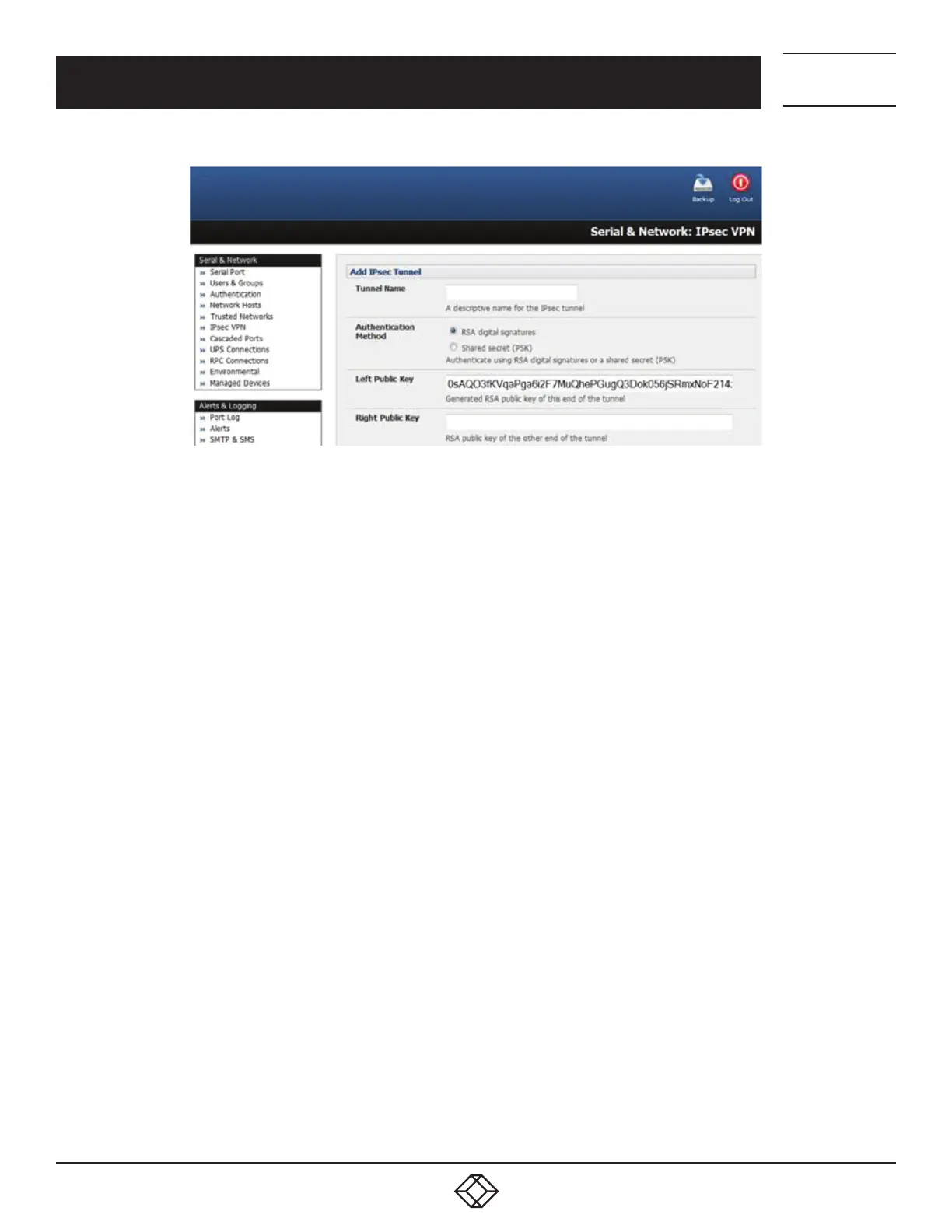
FIGURE 5-25. ADD IPSEC TUNNEL SCREEN
Enter the public IP or DNS address of this Black Box VPN gateway as the Left Address. You can leave this blank to use the interface
of the default route.
In Right Address, if the remote end has a static or dyndns address, enter the public IP or DNS address of the remote end of the tunnel.
Otherwise, leave this blank.
If the Black Box VPN gateway serves as a VPN gateway to a local subnet (e.g., the console server has a Management LAN configured)
enter the private subnet details in Left Subnet.
Use the CIDR notation, where the IP address number is followed by a slash and the number of ‘one’ bits in the binary notation of the
netmask.
For example 192.168.0.0/24 indicates an IP address where the first 24 bits are used as the network address. This is the same as
255.255.255.0.
If the VPN access is only to the console server itself and to its attached serial console devices then leave Left Subnet blank.
If there is a VPN gateway at the remote end, enter the private subnet details in Right Subnet.
Again use CIDR notation and leave blank if there is only a remote host.
Select Initiate Tunnel if the tunnel connection is to be initiated from the Left console server end.
This can only be initiated from the VPN gateway (Left) if the remote end was configured with a static (or dyndns) IP address.
Click Apply to save changes.
NOTE: It is essential the configuration details set up on the advanced console server (referred to as the Left or Local host) exactly
matches the set up entered when configuring the Remote (Right) host/gateway or software client.
CHAPTER 5: SERIAL PORT, HOST DEVICE AND USER CONFIG











 To Next Page