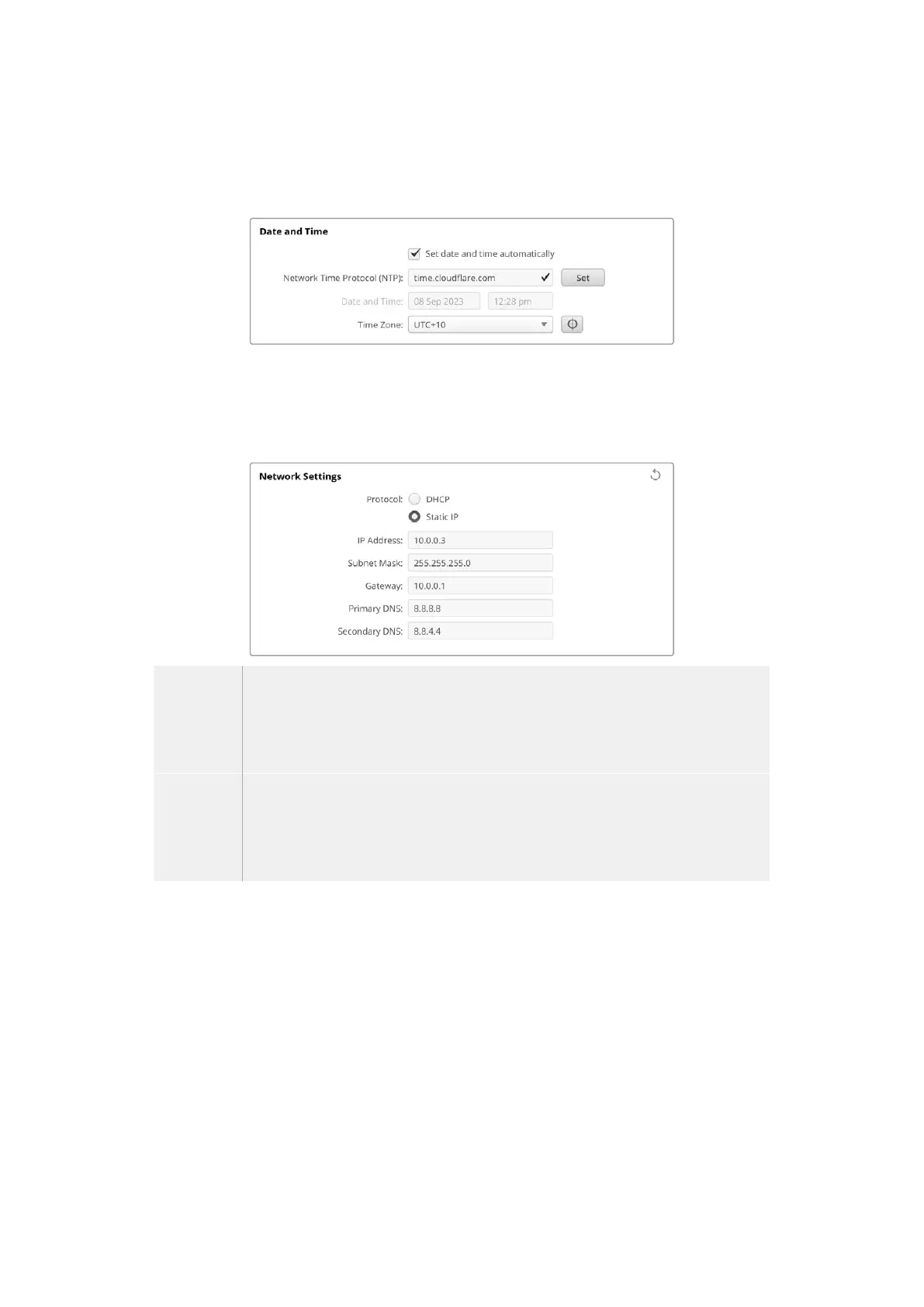
If you are entering your date and time manually, use the fields to enter your date, time and time
zone. Setting the date and time correctly ensures your recorded clips have the same time and
date information as your network and also prevents conflicts that can occur with some network
storage systems.
Network Settings
Protocol
To control your camera remotely via Ethernet it needs be on the same network as your other
equipment using DHCP or by manually adding a fixed IP address.
DHCP Your camera is set to DHCP by default. The dynamic host configuration protocol, or DHCP,
is a service on network servers that automatically finds your camera and assigns an IP
address. The DHCP is a great service that makes it easy to connect equipment via Ethernet
and ensure their IP addresses do not conflict with each other. Most computers and network
switchers support DHCP.
Static IP When ‘static ip’ is selected, you can enter your network details manually. When setting
IP addresses manually so all units can communicate, they must share the same subnet
mask and gateway settings. If there are other devices on the network that have the same
identifying number in their IP address, there will be a conflict and the units won’t connect.
Ifyou encounter a conflict, simply change the identifying number in the unit’s IP address.
Network Access
Your Blackmagic Cinema Camera 6K can be accessed via a network for transferring files.
Access will be disabled by default, but you can choose to enable individually or via a username
and password for added security when using the web manager.
130Blackmagic Camera Setup



 To Next Page