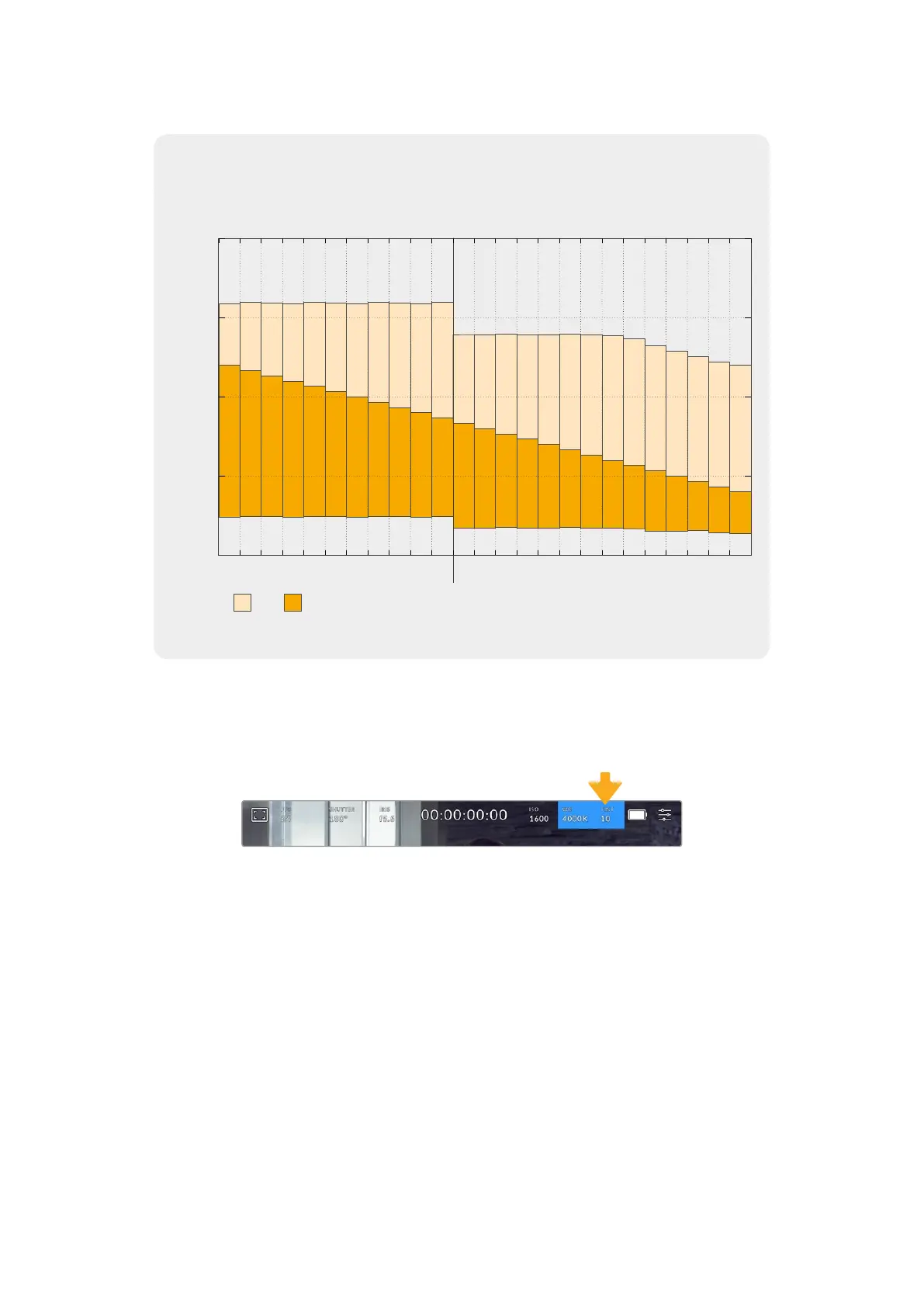
Dynamic Range
3.9
4.3
4.6
4.9
5.3
5.6
5.9
6.3
6.6
6.9
7.3
5.6
5.9
6.3
6.6
6.9
7.3
7.6
7.9
8
7.9
7.9
7.9
7.9
8
9.6
9.2
8.9
8.6
8.2
7.9
7.6
7.2
6.9
6.6
6.2
6.6
6.3
5.9
5.6
5.3
4.9
4.6
4.3
4
3.8
3.5
3.1
2.9
2.6
stops
-10
-5
5
10
0
100ISO
Total Stops
125 160 200 250 320 400 500 640 800 1000 1250 1600
2000
2500 3200
Dual Native
ISO 400
Dual Native
ISO 3200
4000 5000 6400 8000 10000 12800 16000 20000 25600
13.5 13.5 13.5 13.5 13.5 13.5
13.5
13.5 13.5 13.5 13.5 12.2 12.2 12.2 12.2 12.2 12.2 12.2 12.2 12.0 11.7 11.4 11.0
10.8
10.6
White Balance
The ‘WB’ and ‘TINT’ indicators display your camera’s current white balance and tint.
Tapping these indicators lets you adjust your camera’s white balance and tint to suit varying
lighting conditions.
Tap the white balance and tint indicators to access white balance and tint settings
Every light source emits a color that is defined using the kelvin unit of measurement. A
light source that emits a lower color temperature, like a candle, will emit a warm light at
approximately 3,200 degrees kelvin. A bright light source, like the sun on a clear day, will emit
a higher color temperature at 5,600 degrees giving the light a cool blue appearance. Your
camera will compensate by adding warmth or cooling the image down based on the set color
temperature.
For example, on a bright sunny day with the light measuring 5,600K, you can set your camera’s
white balance to 5,600K and the camera will compensate by adding warmth. If you set the
white balance to match a tungsten lamp at night emitting 3,200K, the camera will cool the
image down to compensate. This will make sure white is always displayed correctly and colors
will match what you see.
43Touchscreen Controls



 To Next Page