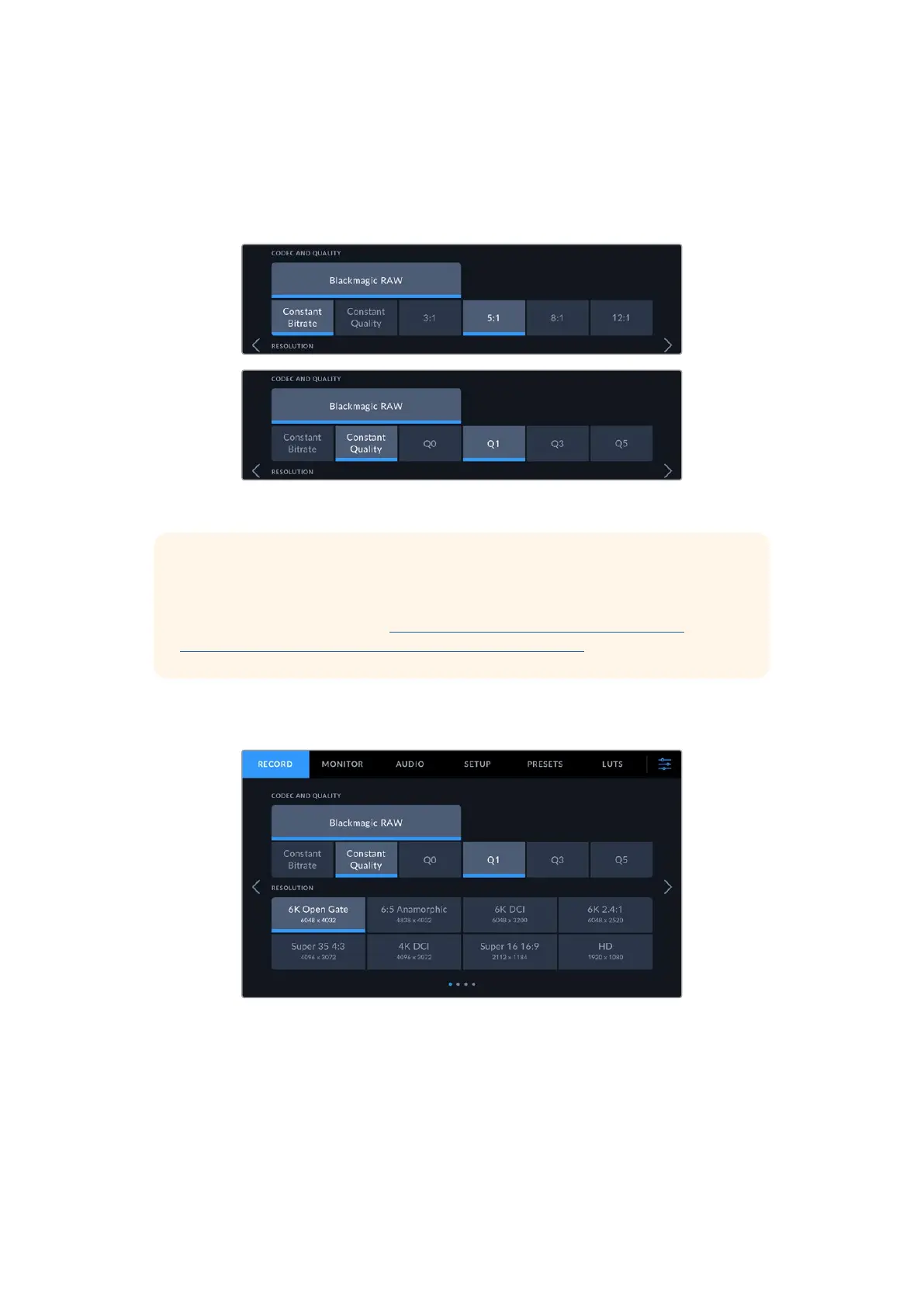
Codec and Quality
The ‘codec and quality’ menu lets you set the quality for Blackmagic RAW. You can choose from
a selection of constant bitrate settings, or constant quality. For example 3:1, 5:1, 8:1, 12:1, or Q0,
Q1, Q3 and Q5 respectively. These provide options so you can set the amount of compression
used. For more information on Blackmagic RAW, refer to the ‘recording’ section of this manual.
Blackmagic RAW quality options
TIP The amount of video you can record on your storage media increases if you
choose codecs that use higher compression. You can estimate record duration
times based on different storage media capacities, frame rates and codec settings
using the data rate calculator at: https://www.blackmagicdesign.com/products/
blackmagiccinemacamera/blackmagicraw#data-rate-calculator
Resolution
This setting works in combination with the ‘codec’ setting to define the resolution of your image.
The resolution options on Blackmagic Cinema Camera 6K
Caption removed
from the first screen
shot
53Settings



 To Next Page