Serial Control Settings
Third party router controllers can control Videohub with RS-422 serial connections.
If controlling Videohub via RS-422, set the ‘Leitch protocol’ switch to:
ͽ ‘Leitch client’ if the Videohub is to act as a client of a connected control panel and to listen
and respond to the control panel button presses.
ͽ ‘Leitch server’ if the Videohub is to be controlled from an automation system or third party
router control system.
The Videohub Server Configuration options will become
active when a Videohub is connected via USB
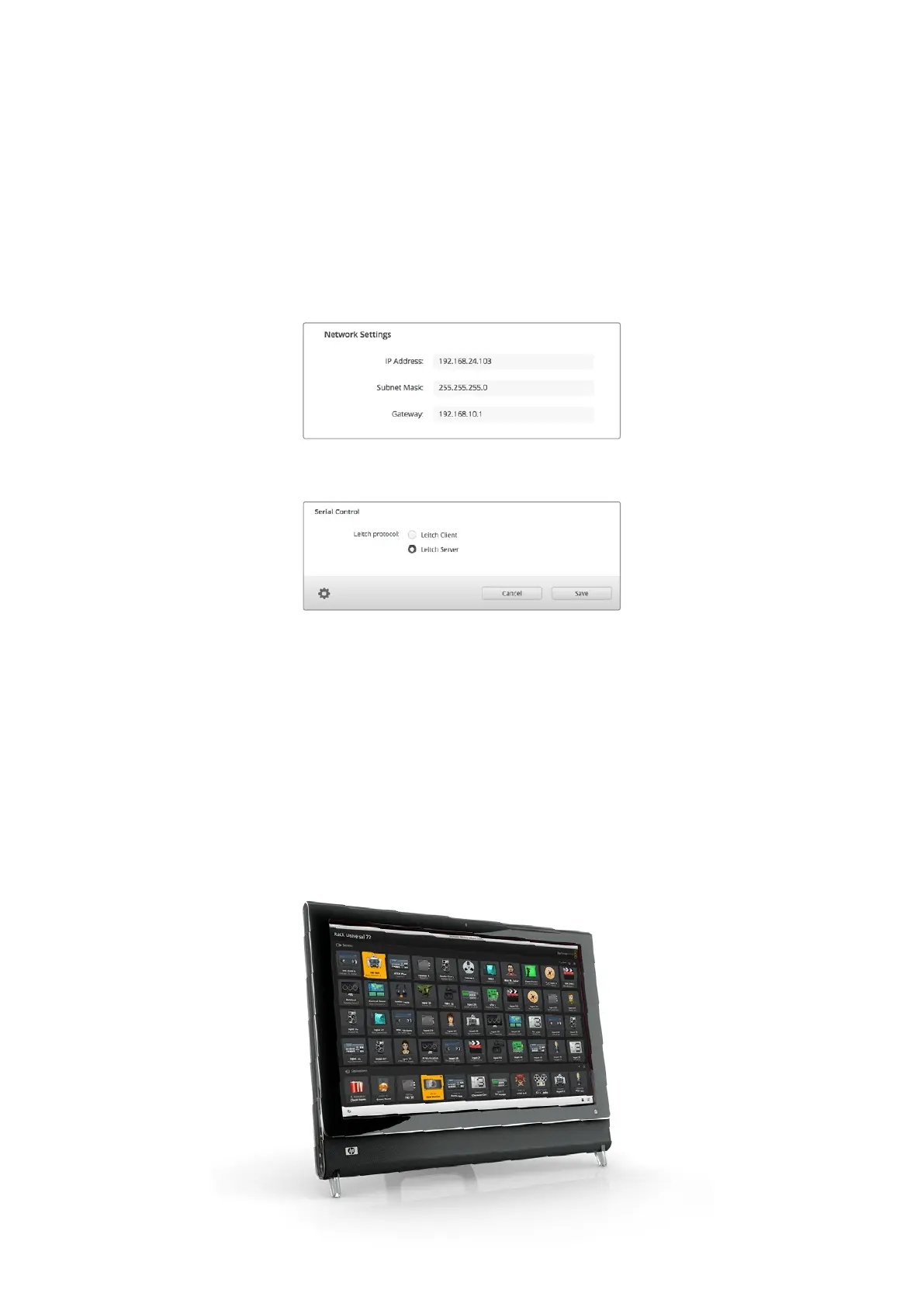
Select either Client or Server when using RS-422 serial control
Touchscreen Computers
Pushbutton View is designed to be easy to use and look beautiful on a large, touchscreen
display. Dedicating a touchscreen computer to the Pushbutton View within the Videohub
Control software makes it incredibly easy for users to switch connections between multiple SDI
devices without having to see every connected device all of the time.
Using a touchscreen computer provides the fastest way to switch connections which is perfect
for a master control room. Both desktop and laptop touchscreen computers can be used.
While touchscreens are perfect for rapidly selecting and routing inputs and outputs, they can
be cumbersome for configuring pushbuttons. The width of a human fingertip is much wider than
a mouse pointer and is less accurate when tapping on menu options and small icons.
58Blackmagic Videohub Control



 To Next Page