SAM 950 Berkeley Nucleonics Corporation 30 of 62
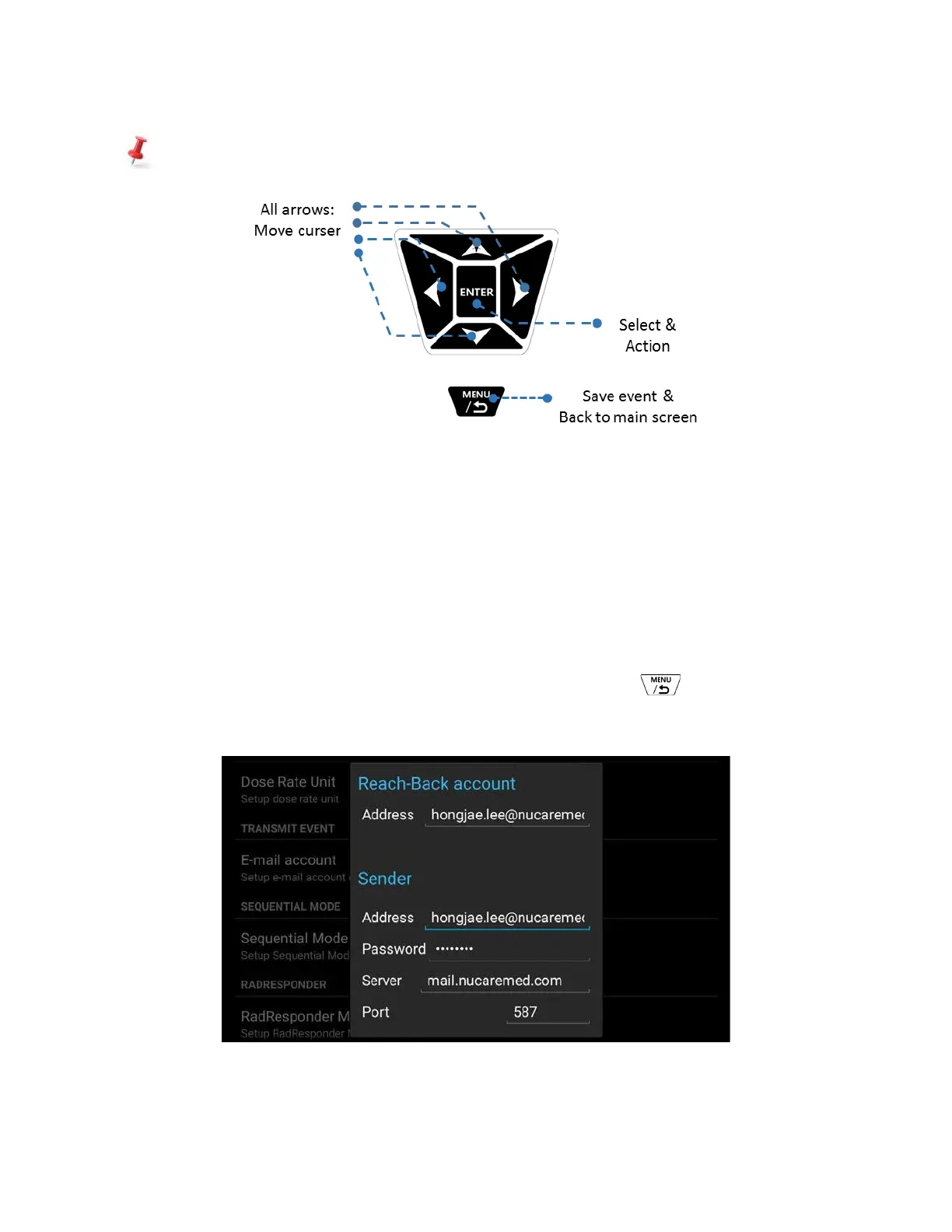
Function button summary in ‘Manual ID’ mode
Figure 4.15. Function button summary in ‘Manual ID Result’ mode
✓ How to set up Reach-Back
Reach-back service is performed via WiFi network. The event file is converted into standard N42 file format
and send to the ‘Reach-back’ center via email. To enable ‘Reach back’ feature, appropriate email account has
to be stored.
Following steps show how to set up Reach-back account.
⚫ Setup email account
1. Type in information about the sender and receiver’s email account information as shown in figure xx.
The email account setup menu can be accessed by: Press menu button on the main screen →
select ‘Setup’ menu → Administrator → E-mail account.
Figure 4.16. Reach-Back account features
✓ Send event(s) from Event Log to Reach-Back



 To Next Page