98 en | Control Center Digital Video Recorder
F01U | 1.0 | 2007.11 User Manual Bosch Security Systems
Input recording settings
1. Click the [Input Rec] button.
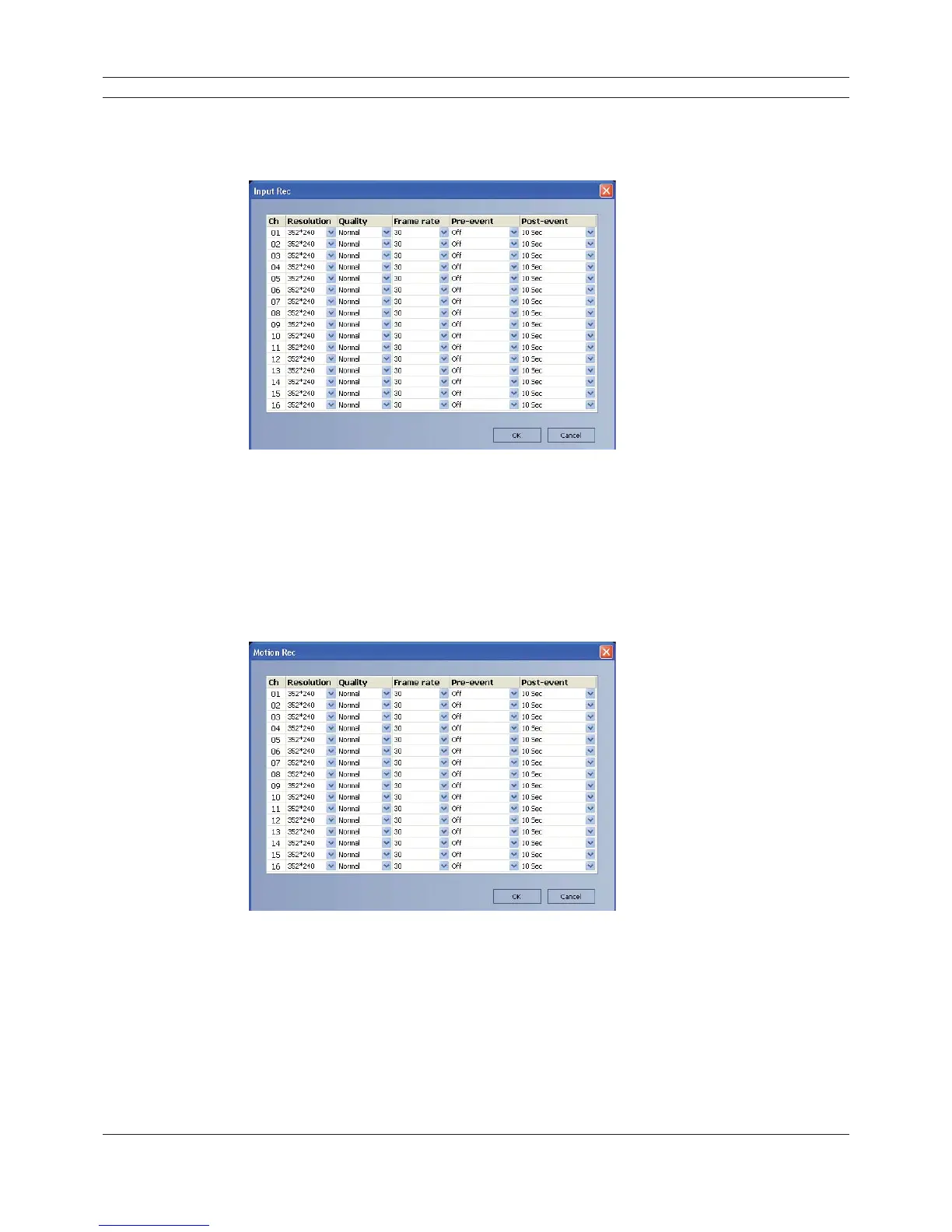
The instant recording setting window appears.
Figure 6.29 The Input recording setting window
2. Set each option using the mouse (see "3.19.6 Input recording").
3. Click the [OK] button to confi rm the settings.
Motion recording settings
1. Click the [Motion Rec] button.
The instant recording setting window appears.
Figure 6.30 The Motion recording setting window
2. Set each option using the mouse (see "3.19.7 Motion recording").
3. Click the [OK] button to confi rm the settings.



 To Next Page