Digital Video Recorder Control Center | en 103
Bosch Security Systems User Manual F01U | 1.0 | 2007.11
Emergency
• Notifi cation: Notify the Alarm Notifi er about unit operating information according to your
notifi cation settings.
• IP Address, Port: Enter the IP Address and port number of the Alarm Notifi er program installed
on the PC. The factory default port for this function is 9002. However, in some cases it is
better to change this port number for added fl exibility or security. If desired, change the port
number (1025 ~ 65535). You can set up to 9 IP address and port numbers.
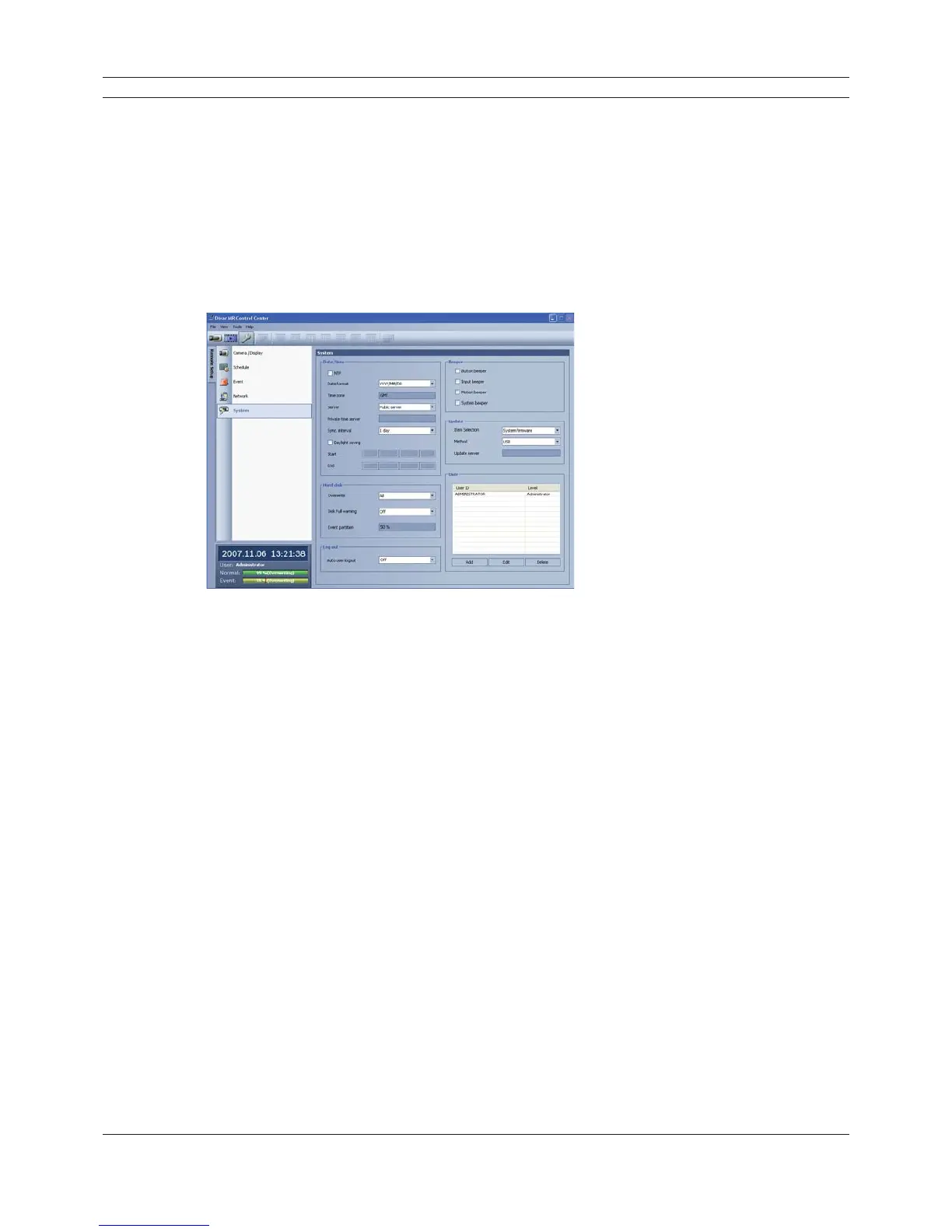
6.7.5 System setup
Figure 6.37 The System setup window
Date/Time settings
Set the date/time options.
• NTP: Mark up when using the NTP (Network Time Protocol) server for time adjustment.
• Date format: Select the date display format.
• Time zone: This option setting is not available in the Control Center program.
• Server: Select your time server.
The DVR will obtain the average time among 5 public servers (time.nist.gov, time-a.nist.gov,
time-b.nist.gov, ntp.nasa.gov, clock.isc.org).
• Private time server: Enter the private time server’s IP address or host name.
• Sync. interval: You can set synchronized interval with the NTP time server to 1 day, 1 hour, 1
week and 1 month.
• Daylight saving: Mark up when you use the daylight saving function.
- Start: Select the Daylight Saving start time.
- End: Select the Daylight Saving end time.
Hard Disk
• Overwrite: Select the overwrite recording type (Off, Normal partition, Event partition or All).
This function is possible when the selected HDD type has fully recorded.
• Disk full warning: When the HDD has overfl owed the warning message is displayed.
• Event partition: Sets the space of event partitions for event recording.



 To Next Page