14 en | Introduction Digital Video Recorder
F01U | 1.0 | 2007.11 User Manual Bosch Security Systems
m MON A (BNC Type Connector): Connect to main monitor or display device.
n VGA: Connect a VGA monitor.
o USB Ports: Connect optional extension USB devices (e.g. mouse, memory stick).
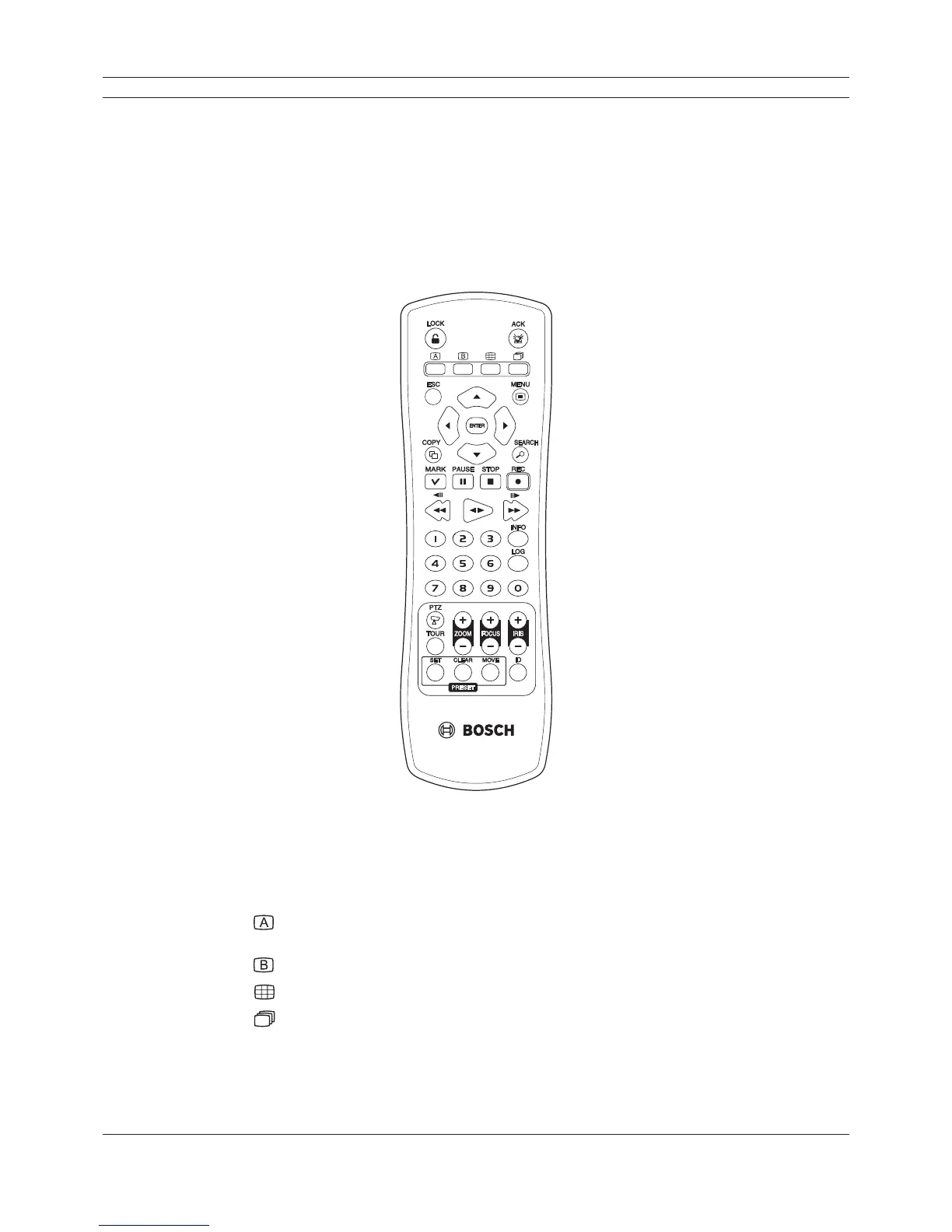
2.5 Remote Control
Figure 2.4 Remote control.
• LOCK: Displays the lock menu to change user type or disable system operation.
• ACK: Cancels alarm activation and returns the system to the condition before the alarm was
activated.
•
: Display the monitor A control menu to set the screen mode to full, 4, 6, 8, 9 or 16
screens.
•
: Display the monitor B control menu to allow spot monitor control.
•
: Press to see different multiscreen modes.
•
: View all channels in sequence.
• ESC: Use to return to previous level or to exit menu system without saving.
• MENU: Displays the setup menu.
• Arrow Buttons (b B v V): Selects or moves between the menu options.



 To Next Page