42 en | Connections and settings Digital Video Recorder
F01U | 1.0 | 2007.11 User Manual Bosch Security Systems
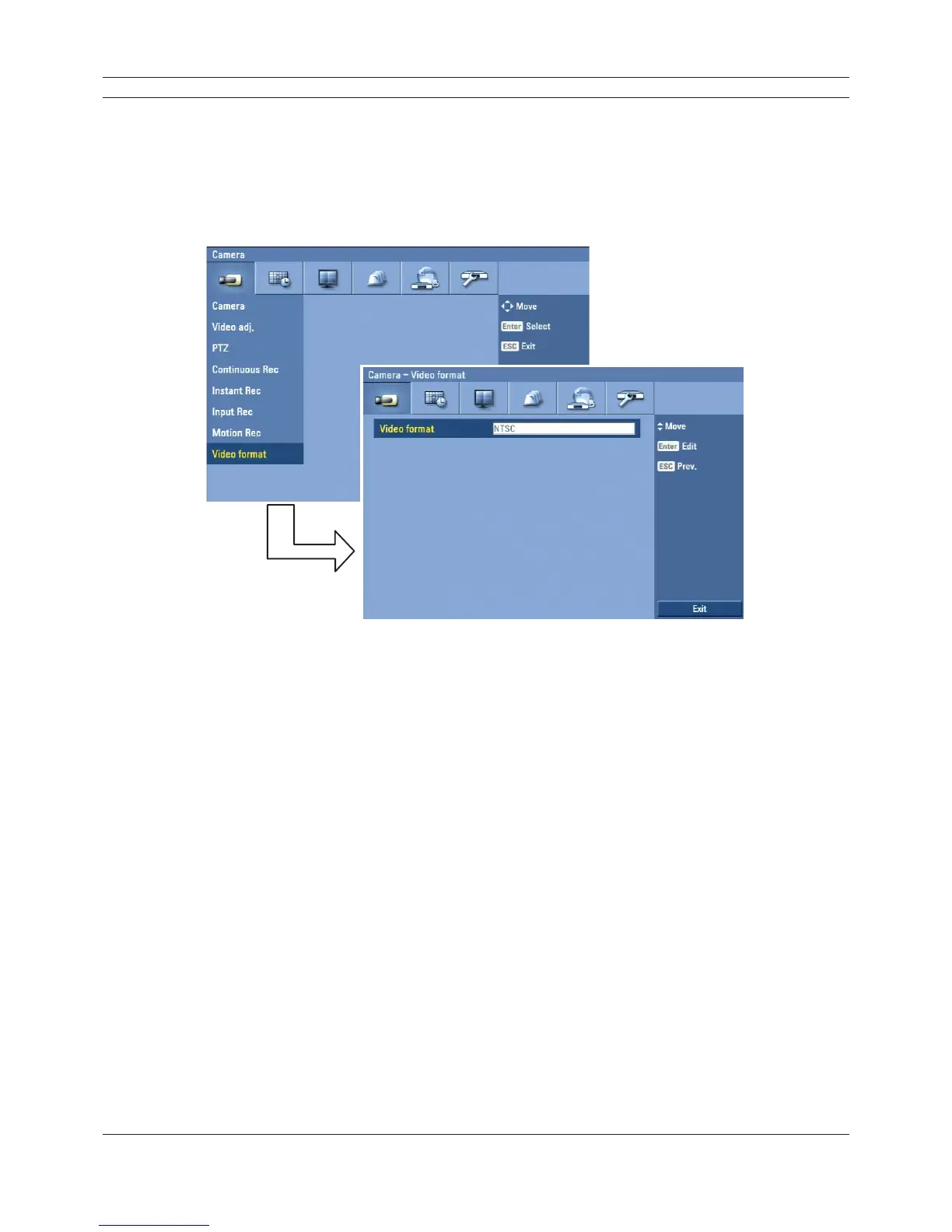
3.19.8 Video format
Selects the video format to NTSC or PAL according to your video system format.
1. Select the video format.
The confi rmation message is displayed.
2. Select [OK] and press ENTER.
After the HDD has been formatted, the system will reboot.
Figure 3.22 Video format setup menu



 To Next Page