Digital Video Recorder Connections and settings | en 47
Bosch Security Systems User Manual F01U | 1.0 | 2007.11
3.20.3 Checking the Exception days schedule list
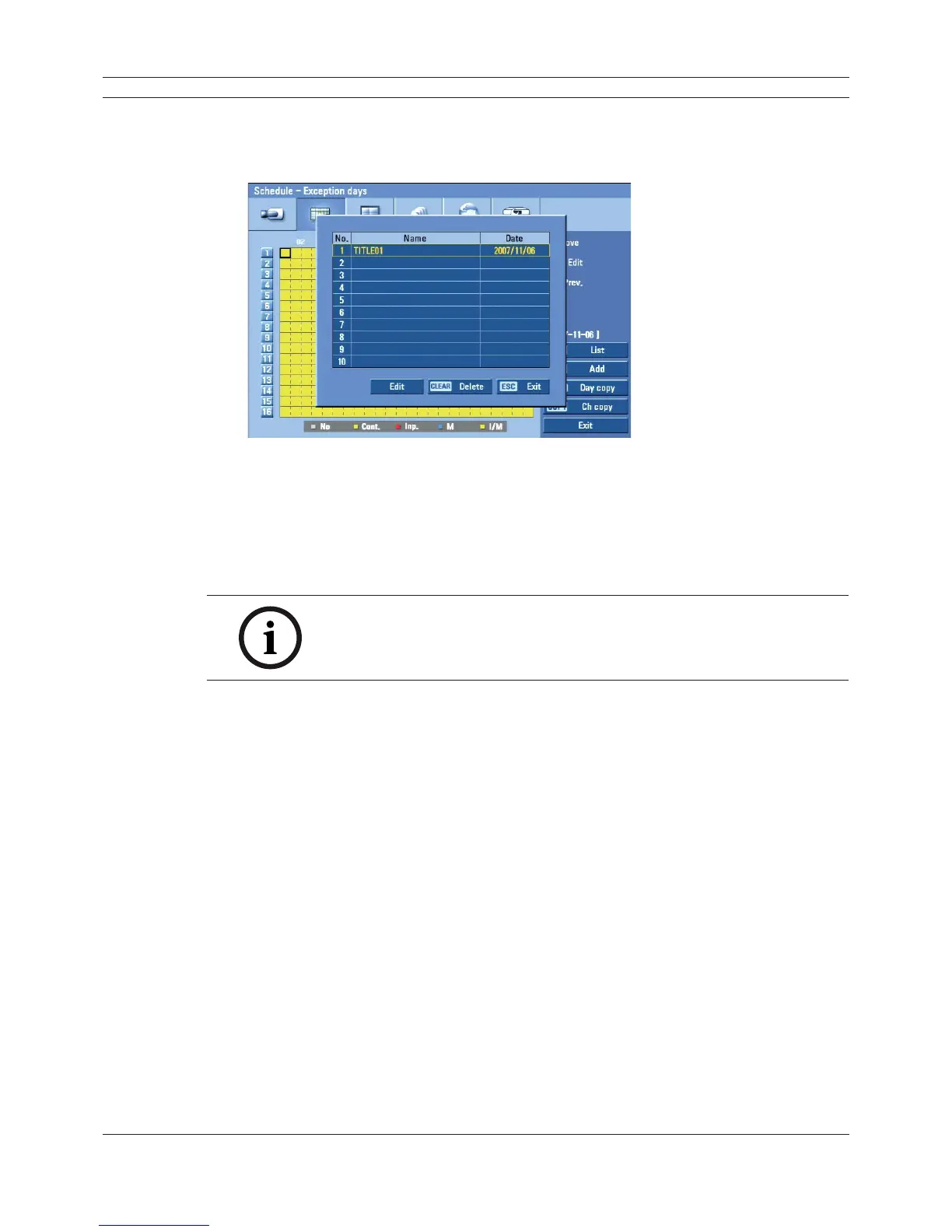
1. Press INFO when the “Exception days” option is selected.
The exception days scheduled list appears.
Figure 3.31 Exception days scheduled list
2. Select a exception day title on the list and press ENTER.
The title color turns orange.
3. Select the [Edit] icon, press ENTER to edit the exception day or press CLEAR to delete the
exception day schedule.
4. Press ESC to exit the exception day schedule list.
Note:
If the exception day recording schedule is duplicated with the other
recordings, only the exception day recording is possible.
3.20.4 Copying the recording schedule
Copying from the scheduled data of the channel
You can copy the schedule data of the channel to the other channel(s) within the selected day of the
week.
1. Select the day of the week and press ENTER.
2. Select channel that you want to copy.
3. Press COPY then the channel selection menu appears.



 To Next Page