Digital Video Recorder Additional programs | en 111
Bosch Security Systems User Manual F01U | 1.0 | 2007.11
7.4 Web Viewer program
7.4.1 Logging into the Web Viewer
1. Start the web browser.
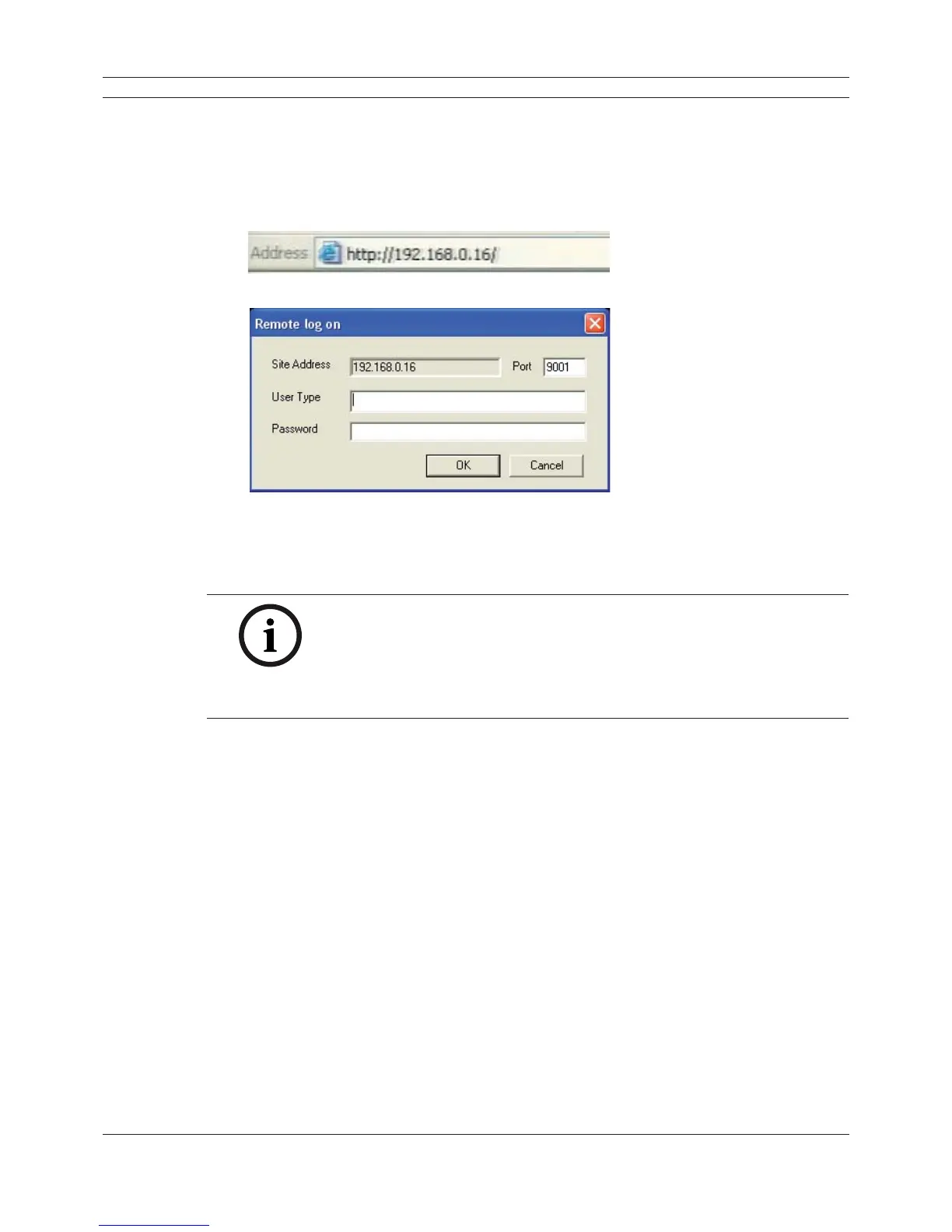
2. In the Address Box, enter “HTTP://” and the IP Address of the DVR.
3. Press ENTER, then the Web Viewer and the Remote log on menu will be displayed.
Figure 7.10 The Remote log on menu
4. Enter the User Type and Password.
5. Click [OK].
Notes:
• If the web viewer is not displayed, check the TCP/IP settings of the DVR.
• If you connect the DVR for the first time, the Security Warning window
is displayed. You must click [Install] on the Security Warning window to
install the program for using the Web Viewer. If you click [Don’t Install],
the Web Viewer program is not available.



 To Next Page