Digital Video Recorder Connections and settings | en 49
Bosch Security Systems User Manual F01U | 1.0 | 2007.11
3.21 Display settings
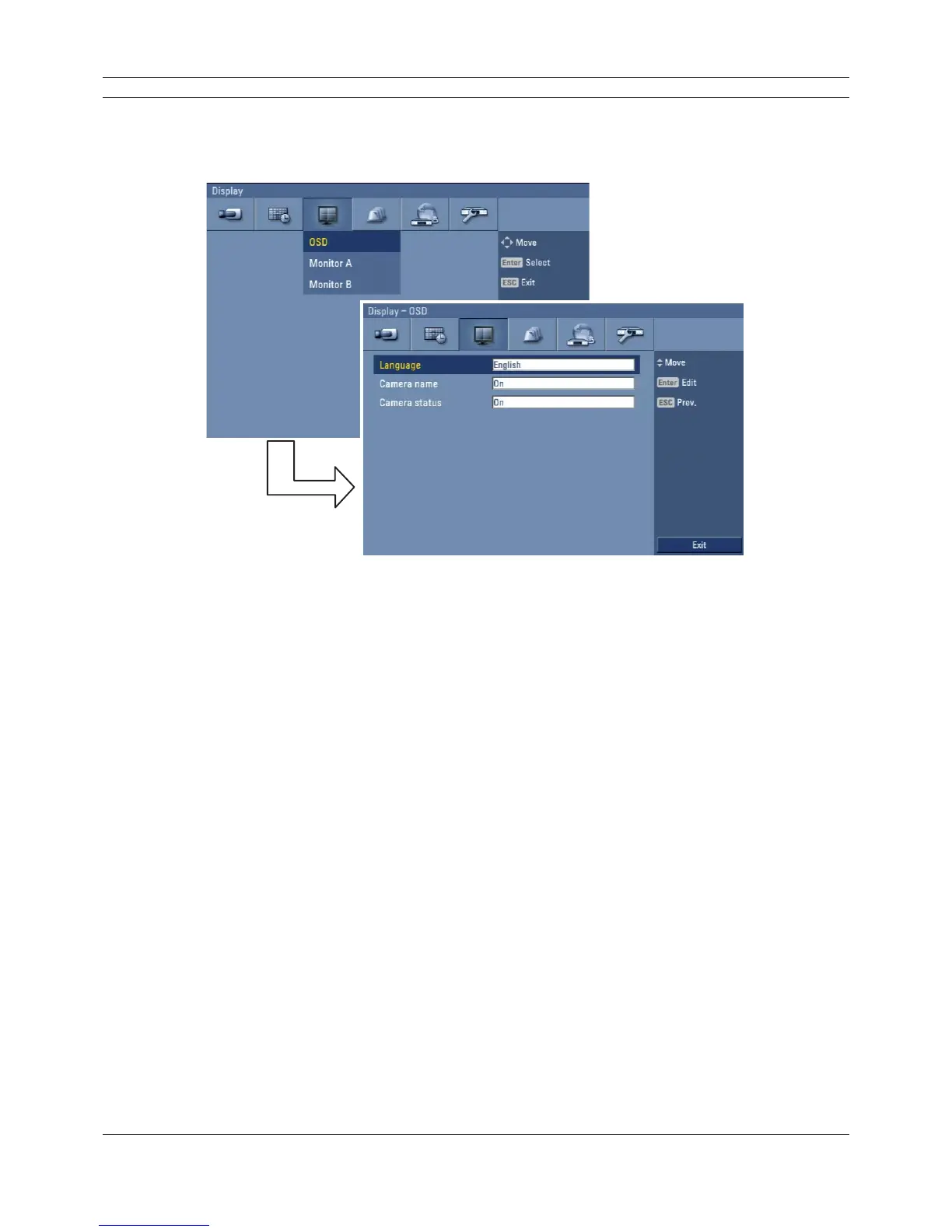
3.21.1 OSD
Figure 3.34 OSD setup menu
• Language: Select a language for the setup menu and information display.
• Camera name
- On: Displays the title of the camera.
- Off: Displays the live picture without the title of the camera.
• Camera status
- On: The current camera recording status is displayed.
- Off: Remove the current camera recording status.



 To Next Page