84 en | Control Center Digital Video Recorder
F01U | 1.0 | 2007.11 User Manual Bosch Security Systems
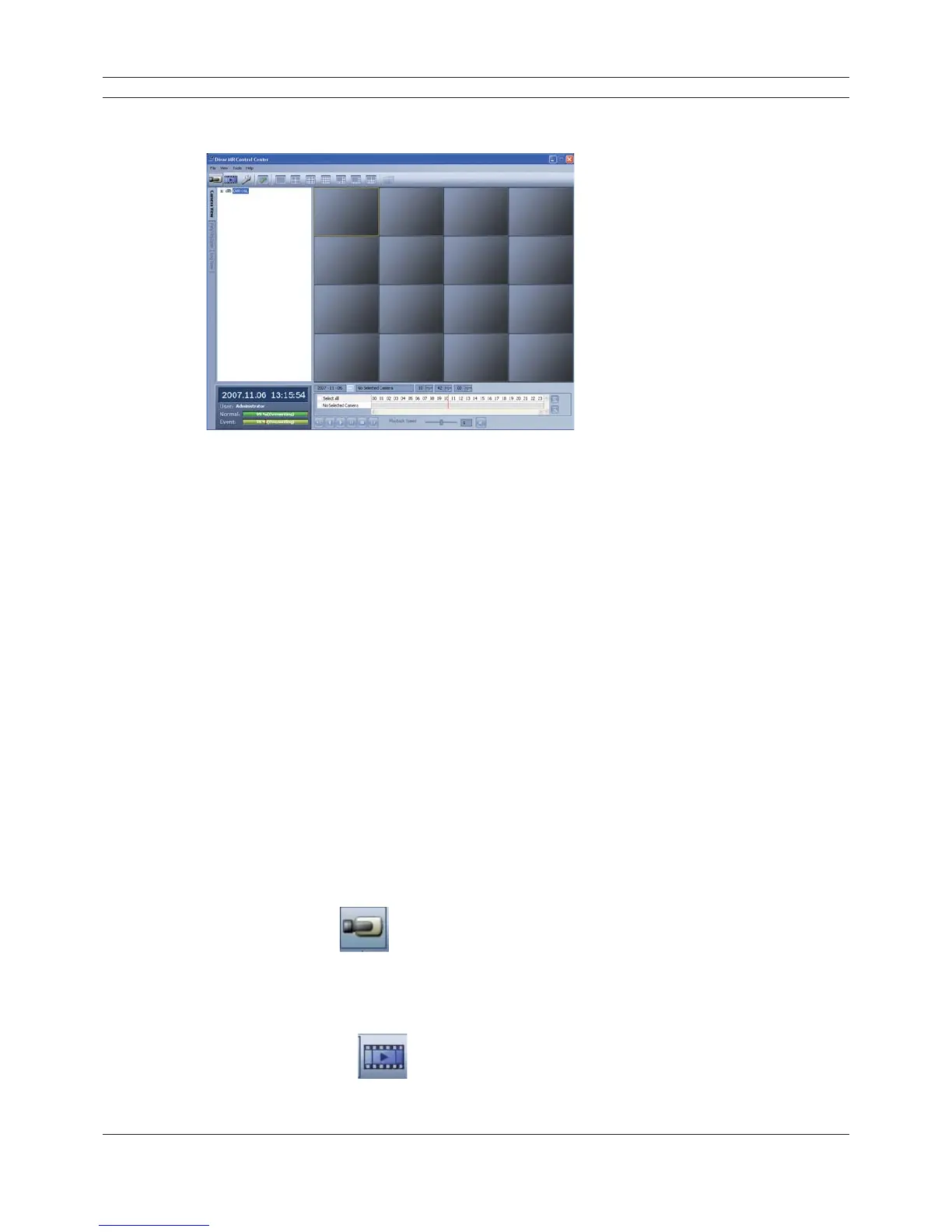
6.4 Main screen of DVR Control Center Program
Figure 6.5 Main screen of DVR Control Center Program
1. Program Menu
• File
- Exit: Exit the program.
• View
- OSD
> Channel Number: Displays or removes the channel number in the channel window.
> Site Name: Displays or removes the site name in the channel window.
> Camera Name: Displays or removes the camera name in the channel window.
> Playback Time: Displays or removes the date/time of playback data in the channel
window.
> Select All: Displays all OSD options in the channel window.
- Sequence (Dwell Time): Select the sequence to 5 seconds, 10 seconds, 15 seconds or
20 seconds.
- Video Size: Select the video size from 100%, 150% or 200%.
- Language: Select the language for Control Center program.
• Tools
- Connection Infomation: To register a site name.
• Help
- Control Center Information: Displays Control Center Version Information.
2. Mode Selection Icons
• Live Mode
- Camera View: You can see the surveillance camera’s images in the window(s) and the
camera information.
- Pan/Tilt/Zoom: You can control the PTZ cameras.
- Log View: Displays system log list.
• Search Mode
You can search the recorded data as shown below.



 To Next Page