Digital Video Recorder Control Center | en 85
Bosch Security Systems User Manual F01U | 1.0 | 2007.11
- Date/Time Search (See "6.6.1 Using the Date/Time Search function")
- Event Search (See " 6.6.2 Using the Event Search function")
- Bookmark Search (See "6.6.3 Using the Bookmark Search function")
- Smart Search (See " 6.6.4 Using the Smart Search function")
• Remote Setup Mode
You can set the confi guration of the unit.
- Camera / Display (See "6.7.1 Camera/Display setup")
- Schedule (See "6.7.2 Schedule setup")
- Event (See "6.7.3 Event setup")
- Network (See "6.7.4 Network setup")
- System (See "6.7.5 System setup")
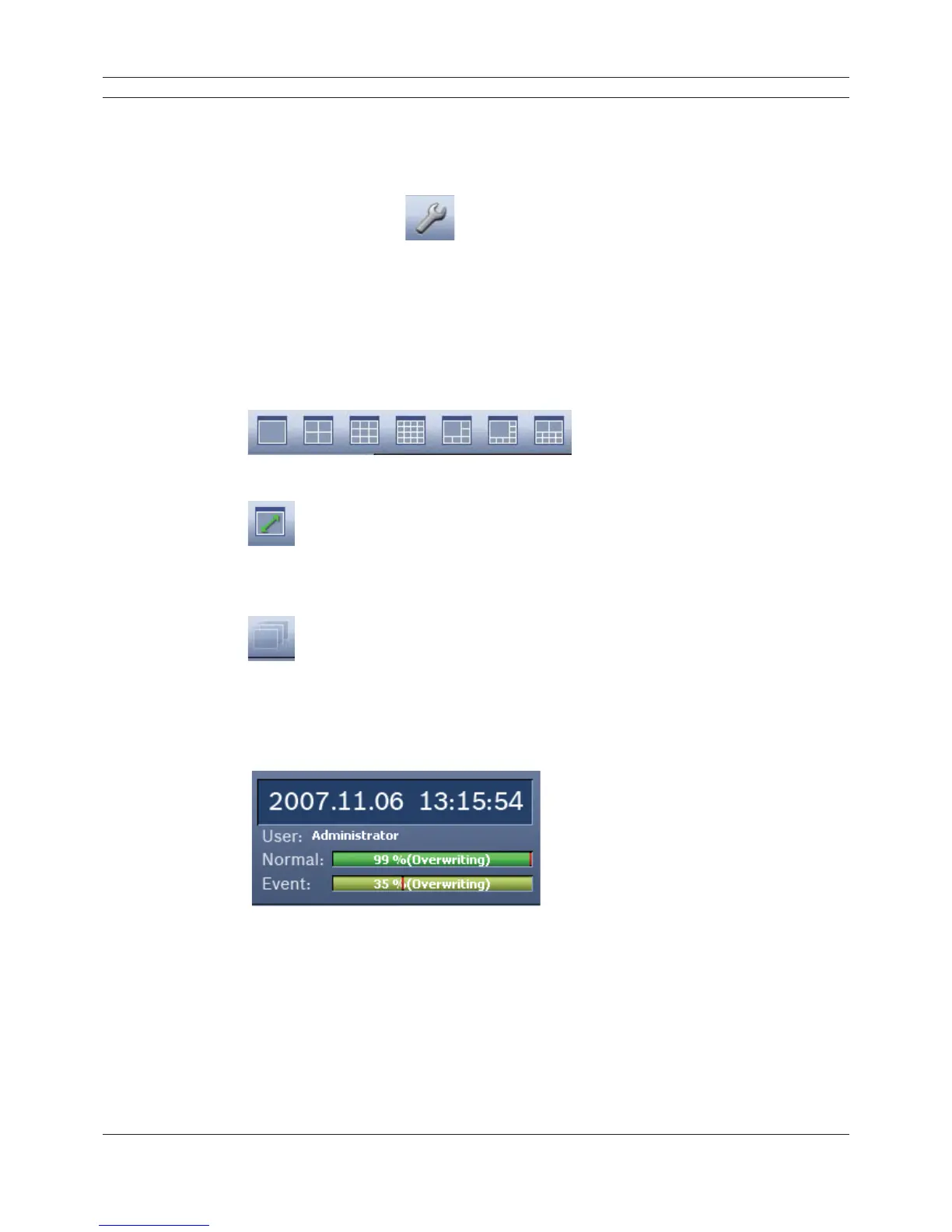
3. Screen Mode Selection Icons
When the icon is clicked, the screen will be changed to multiscreen view. If the icon is clicked
again, the screen will be changed by sequence.
You can view the live window(s) in full screen view. To return to the normal screen, right click
the mouse.
4. Sequence Icon
View all the channels in sequence. You cannot use sequence mode with the 16 multiscreen
view.
5. Information Display Window
Displays current date and time, user information, and the remaining HDD status of the
selected site name.
Figure 6.6 Information Display Window



 To Next Page