86 en | Control Center Digital Video Recorder
F01U | 1.0 | 2007.11 User Manual Bosch Security Systems
6.5 Live Mode
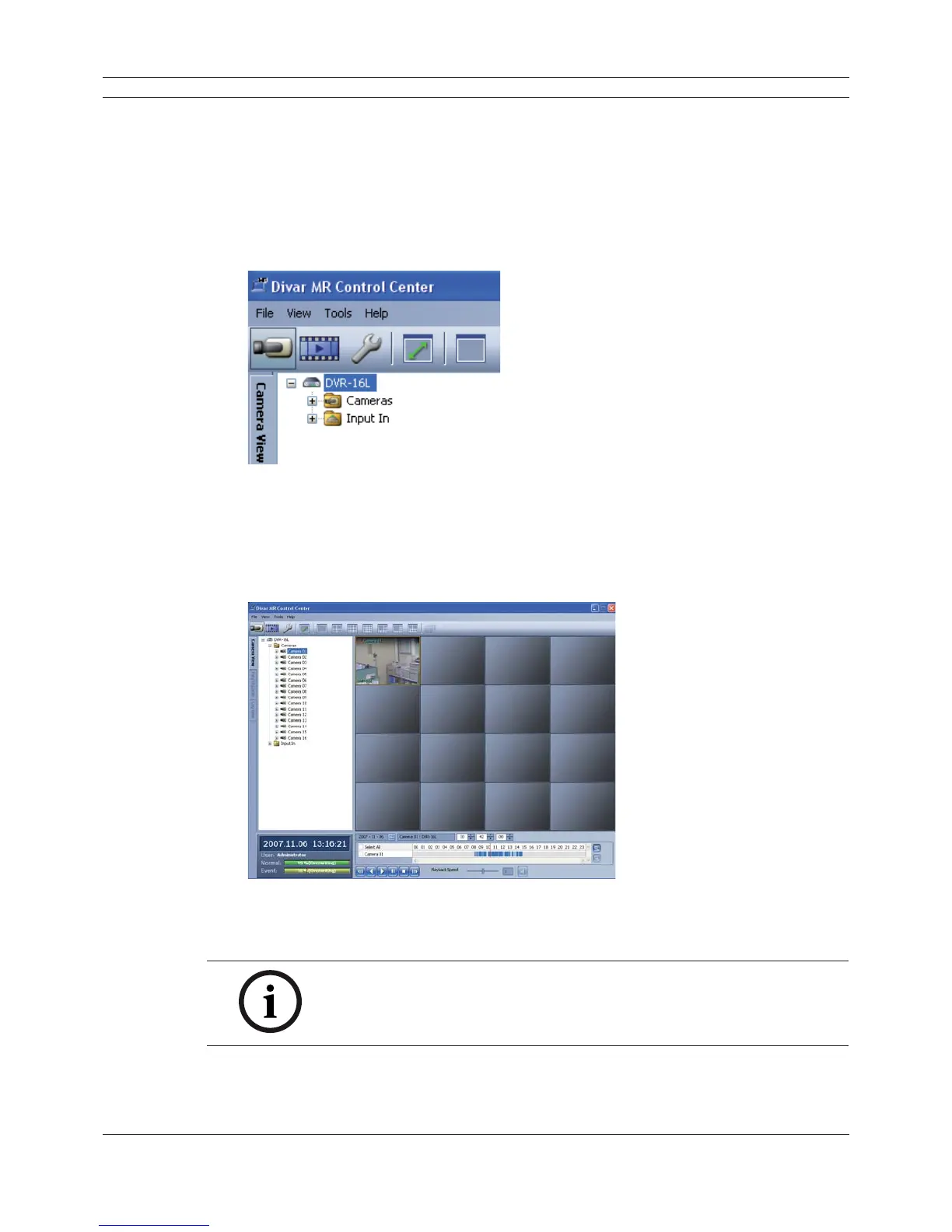
6.5.1 Using the Camera View
1. Select the [Camera View] tab in the live mode.
2. Select the registered site name and double click the left mouse button or click the plus mark
of the registered site name.
3. Select [Cameras] and double click the left mouse button or click the plus mark.
Figure 6.7 Divar MR Control Center Window
4. Select the channel number you want to view.
5. Click the channel number and drag and drop to live window position.
If you select [Cameras] and drag and drop to a live window then all channels are displayed.
6. Live image is displayed in the selected window.
Figure 6.8 Camera View window
7. Repeat steps 3-5 to set the other live windows.
Note:
Confi guration of camera view is set the fi rst time only. This confi guration
setup is memorized for the next time and displayed as it is.



 To Next Page