Digital Video Recorder Control Center | en 87
Bosch Security Systems User Manual F01U | 1.0 | 2007.11
6.5.2 Using the live window
Playback of Recorded Data
A
B
C
D
E
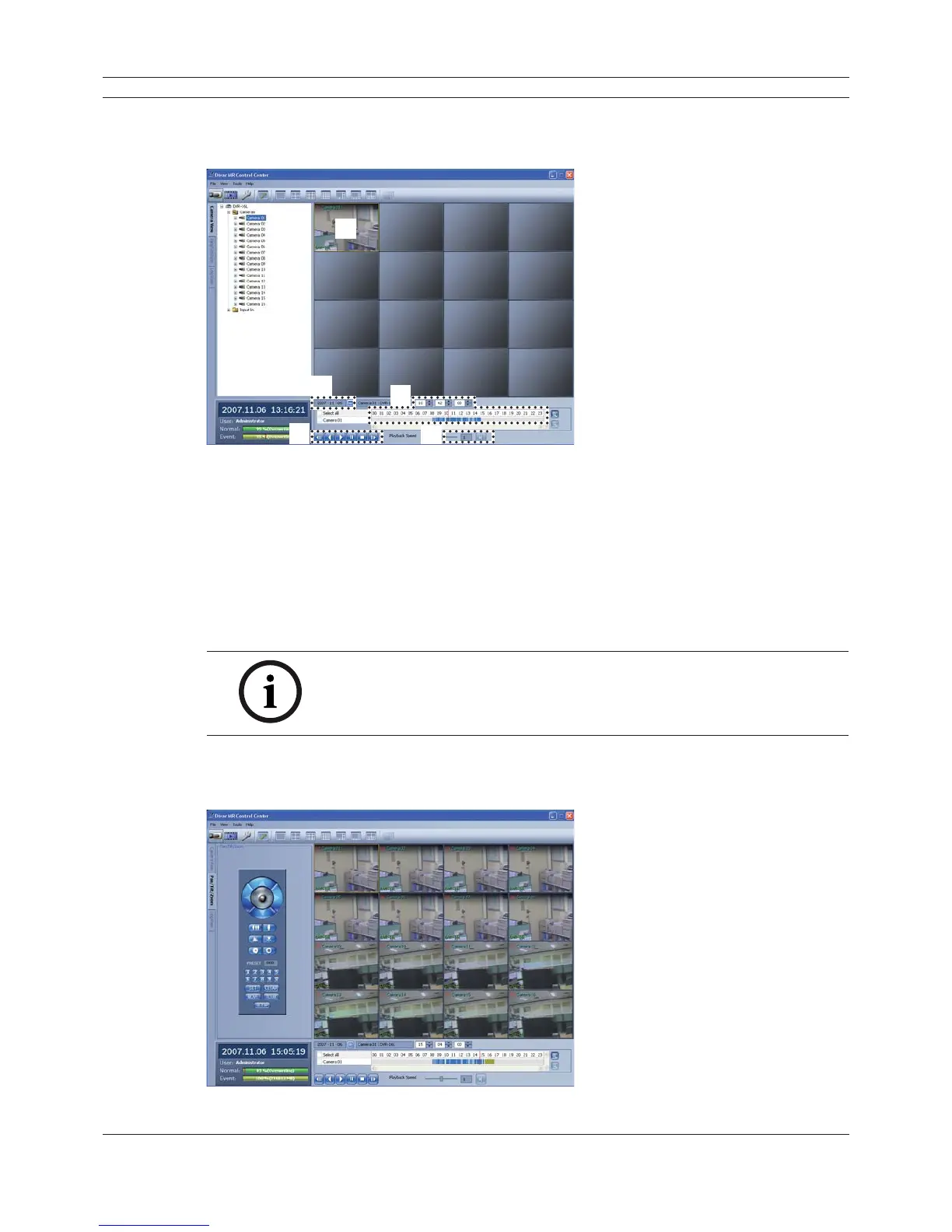
Figure 6.9 Camera View window
1. Select the camera’s display window.
2. Select the date.
The day is displayed in a blue text when recorded data exists.
3. Select playback start time.
When using timeline to search a start time, use the zoom in/out icons for more detailed
searches (4 step).
4. Select playback speed and mute speaker icon.
5. Start playback using these control buttons.
Notes:
• If you don’t want to play with sound click the speaker icon to mute.
• You can not use the playback function when you log in with the Normal
User ID.
6.5.3 Using the Pan/Tilt/Zoom function
You can control the PTZ cameras via the network.
Figure 6.10 The Pan/Tilt/Zoom window



 To Next Page