Digital Video Recorder Control Center | en 99
Bosch Security Systems User Manual F01U | 1.0 | 2007.11
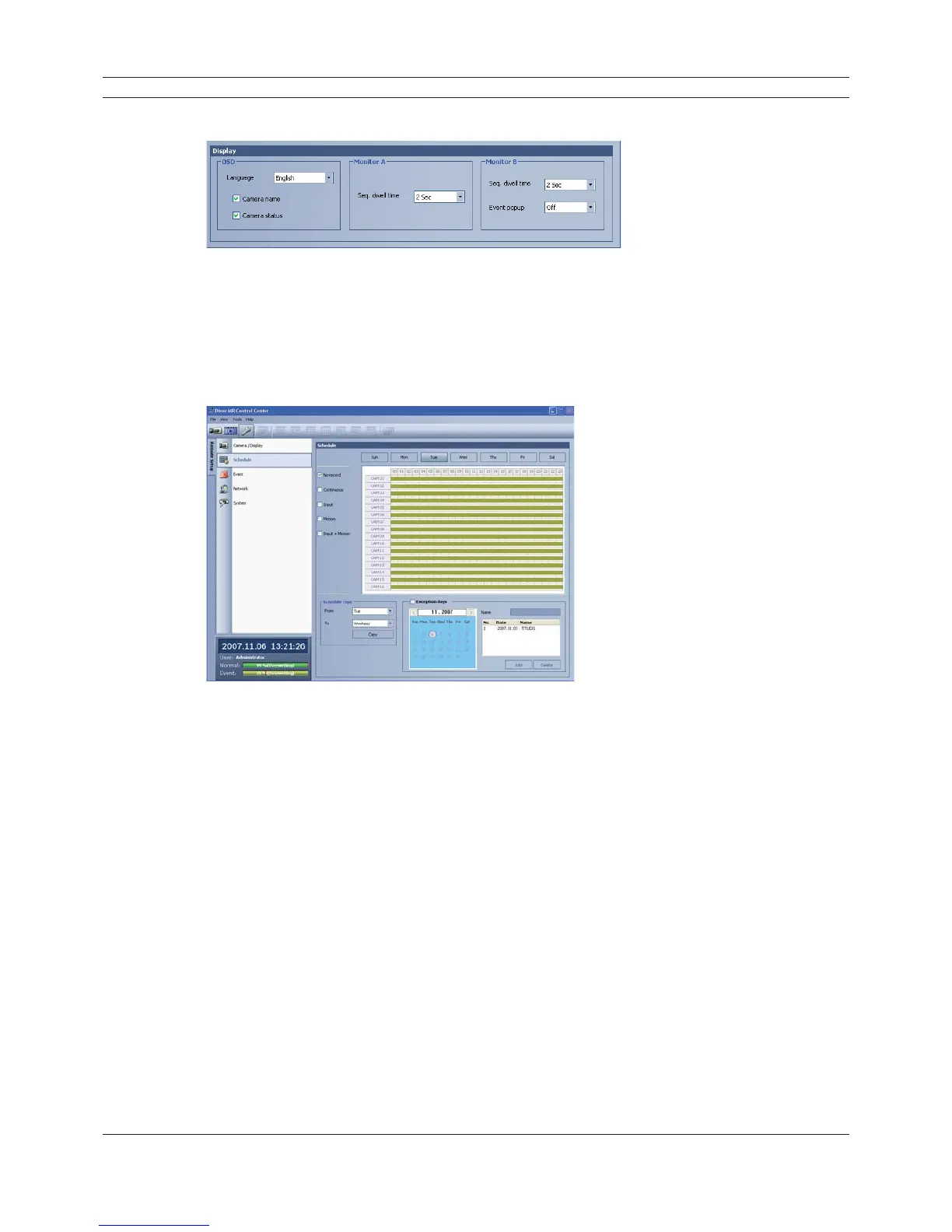
Display settings
Figure 6.31 The Display setting window
1. Set the OSD options.
2. Set the monitor A option.
3. Set the monitor B options.
6.7.2 Schedule setup
Figure 6.32 The Schedule setup window
1. Select a day of the week.
2. Mark up the desired recording option.
• No record: Do not schedule recording.
• Continuous: Recording starts automatically at the preset time.
• Input: Recording starts automatically when an input is activated within a designated time.
• Motion: Recording starts automatically when motion is detected within a designated time.
• Input+Motion: Recording starts automatically when input and motion detection occur
within a designated time.
3. Select the channel to set the schedule.
4. Click the start time cell block and drag & drop to select a time period cell block.
or
Click the start time cell block of a channel and drag & drop across the channels to select the
time period block for multi-channel setting at the same time.
The color of the cell blocks will change.



 To Next Page