100 en | Control Center Digital Video Recorder
F01U | 1.0 | 2007.11 User Manual Bosch Security Systems
Schedule Copy settings
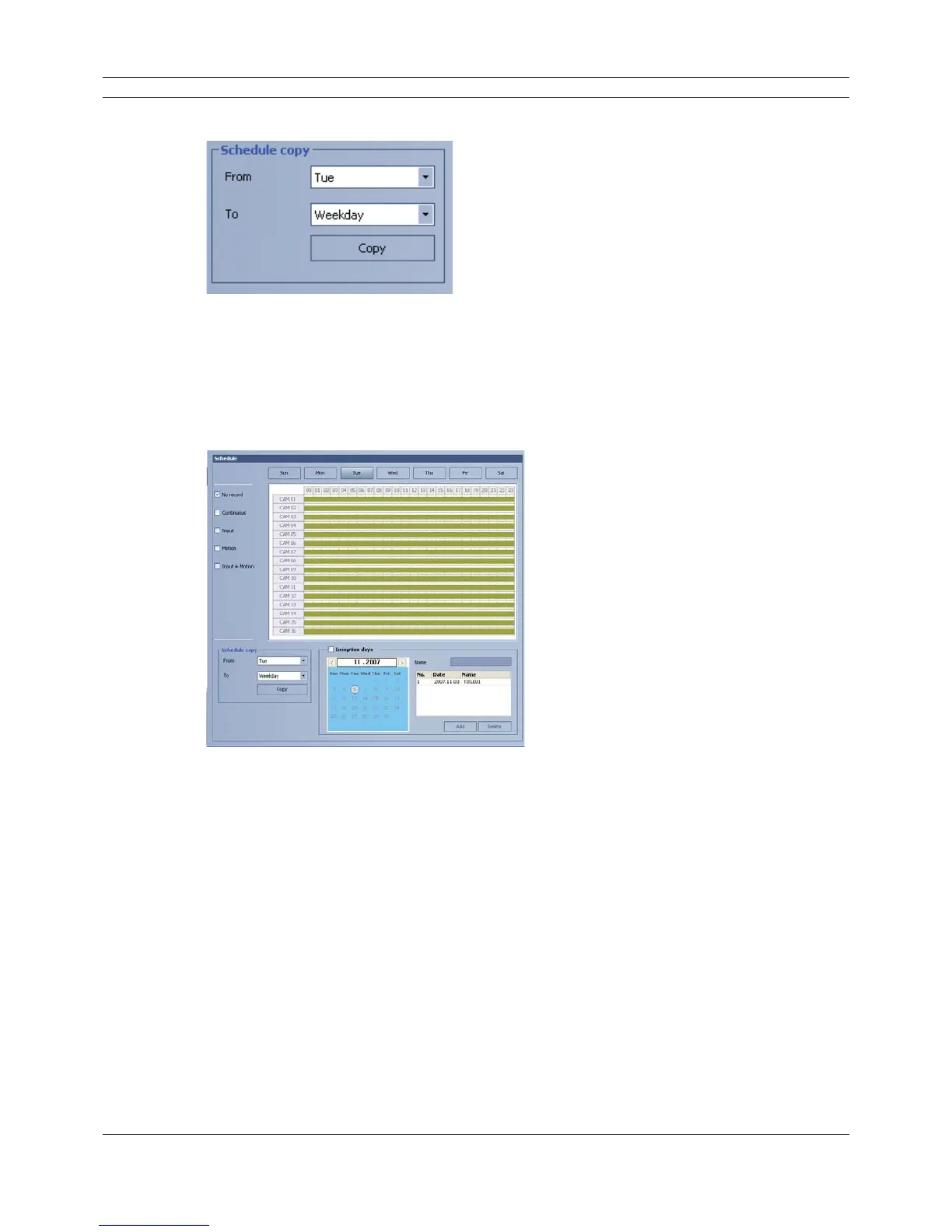
Figure 6.33 The Schedule copy setting window
1. Select the source day to copy.
2. Select the destination day from the day of the week, weekday or weekend options.
3. Click the copy button to copy the schedule data.
Exception day settings
Figure 6.34 The Exception day setting window
1. Mark up the exception day option.
2. Select the date to set the exception day schedule.
3. Mark up the desired recording option.
4. Select the channel to set the schedule.
5. Click the start time cell block and drag & drop to select a time period cell block.
or
Click the start time cell block of a channel and drag & drop across the channels to select the
time period block for multi channel setting at the same time.
The color of the cell block will change.
6. Enter the name of the exception day.
7. Click the add button to add the special day settings.
The exception day is added to the list.
If you want to cancel the registered exception day, select the exception day in the list and click
the delete button.



 To Next Page