Digital Video Recorder Connections and settings | en 35
Bosch Security Systems User Manual F01U | 1.0 | 2007.11
3.19 Camera settings
3.19.1 Camera
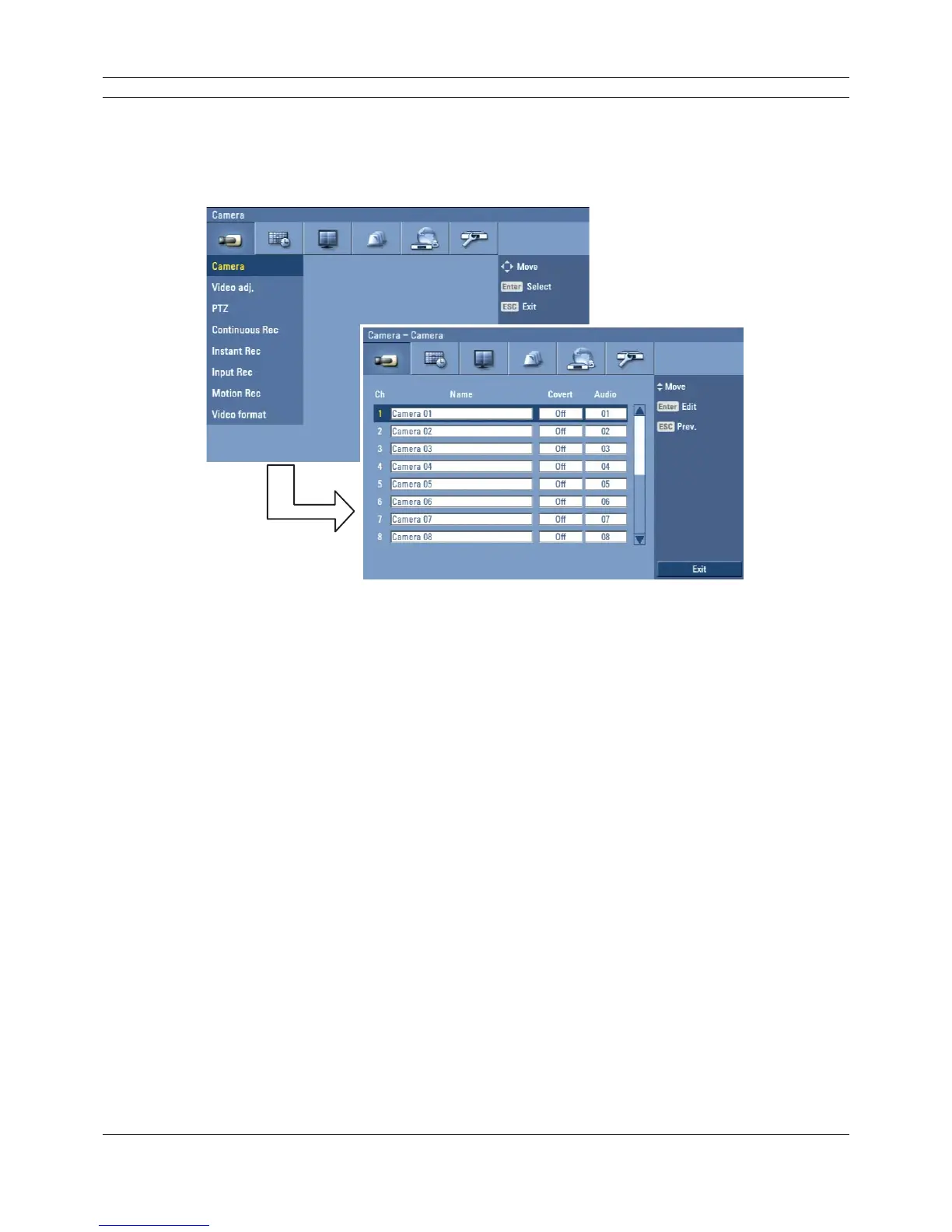
The camera name, covert and input audio channel settings are configured.
Figure 3.15 Camera setup menu
• Ch: Displays the channel number.
• Name: Enter the camera name using up to 12 characters.
- b/B/v/V: Select a character.
- ENTER: Confi rms your selection.
- ESC: Exits the virtual keyboard menu.
• Covert: You can set the camera conditions to prevent operation by other users.
• Audio: You can hear from the selected input audio channel.



 To Next Page