48 en | Connections and settings Digital Video Recorder
F01U | 1.0 | 2007.11 User Manual Bosch Security Systems
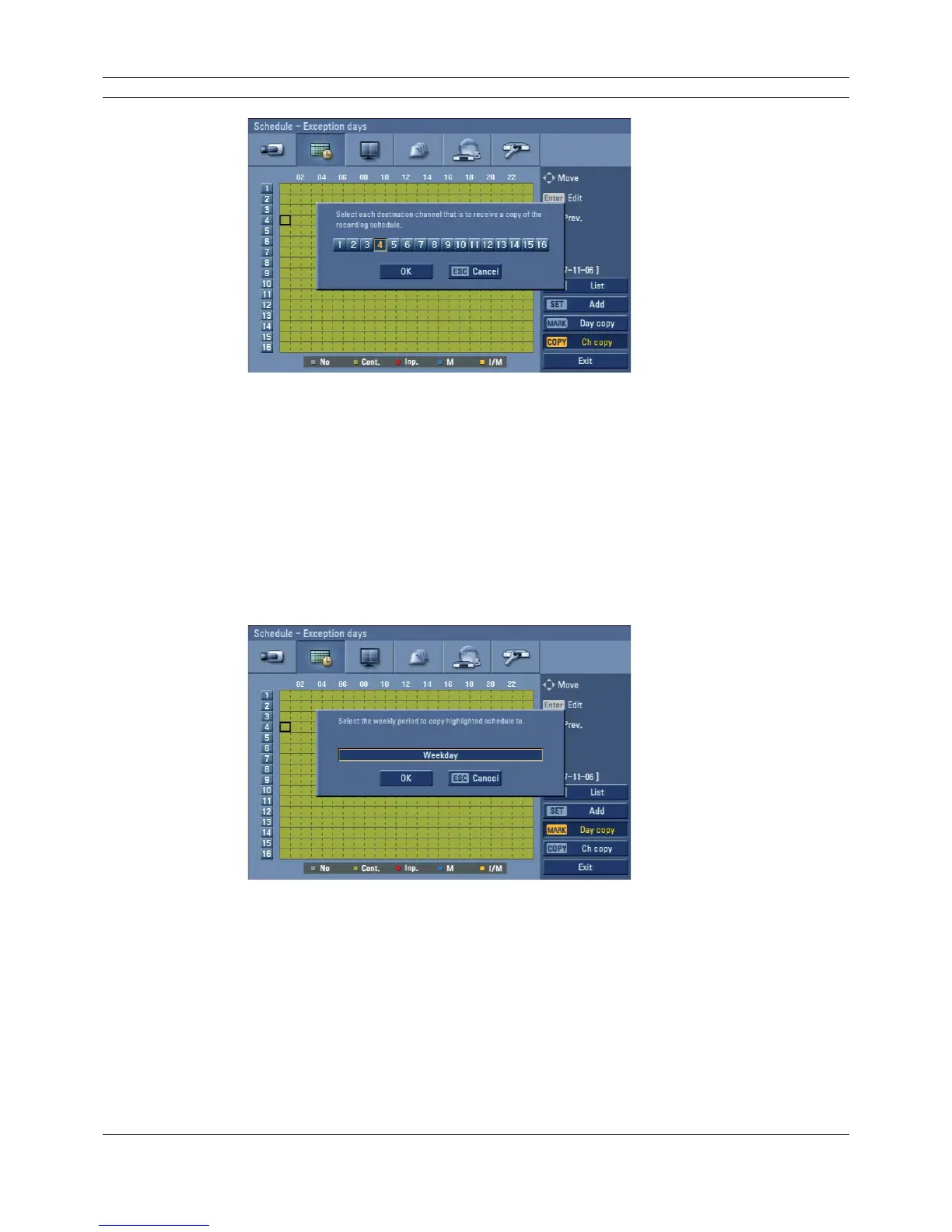
Figure 3.32 Channel copy menu
4. Use b/B to move to the left or right column then press ENTER to select the target channel(s).
You can cancel the selected channel by pressing ENTER.
5. Use v/V to select [OK] then press ENTER to confi rm your selection.
Copying from the Scheduled Data of the day
You can copy the scheduled day of the week to another day of the week, weekday and weekend
using the MARK button.
1. Select the day of week that you want to copy.
2. Press MARK then the select date(s) menu appears.
Figure 3.33 Day copy menu
3. Use b/B to select the target date(s).
4. Use v/V to select [OK] then press ENTER to confirm your selection.



 To Next Page