26 en | Connections and settings Digital Video Recorder
F01U | 1.0 | 2007.11 User Manual Bosch Security Systems
a Channel Number: Displays the channel number.
b Camera Name: Displays the edited camera name.
c Recording status icon: Displays the recording status.
• Red “Dot icon” indicates Instant recording.
• Yellow “Running man icon” indicates motion detection recording.
• Red “Alarm bell icon” indicates input triggered recording.
d Selected Channel: Displays the selected channel with yellow box.
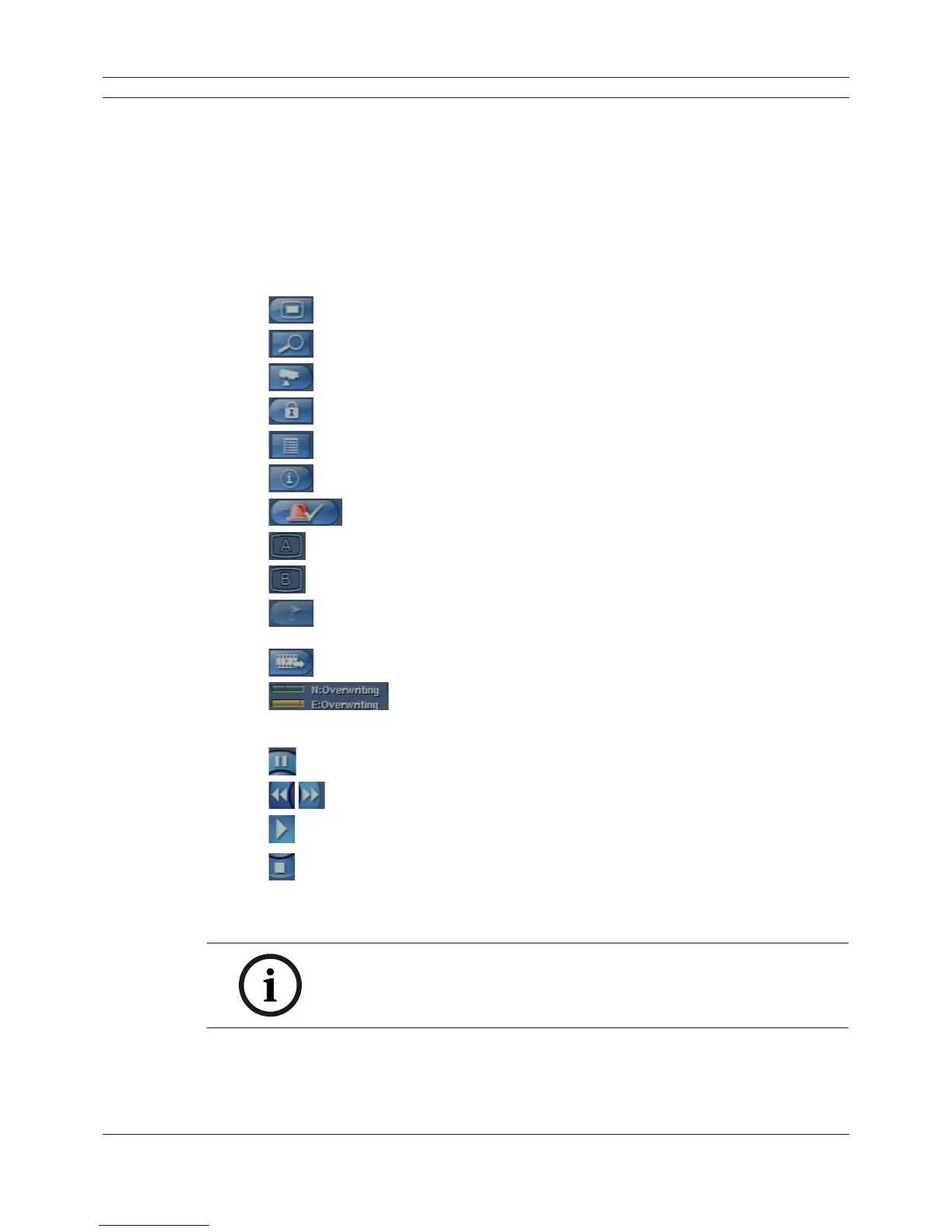
e System Control Bar
•
: Displays the setup menu.
•
: Displays the search menu.
•
: Displays the PTZ remote control window.
•
: Displays the lock menu to change the user type or disable system operation.
•
: Displays the system log list window.
•
: Displays the system information window.
•
: Turns the alarm off.
•
: Displays the screen division selection window for the monitor A.
•
: Displays the screen division selection window for the monitor B.
•
: Click at a desired point to be marked during playback. Up to 15 points can be
marked.
•
: Display copy (export) menu.
•
:Displays the remaining HDD status.
- N (Normal partition): Used size/total size.
- E (Event partition): Used size/total size.
•
: Pause playback.
•
: Select the required scanning speed.
•
: Starts instant playback in selected channel.
•
: Stop playback.
f Live Screen: Displays the current surveillance live screen.
g Displays the current date and time.
Note:
Click the right button on the mouse to display / remove the system control
bar displayed on-screen.



 To Next Page