82 en | Control Center Digital Video Recorder
F01U | 1.0 | 2007.11 User Manual Bosch Security Systems
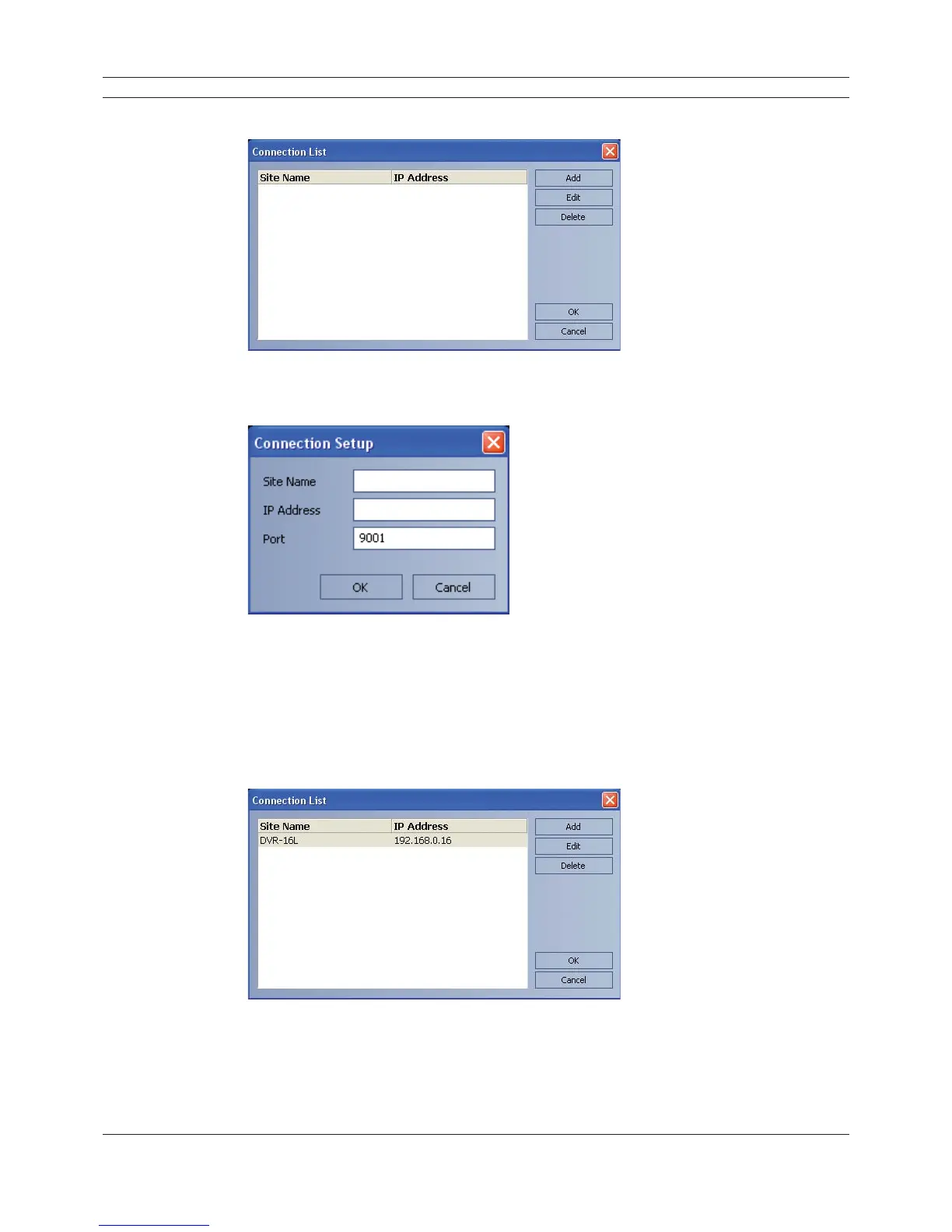
The connection list menu is displayed.
Figure 6.1 Connection list window
3. Select [Add] and the connection setup menu is displayed.
Figure 6.2 Connection setup window
4. Enter the site name, IP address and port.
- Site Name: Enter the description of the site.
- IP Address: Enter the IP Address or URL of the DVR.
- Port: Enter the Port number of the DVR. If it isn’t entered, the port number is set by
default.
5. Select [OK].
Figure 6.3 Connection list window
6. Select [OK] to confi rm the settings.
The registered site name is displayed.



 To Next Page