AirborneM2M™ User Guide
18
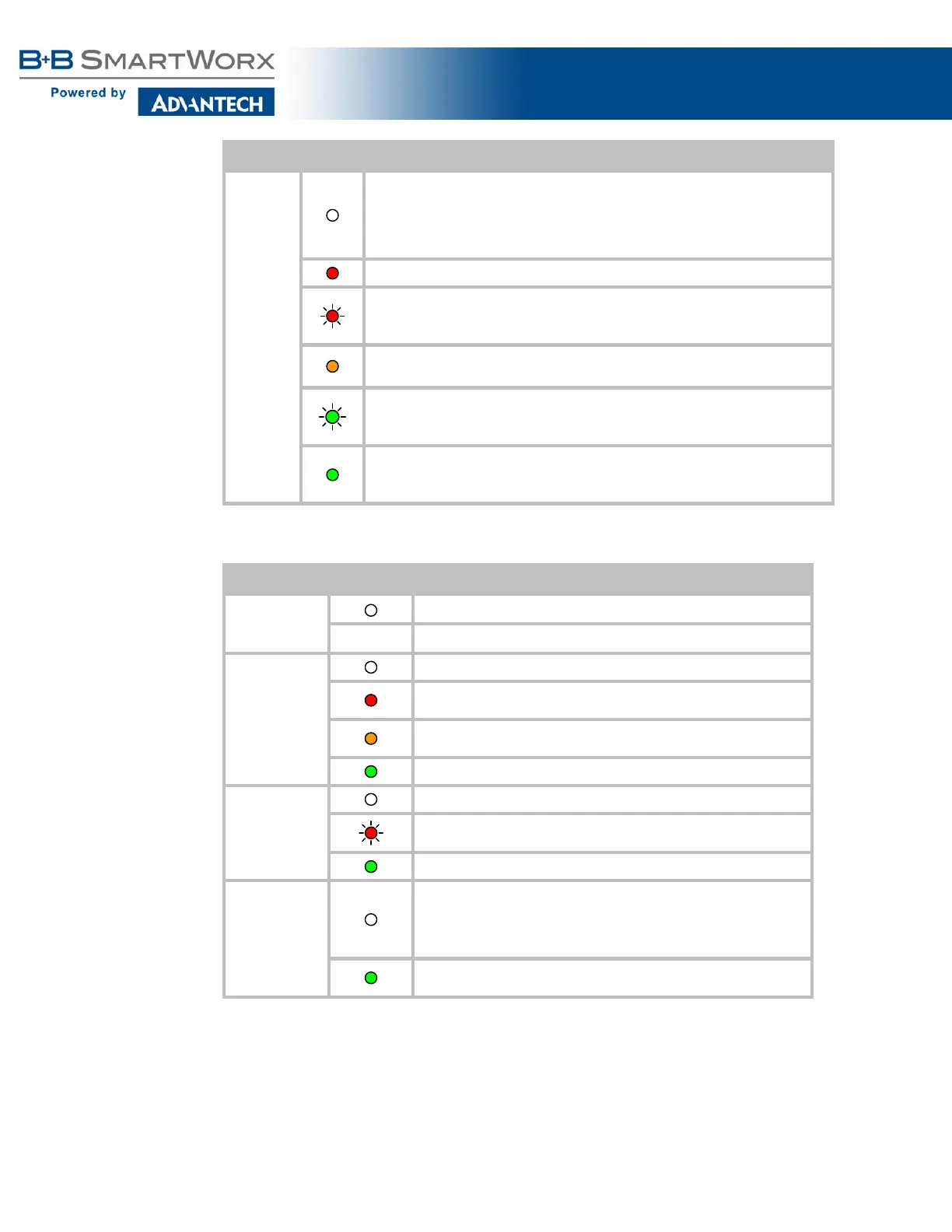
LED Color Airborne Device State
COMM
If Power LED is also Off, then Adapter is not powered.
If Power LED is On, then either:
• A physical connection detected on Serial/Ethernet cable.
• No TCP session from wireless interface has been established.
No physical Serial/Ethernet connection has been detected.
(Blinking – OFF/Red) A physical Serial/Ethernet connection has been detected and
there is traffic across the interface. No TCP connection to the adapter has been
established on the wireless interface.
A TCP connection to the adapter from the wireless interface has been established
but no physical connection on the Serial/Ethernet interface has been detected.
(Blinking – Green/Orange) A physical Serial/Ethernet connection has been
detected and there is Serial/Ethernet traffic across the interface. A TCP
connection to the adapter has been established (On WLAN or Ethernet interface).
A physical Serial/Ethernet connection has been detected. A TCP connection to the
adapter has been established from the WLAN or Ethernet interface but no traffic
has been detected.
Table 7 - Industrial LED Indicators
LED Color Airborne Device State
POWER
Adapter is not powered.
Adapter is powered.
POST
Adapter is not powered.
Adapter failed Power On Self Test (POST) and is not configured for
wireless communication.
Adapter passed POST but is not configured for wireless network
Adapter passed POST and is configured for wireless communication.
LINK
Adapter is not powered.
(Periodic Blinking) Adapter is searching for a valid network (Access
Point) that matches device’s configuration.
Adapter has successfully associated with an Access Point.
COMM
If Power LED is also Off, then Adapter is not powered.
If Power LED is On, then:
• No TCP session from WLAN or Ethernet interface has
A TCP connection to the adapter has been established from the
Wireless or Ethernet interfaces but no traffic has been detected.



 To Next Page
 Loading...