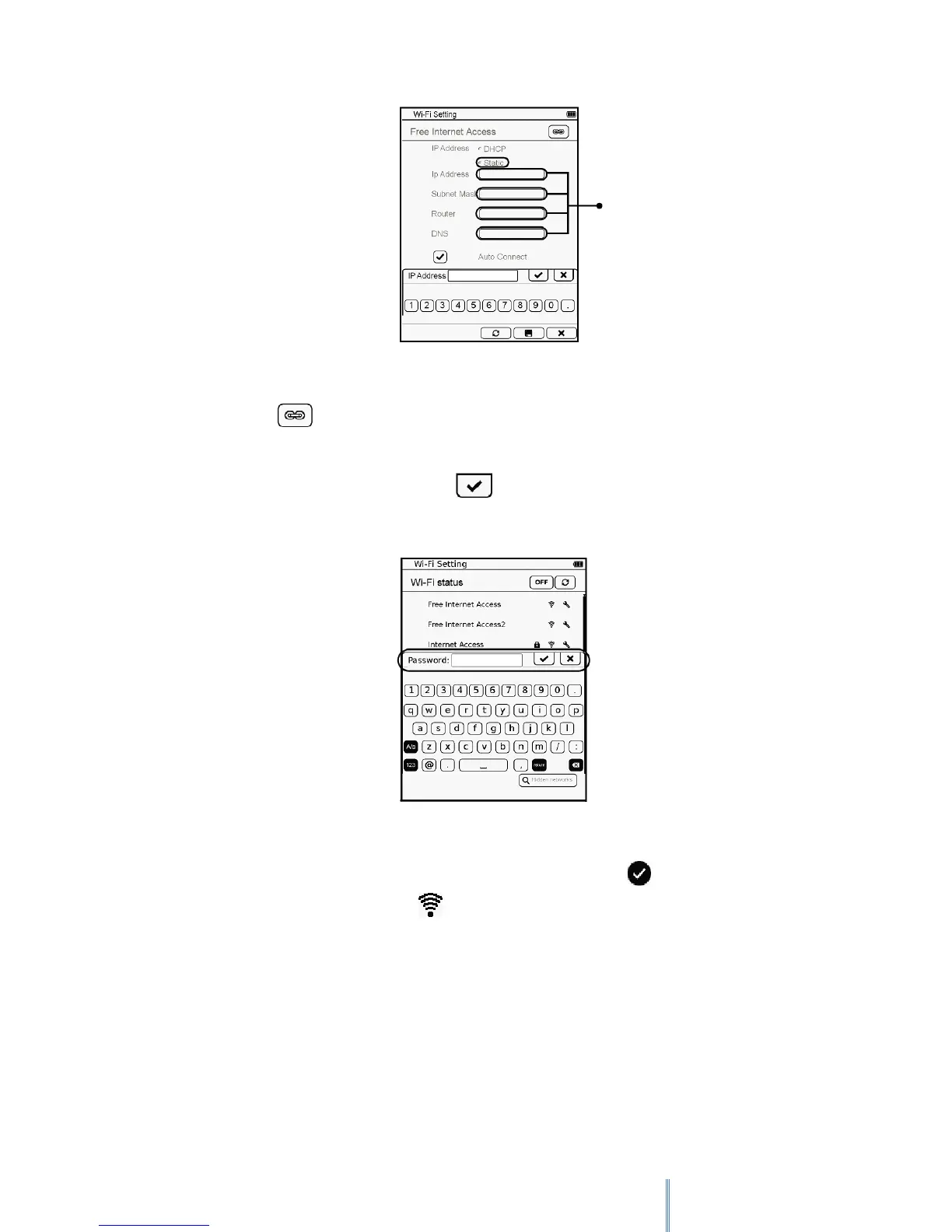
When done, tap to confirm connection.
5. If your selected network is secured, you will be requested to enter its password. Use the
keypad to enter the password, and tap to confirm inputs and start connection.
6. After the device connects successfully to the Internet, an icon appears next to the
connected network. The icon also appears on the top right corner of the screen
indicating the current Wi-Fi signal strength.
Number input box



 To Next Page