Attaching the top panel
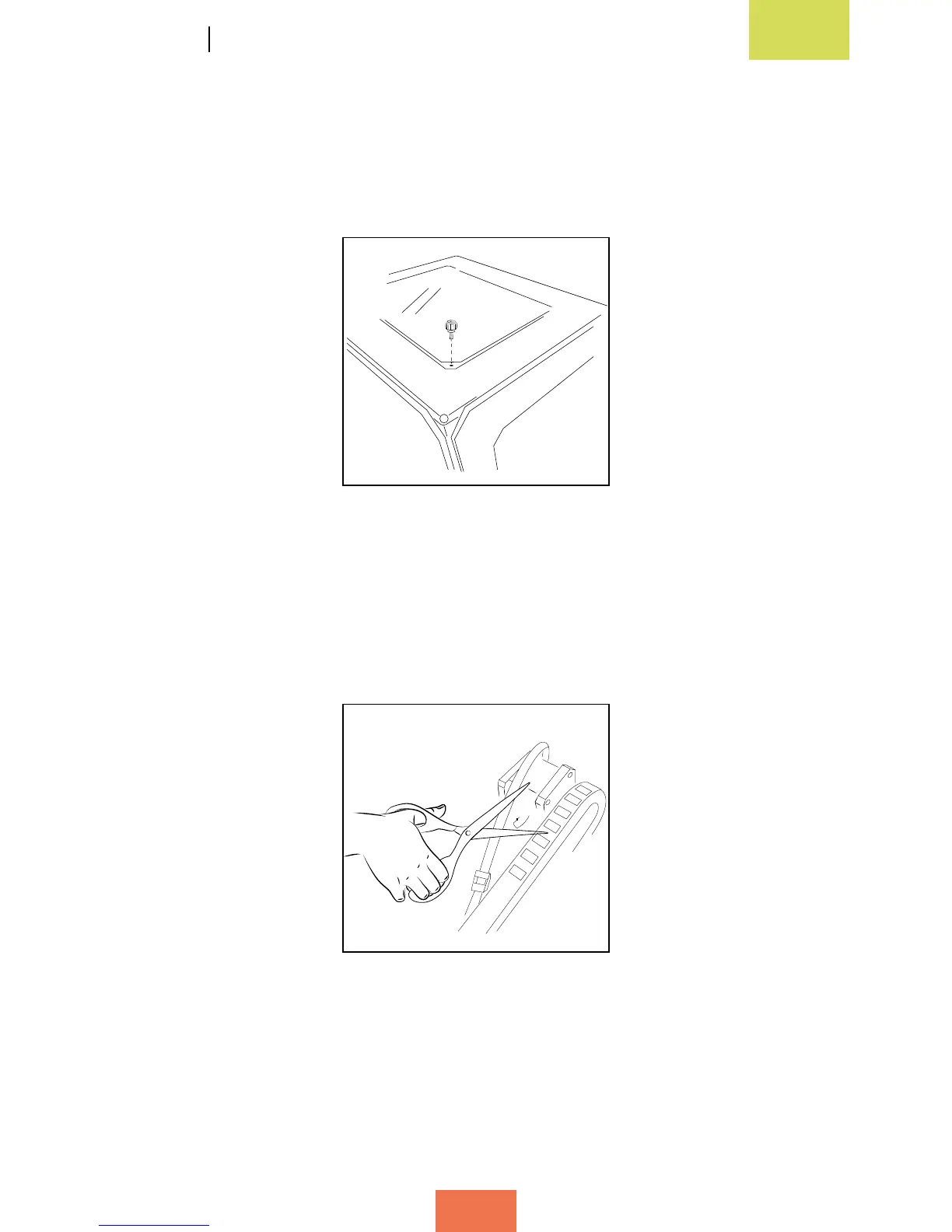
Remove the plastic protectors from both sides of the top panel and place it on top of
the Witbox. In the box of accessories you will nd four screws: place them in the holes
in the corners of the panel and press down on them with your ngers (g. 2.8).
Attaching the print base
Open the door at the front using the keys you will nd in the box of accessories. Cut
the two ties that are attached to the extruder carriage (g. 2.9).
Figure 2.8 Put the top panel in place
Figure 2.9 Cut the two ties
attached to the extruder carriage



 To Next Page