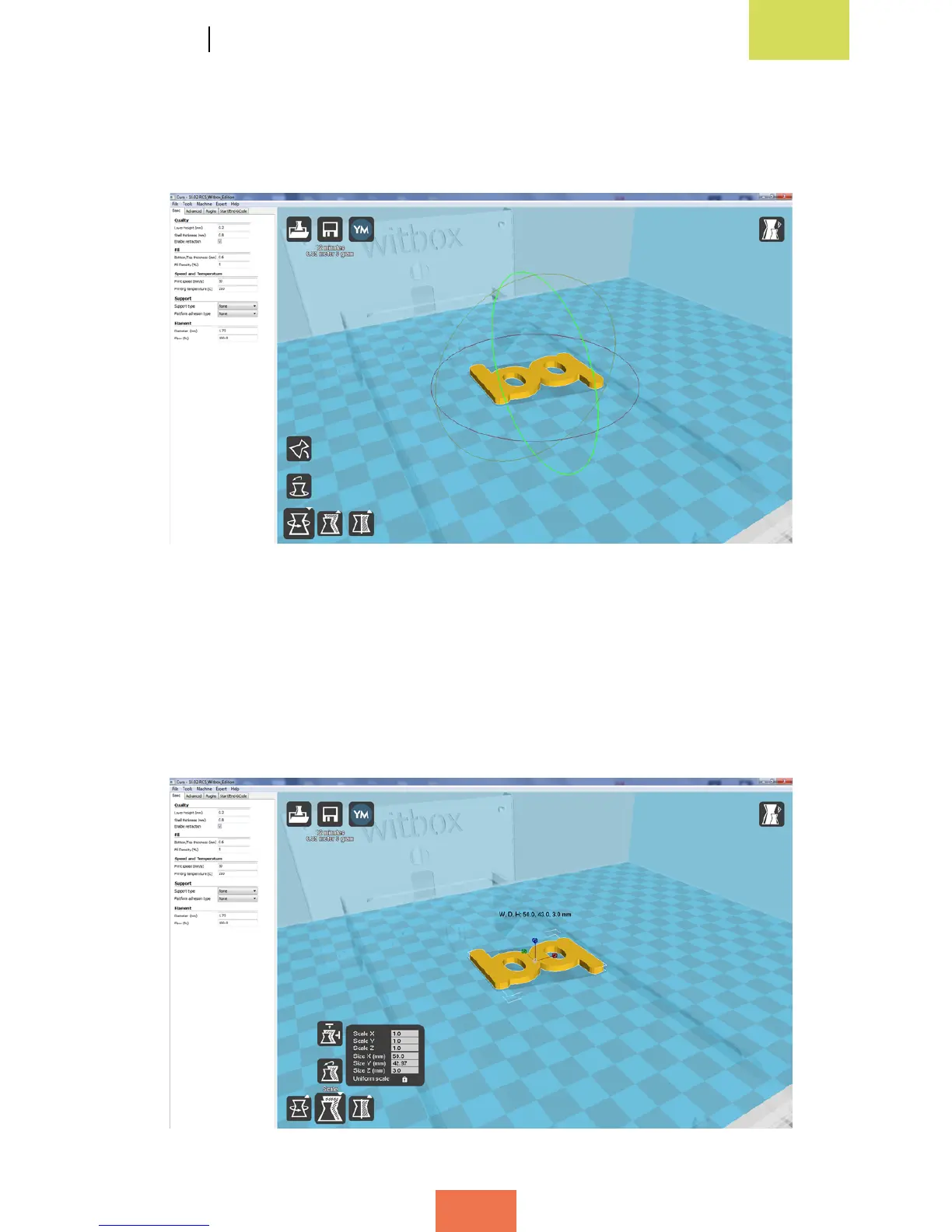
Rotating the object
Once you have loaded the object, one of the things you can do is change its orientation
within the virtual space (g. 4.7).
Changing the size of the object
This option allows you to change the size of your object. The object’s size ratio is
maintained, so any change made to one parameter will automatically result in the
corresponding adjustments made to the others, without the need to adjust the X, Y
and Z parameters separately (g. 4.8).
Figure 4.7 Rotating the objecta
Figure 4.8 Changing the size of an object in Cura



 To Next Page