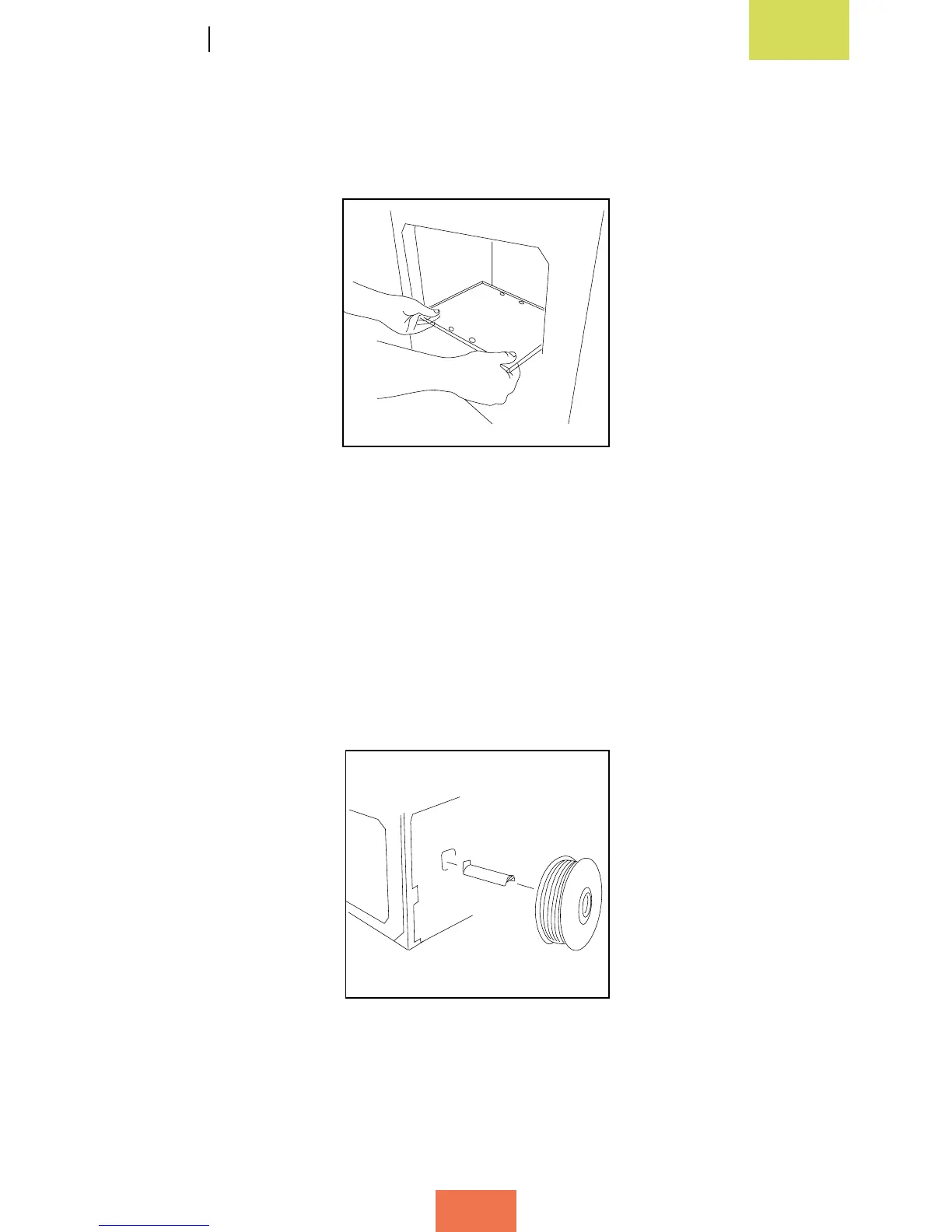
In the box of accessories you will also nd the print base, which is made of glass and
has four magnets attached to one side. Place it gently on the support inside the printer
with the magnets facing downwards, as shown in gure 2.10.
Attaching the spool and support
The spool of lament needs to be placed on a spool-holder. First, attach the metal
support to the rear of the printer by inserting the short end into the corresponding
slot. Then remove the plastic protector from the spool and place it onto the spool-
holder (g. 2.11). The lament will be loaded at a later stage.
Figure 2.10 Insert the print base
Figure 2.11 Attach the spool
and support



 To Next Page