Exporting the object
Once you have loaded the object into Cura and made all the necessary adjustments,
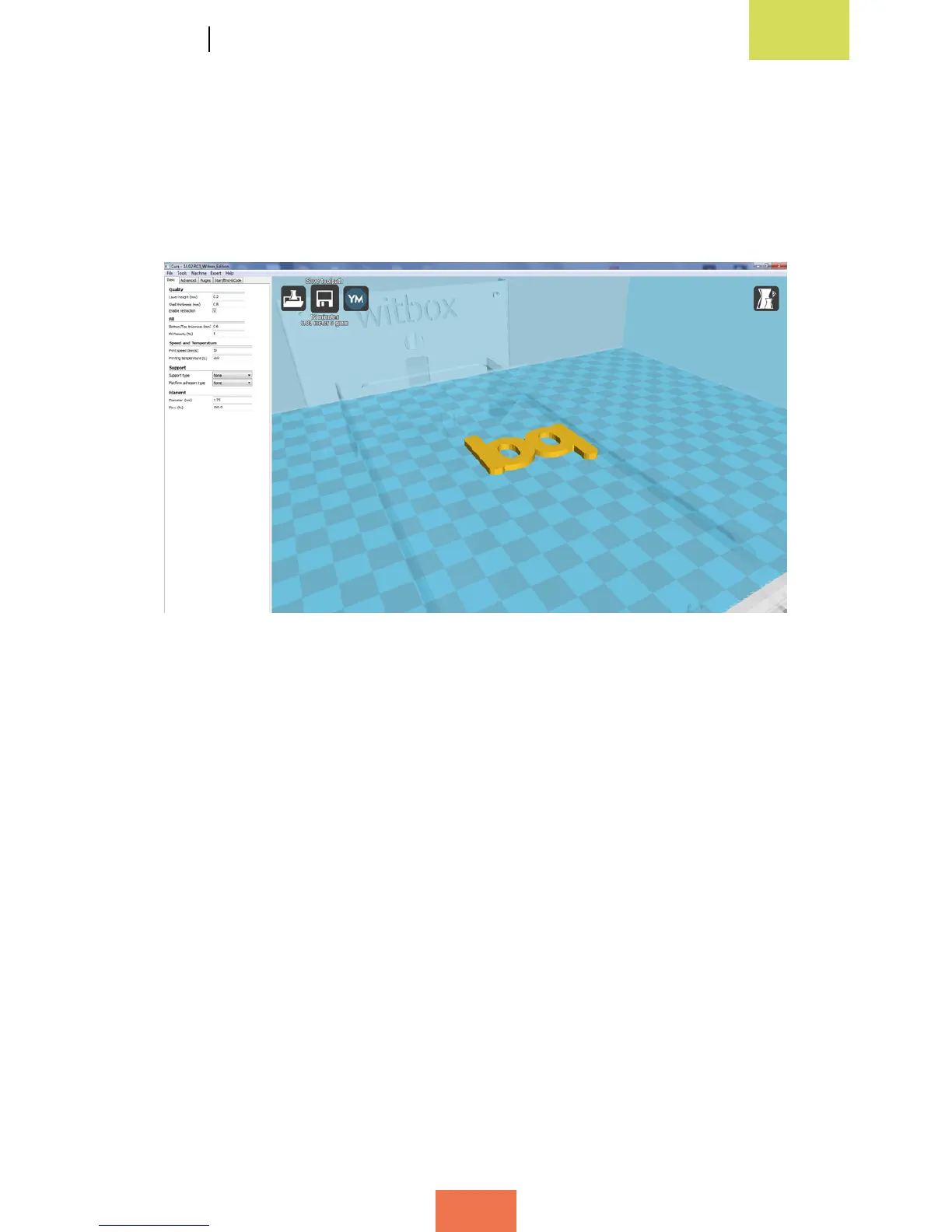
the next step is to export the object to the SD card. To do so, insert the SD card into
your computer and click on Save toolpath (g. 4.12). This will save your le in .gcode
format and ensure it is ready to print.
Figure 4.12 Exporting an object in Cura



 To Next Page