Unloading the lament
To unload the lament, do the following:
1
Go to Control > Filament > Unload. The extruder will heat up until it reaches a
temperature of 220 °C. You can monitor the temperature increase on the LCD
screen.
2
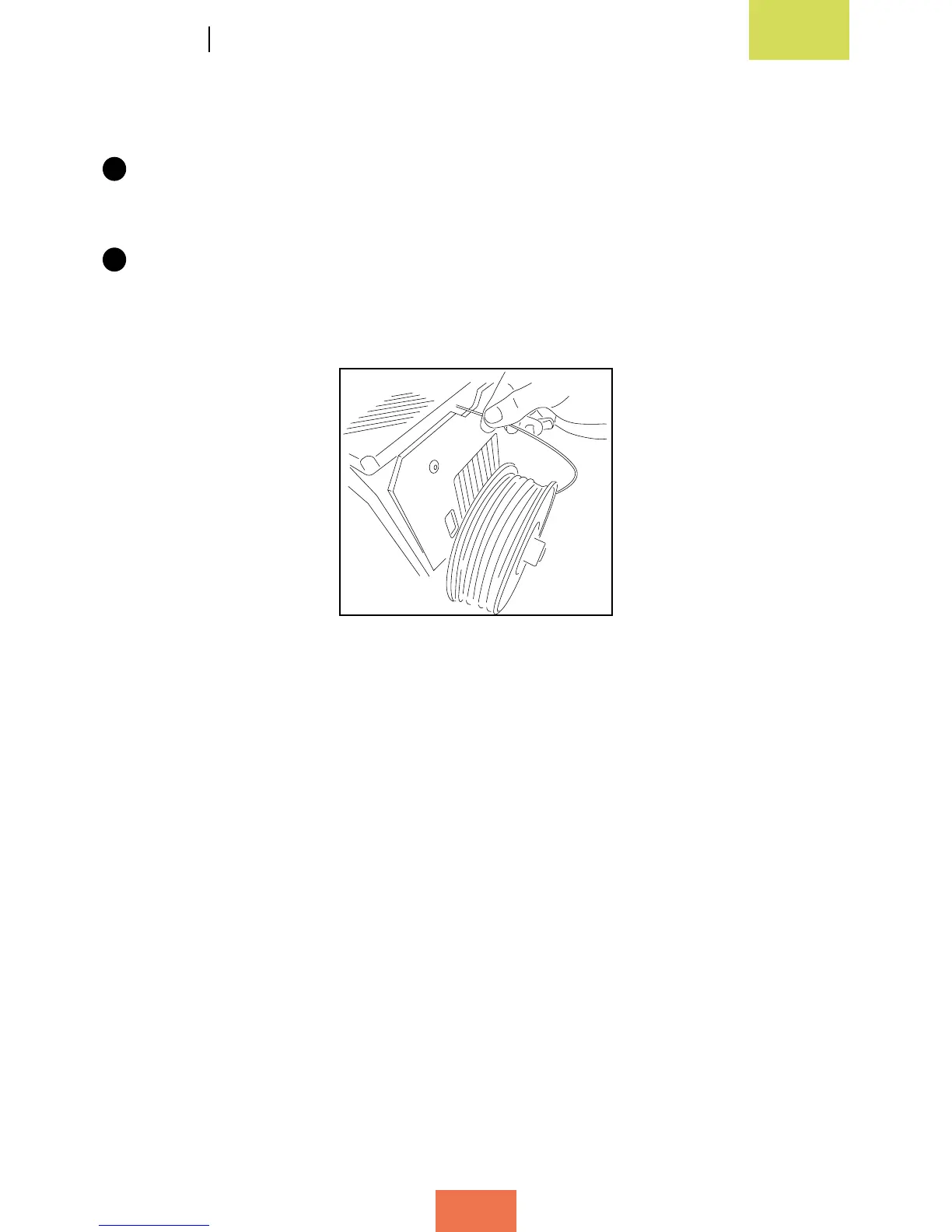
Once the desired temperature has been reached, the extruder will extrude
lament for a number of seconds. At this point, the lament can be removed from
the Fibonacci tube manually (g. 3.25).
Figura 3.25Unloadingthelament
(viewfromtherear)



 To Next Page