Loading the lament
Now you’re ready to load the lament into the Witbox and print a test object:
1
Go to Control > Filament > Load. The extruder will heat up to a temperature of
220 °C. You can monitor the temperature increase on the LCD screen. Once the
correct temperature has been reached, the message Insert & Press will appear
(g. 3.17).
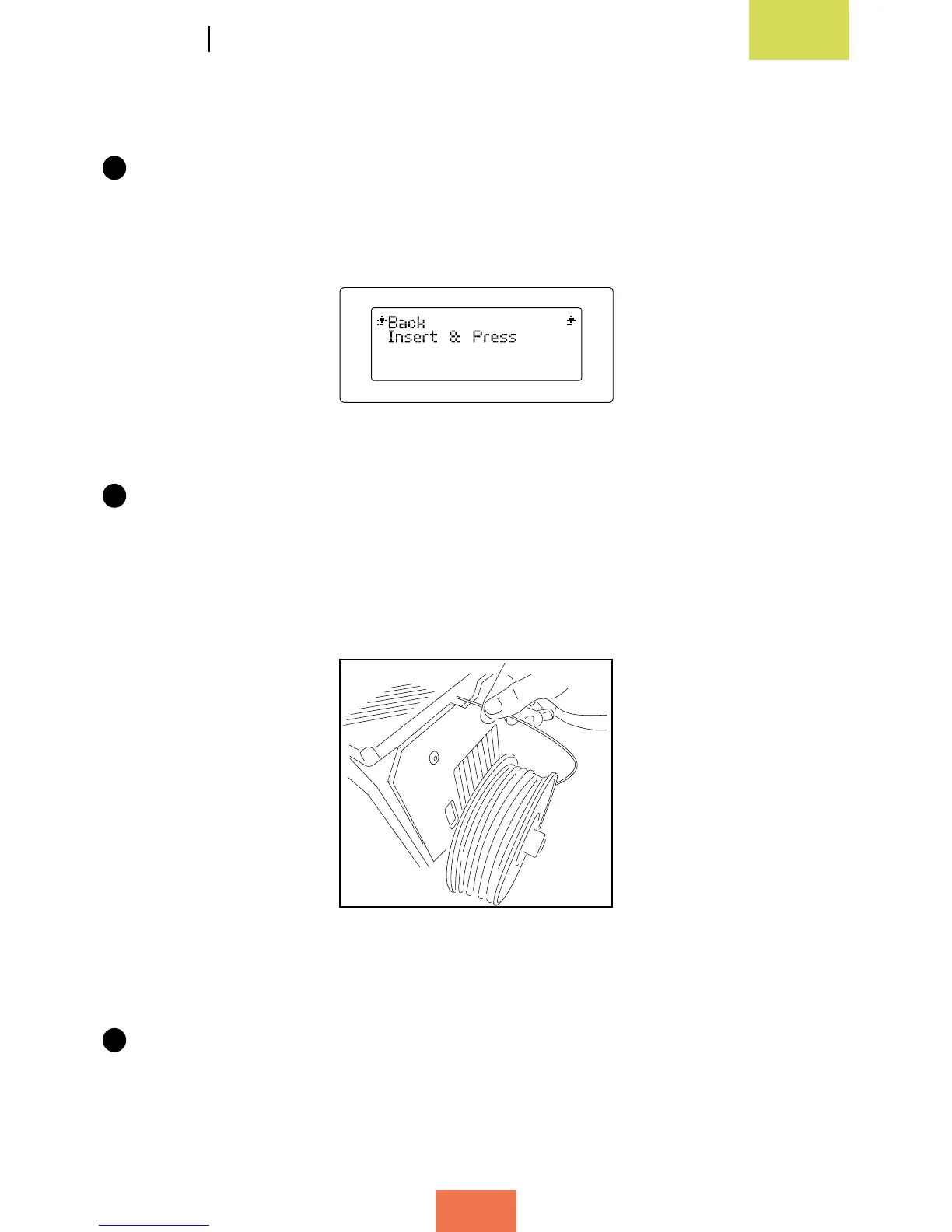
2
The lament must be loaded at the rear of the Witbox via the connector attached
to the Fibonacci guide tube (g. 3.18). It is very important that you position the
spool so that the loose end of the lament is on the right-hand side. Trim the end
of the lament diagonally across with a pair of scissors; this will make it easier to
guide the lament into the tube.
3
Feed the lament through the tube until you feel it bump against the extruder. Push
it in rmly to make sure it has reached the end of the tube.
Figure 3.17Insert&Pressmessage
Fig. 3.18Loadingthelament
(viewfromtherear)



 To Next Page