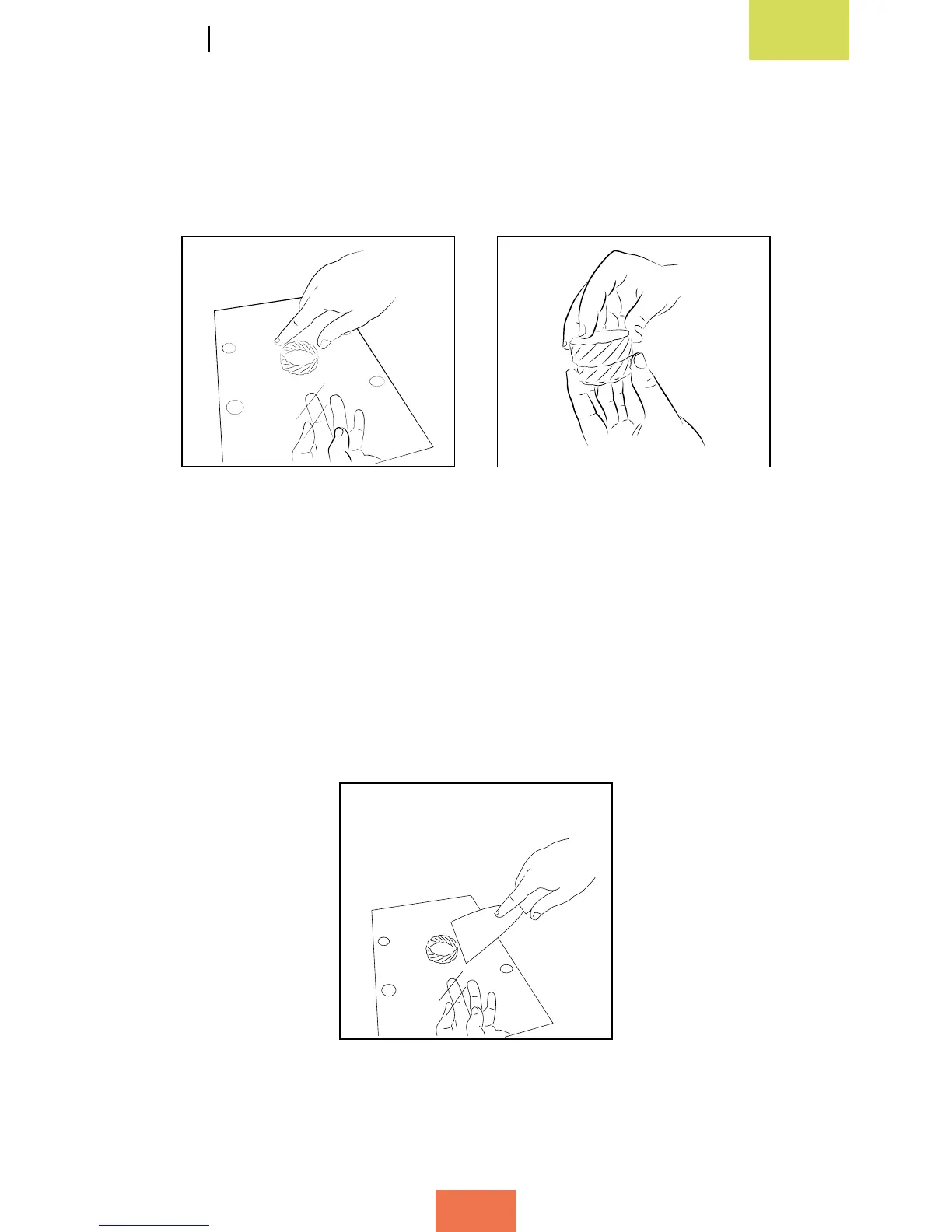
When the printing process has been completed, open the door and take out the print
base (g. 3.22). Rest it on a table and pull rmly on the printed object to remove it.
You can now check that it matches and connects to the test object that came with the
printer (g. 3.23).
How to remove objects from the print base
Sometimes, objects may adhere too rmly to the print base and become difcult to
remove. If you are still unable to remove the object after pulling on it rmly, try the
following:
• Using a spatula, gently dig around the edges of the object in order to loosen it
(g. 3.24).
Figure 3.22Removethebase Figure 3.23 Check
that two pieces connect
Figure 3.24Removetheobject
using a spatula



 To Next Page