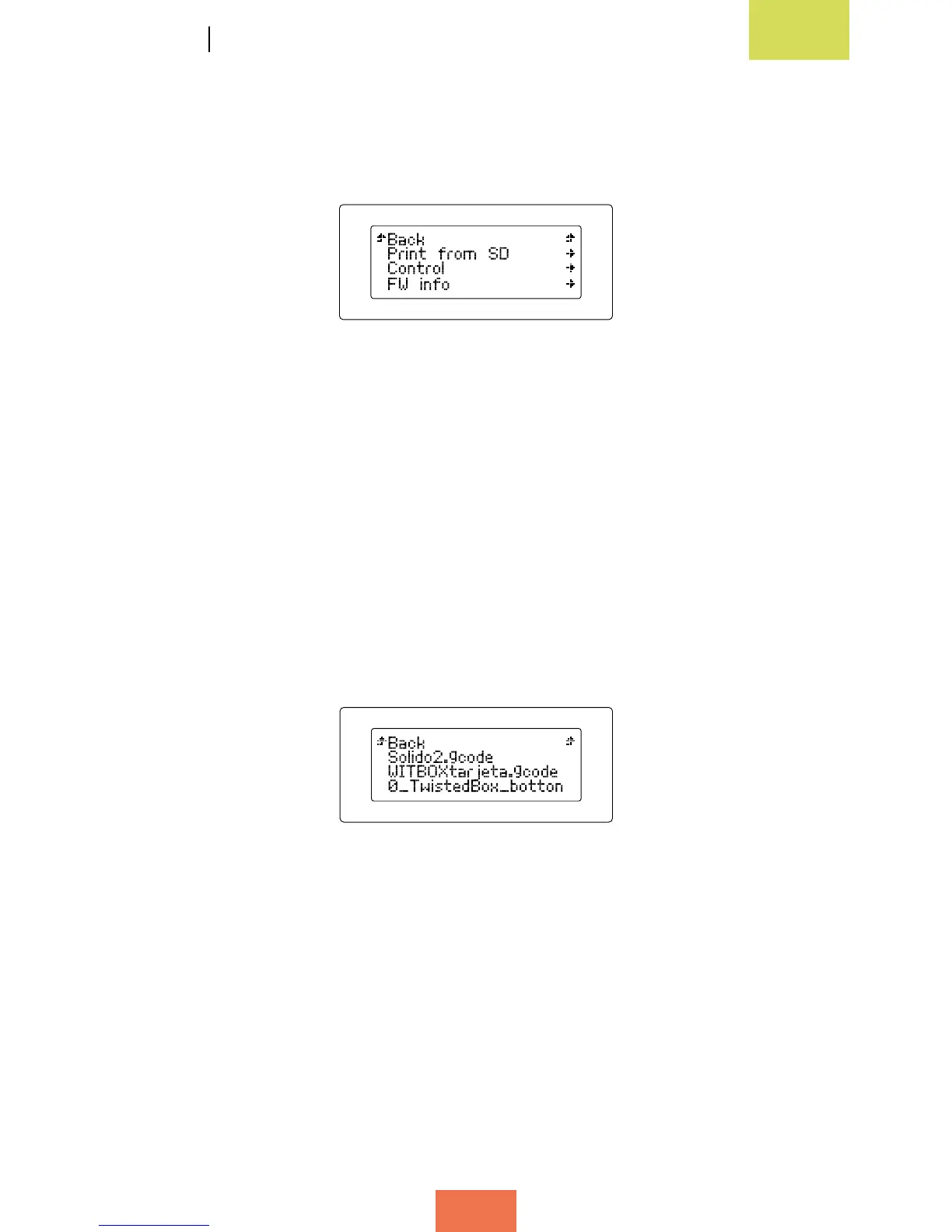
Main menu
If you press the control wheel while you are on the main information screen, a new
screen will appear showing the printer’s two menus (g. 3.2).
The main menu contains three options: Print from SD, Control and FW info. This last
option tells you which version of the rmware is installed.
Generally, when you access a sub-menu, the rst option in the list will allow you to go
back to the previous screen.
Below we will explain each menu in detail:
Menú Print from SD
The Print from SD option contains all the .gcode les that are ready to print. Press on
any of them in order to begin printing (g. 3.3).
Figure 3.2Mainmenu
Figure 3.3PrintfromSDmenu



 To Next Page