Simmetry
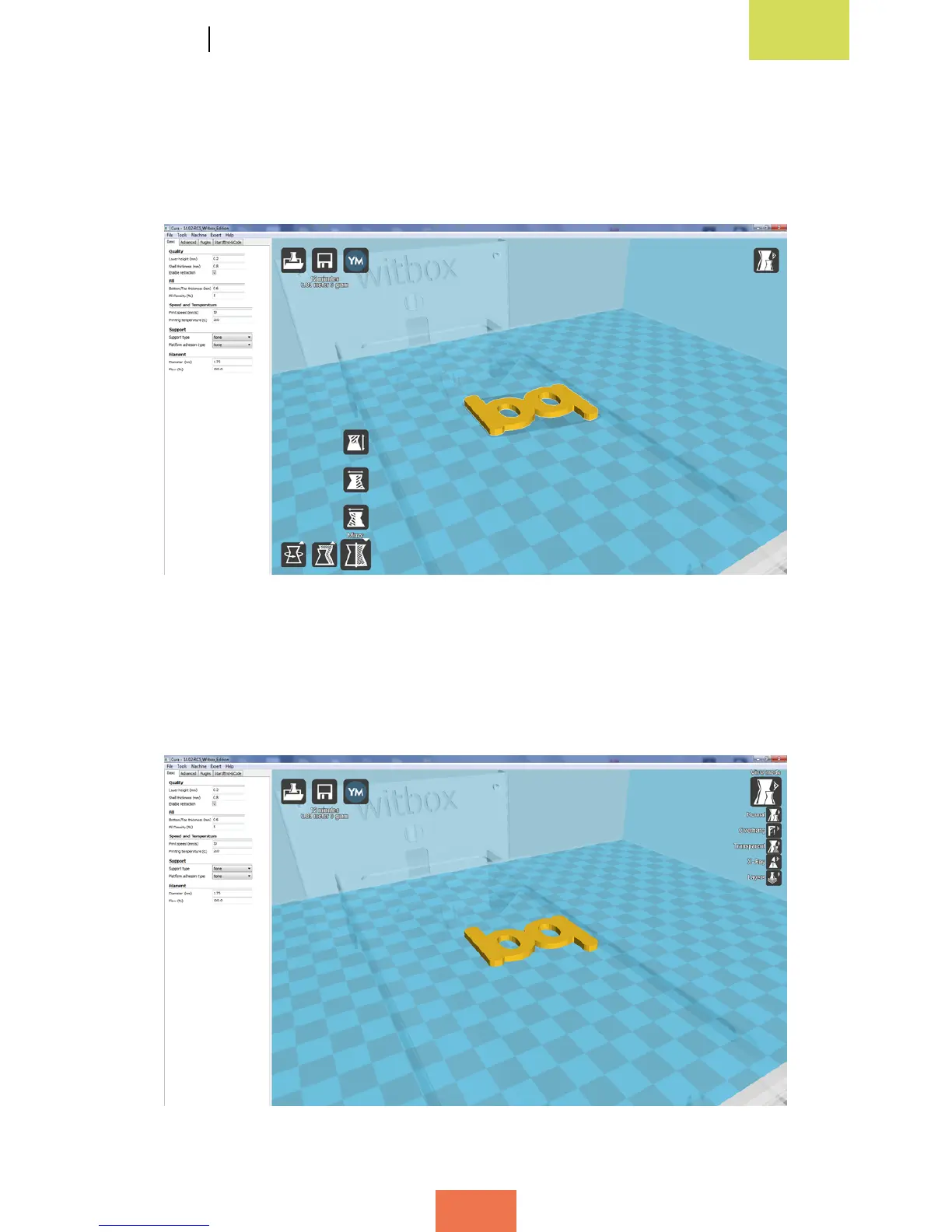
This option allows you to apply conditions of symmetry to the object you wish to print.
There are three symmetry options, to be used depending on the axis to which the
symmetry is to be applied (g. 4.9).
View mode
This option allows you to view the object you wish to print in various different ways
(g. 4.10).
Figure 4.9Applyingsymmetrytotheobject
Figure 4.10Viewmodes



 To Next Page