Updating the printer’s rmware with Cura
Our team of experts is constantly striving to improve the printer’s firmware and
achieve optimum functionality. For this reason, we recommend that you download
the latest updates from bq’s ofcial website (www.bq.com) in order to keep your device
up to date.
To update your printer’s rmware, follow the steps below:
1
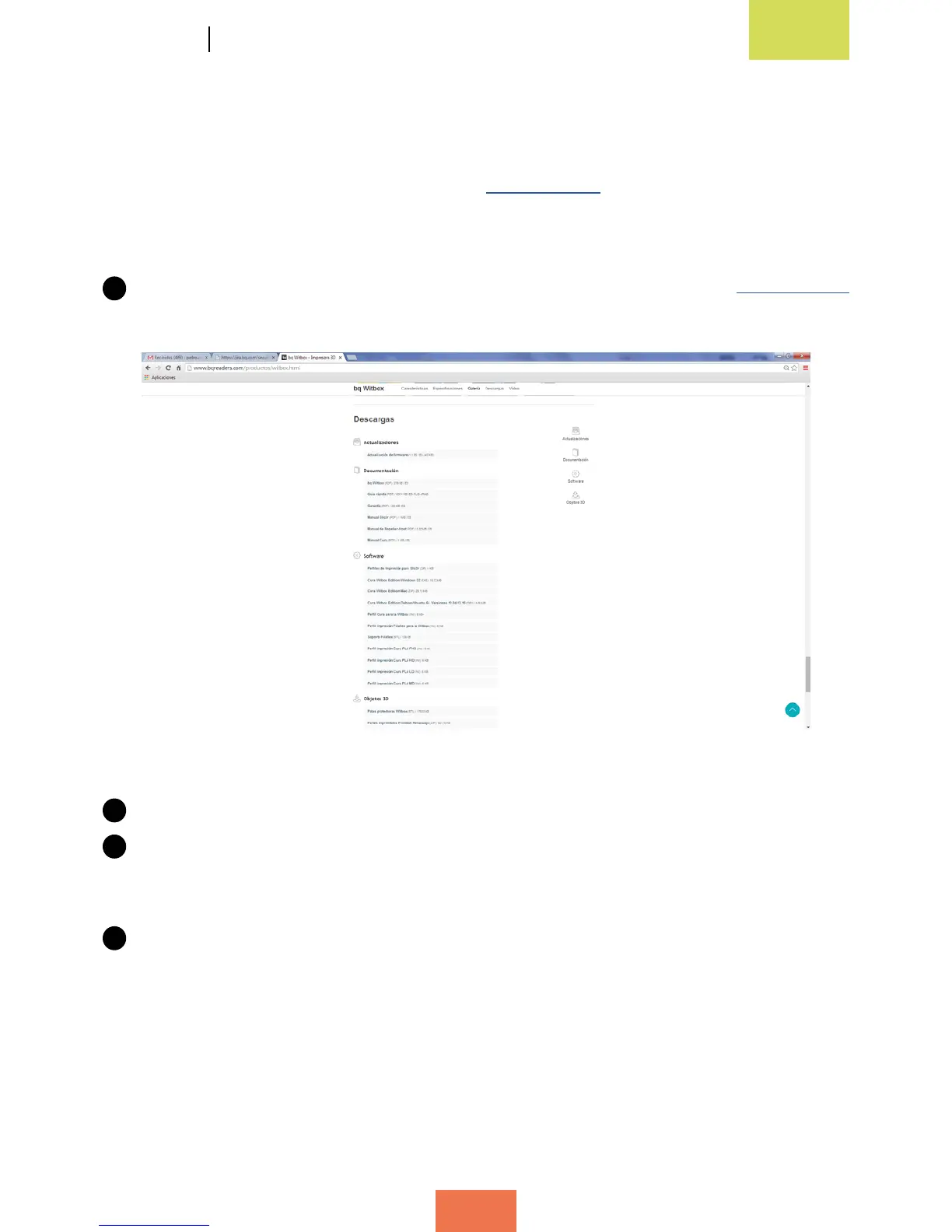
Download the latest version of the rmware from bq’s ofcial website www.bq.com
(g. 4.13). The downloaded le will be in .hex format.
2
Connect the printer to your computer using the USB cable.
3
Access the main menu and go to Machine > Machine Settings. In the Communication
Settings section, select any of the COM ports shown (COM 1, COM 2, COM 3, etc.)
as the serial port. In the Speed section, select 115200 (g. 4.14).
4
From the main menu in Cura, go to Machine > Install custom rmware (g. 4.15).
Select the le you downloaded earlier from bq’s ofcial website (g. 4.16).
Figure 4.13Downloadthermwarefrombq’sofcialwebsite



 To Next Page