Printing an object
Loading the object
To print a 3D object you must rst separate it into layers. Cura allows you to convert
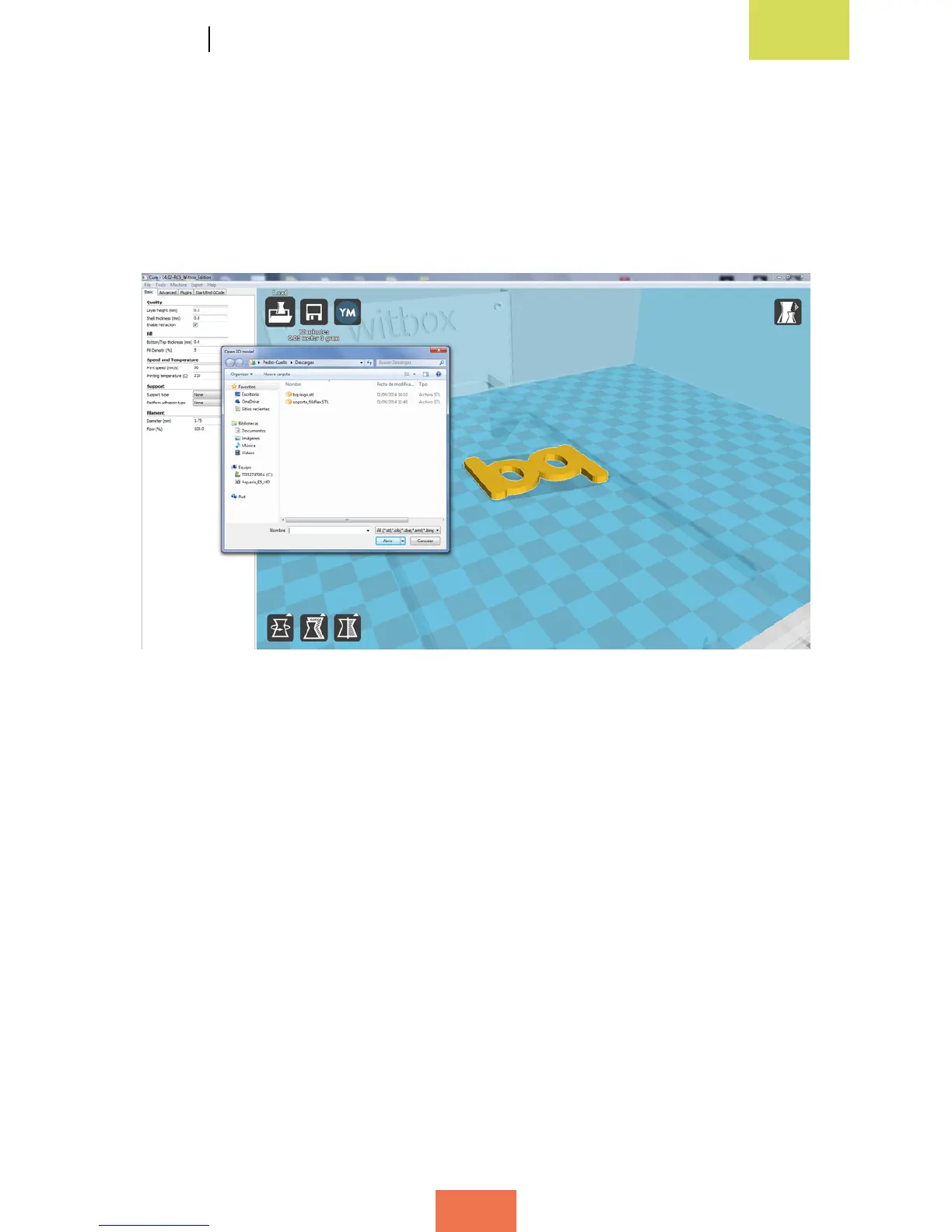
a 3D le into a layered .gcode le. To do this, click the Load button and a window will
pop up where you can select the le you wish to convert (g. 4.6).
The majority of 3D design programs allow you to save a pre-designed object in .stl*
format. Cura is able to open the following le types: .stl*; .obj*; .dae* and .amf*.
Figure 4.6 Pop-up window to select the object you wish to load into Cura



 To Next Page