Control menu
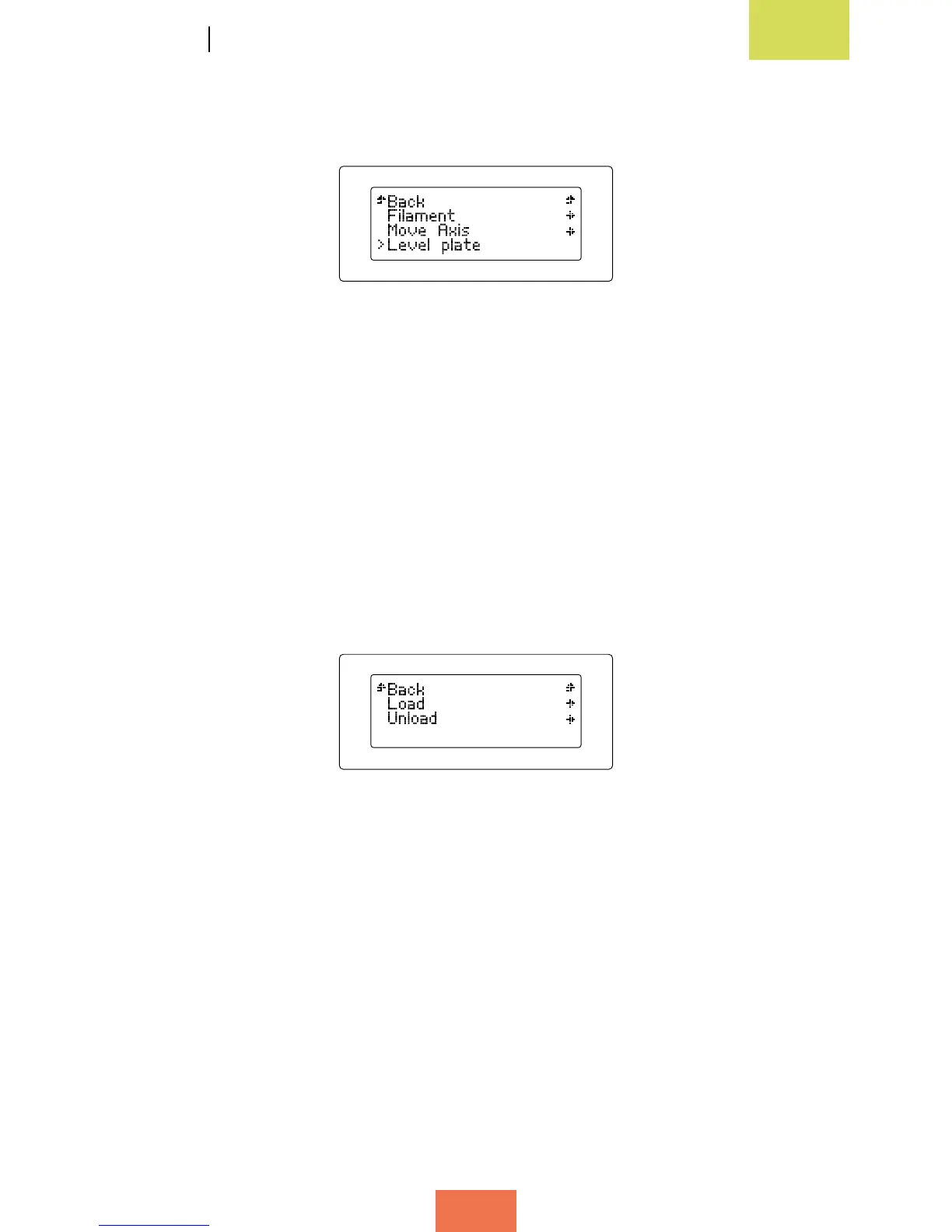
This menu allows you to adjust the various parameters of the Witbox (g. 3.4).
Below we explain each of the parameters that can be adjusted via this menu:
• Filament sub-menu (g. 3.5)
If you access this sub-menu you will nd two options:
◦
Load: select this option to load the lament into your Witbox in order to start
printing.
◦
Unload: select this option to unload the lament once the printer has nished
printing, or if you wish to change the lament spool.
• Move Axis sub-menu
The Move Axis sub-menu contains the following options:
◦
Auto Home: select this option to move the printer’s extruder unit back to its
starting position (i.e. the top right-hand corner).
◦
Disable Steppers: select this option to disable the brakes on the motors. This
will allow the carriages to be moved manually.
Figure 3.4Controlmenu
Figure 3.5Filamentsub-menu



 To Next Page