◦
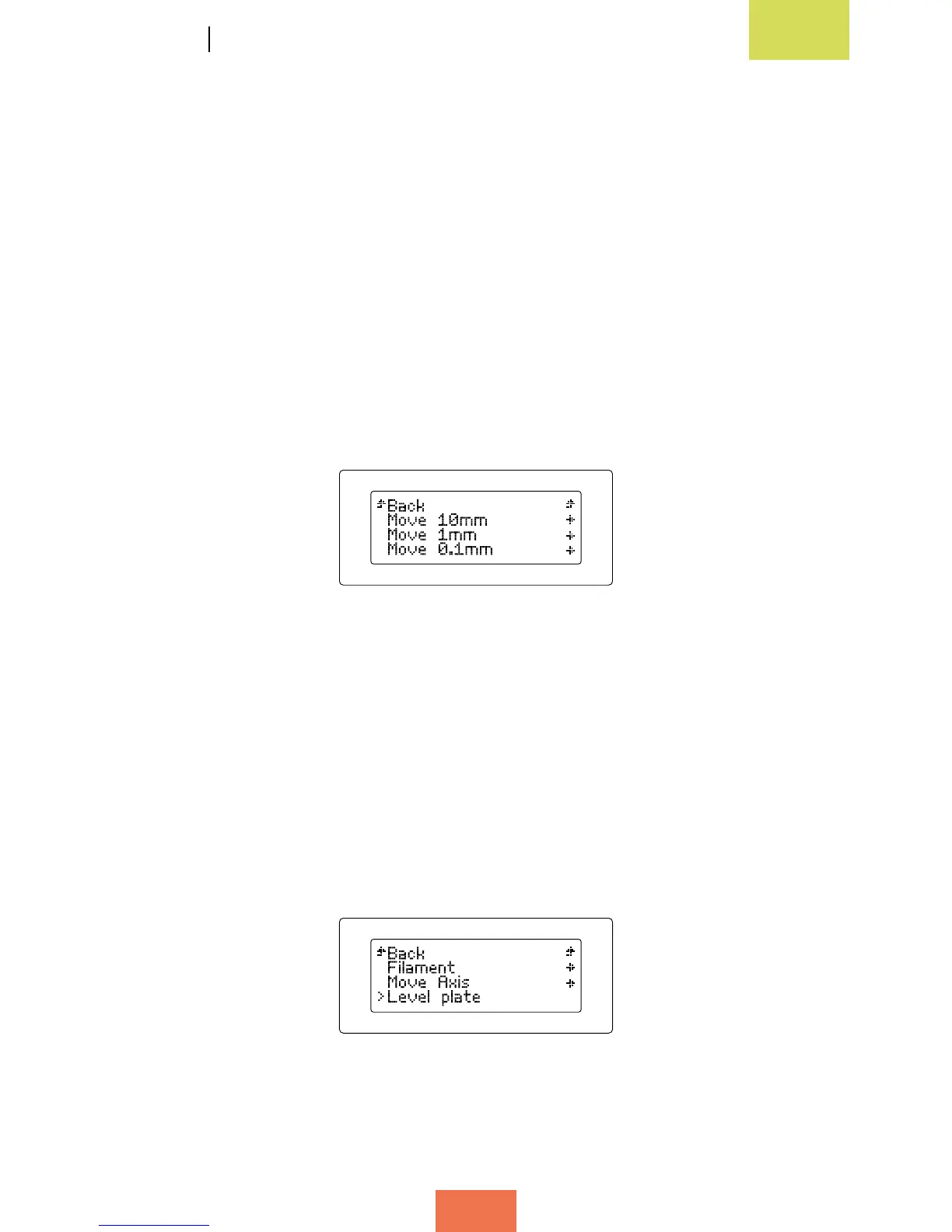
Jog: select this option to independently move any of the printer’s motors
(g. 3.6). There are three sub-options:
-Move 0.1 mm
-Move 1 mm
-Move 10 mm
These options can be applied to any of the motors; however, there are certain
restrictions:
- The Z-axis motor can only be moved by 1 mm at a time. Therefore, only the
second option is available for the Z-axis motor, while all three options are
available for the X- and Y-axis motors.
- The extruder motor can only be moved by 0.1 or 1 mm at a time.
• Level Plate sub-menu
This sub-menu (g. 3.7) allows you to calibrate and level the print base in order to
ensure your objects are printed correctly.
If you select this sub-menu, step-by-step instructions will appear on the screen to help
you level the print base correctly. This process will be explained in detail later on in
this manual.
Figure 3.6 Jog option
intheMoveAxissub-menu
Figure 3.7LevelPlatesub-menu



 To Next Page