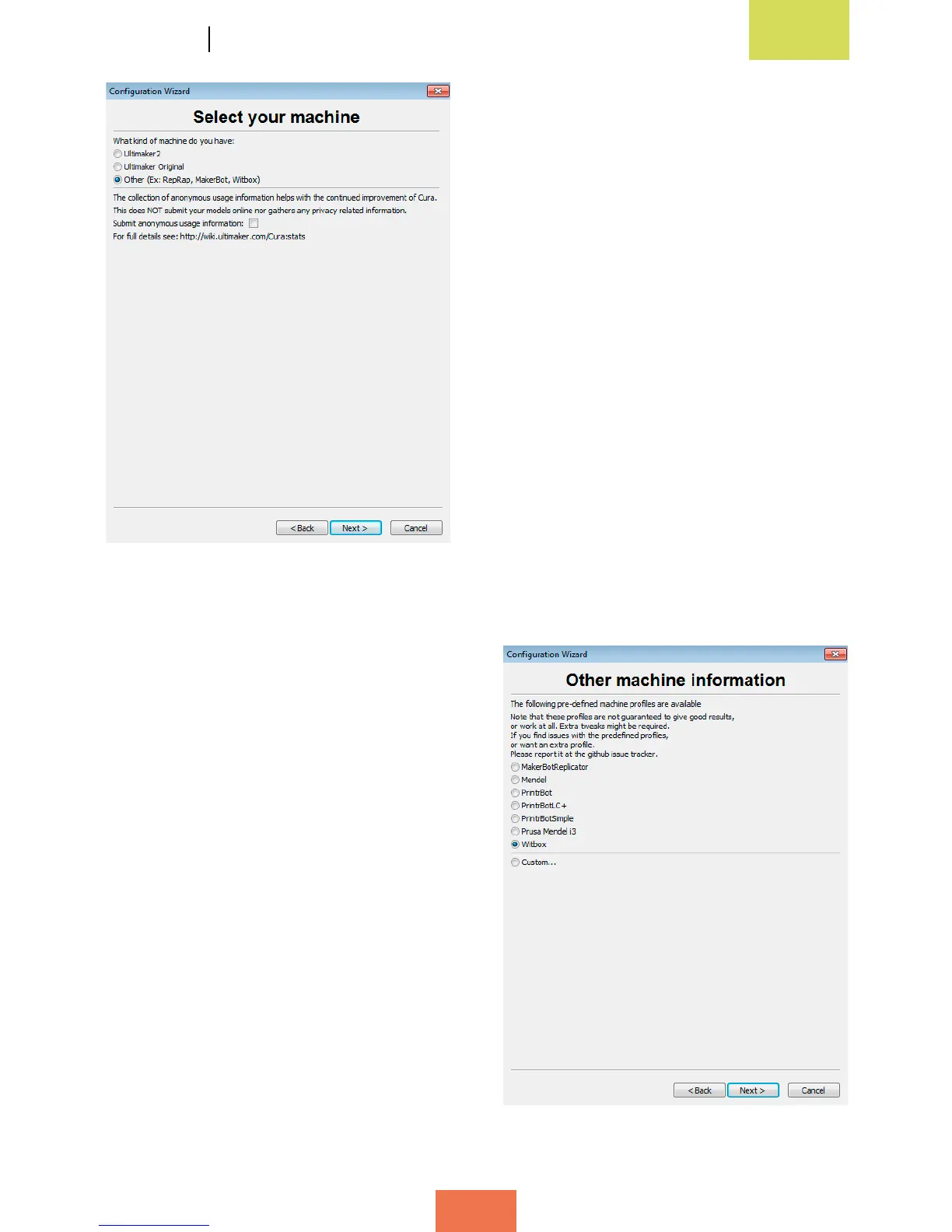
If you click on Next >, the following will
appear (g. 4.2):
In the printer selection window (fig. 4.2),
specify the printer you wish to set up. For
the Witbox, click on Other. Then click on
Next > in order to select the Witbox as your
main printer (g. 4.3).
Figure 4.2 Printer selection window
Figure 4.3Printerselectionwindow(Witbox)



 To Next Page