4
Open the printer’s main menu and select Control > Filament > Load. The Hot-End
will be heated to 220 °C. This will also heat up any plastic residue that may be
blocking extrusion of the melted lament.
5
Insert a 1.5mm Allen key into the connector and push downwards in order to expel
any leftover lament.
Do not leave the Allen key inside the connector for an extended period of time,
as the heat may cause it to expand and block the connector.
6
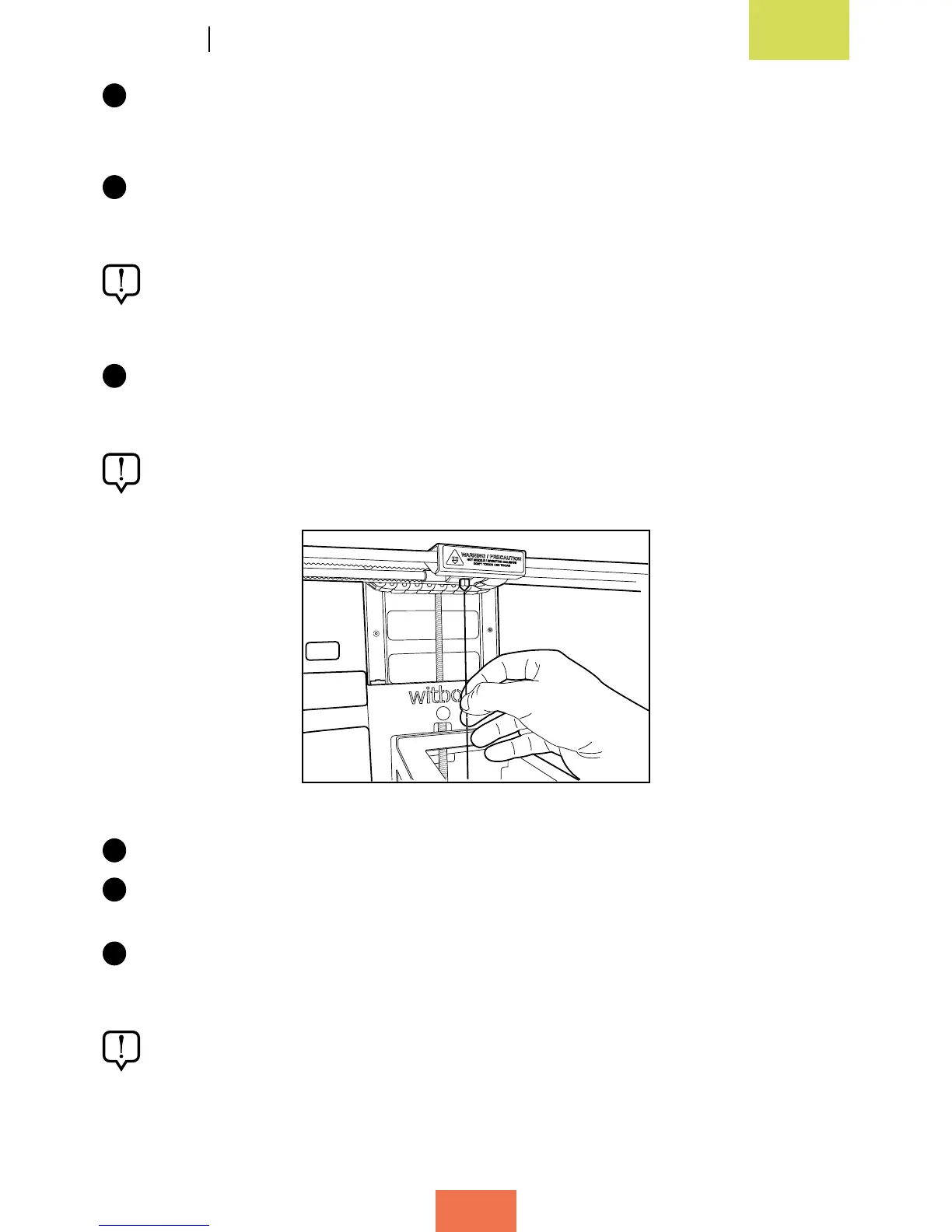
Insert one of the needles (supplied with the printer) into the nozzle and drag out
any leftover lament that may be there (g. 6.3).
Take care when performing this action and avoid touching the nozzle with your
hands, as it is extremely hot.
7
Check that the tip of the needle is able to emerge from the top of the connector.
8
Move the needle up and down in order to make sure the nozzle is entirely free of
leftover material.
9
To check that the nozzle has been cleaned correctly, load the lament again and
perform a test print.
Remember that the lament must be extruded from the nozzle in a constant,
uniform stream.
Figure 6.3 Insert a needle into the nozzle



 To Next Page