7
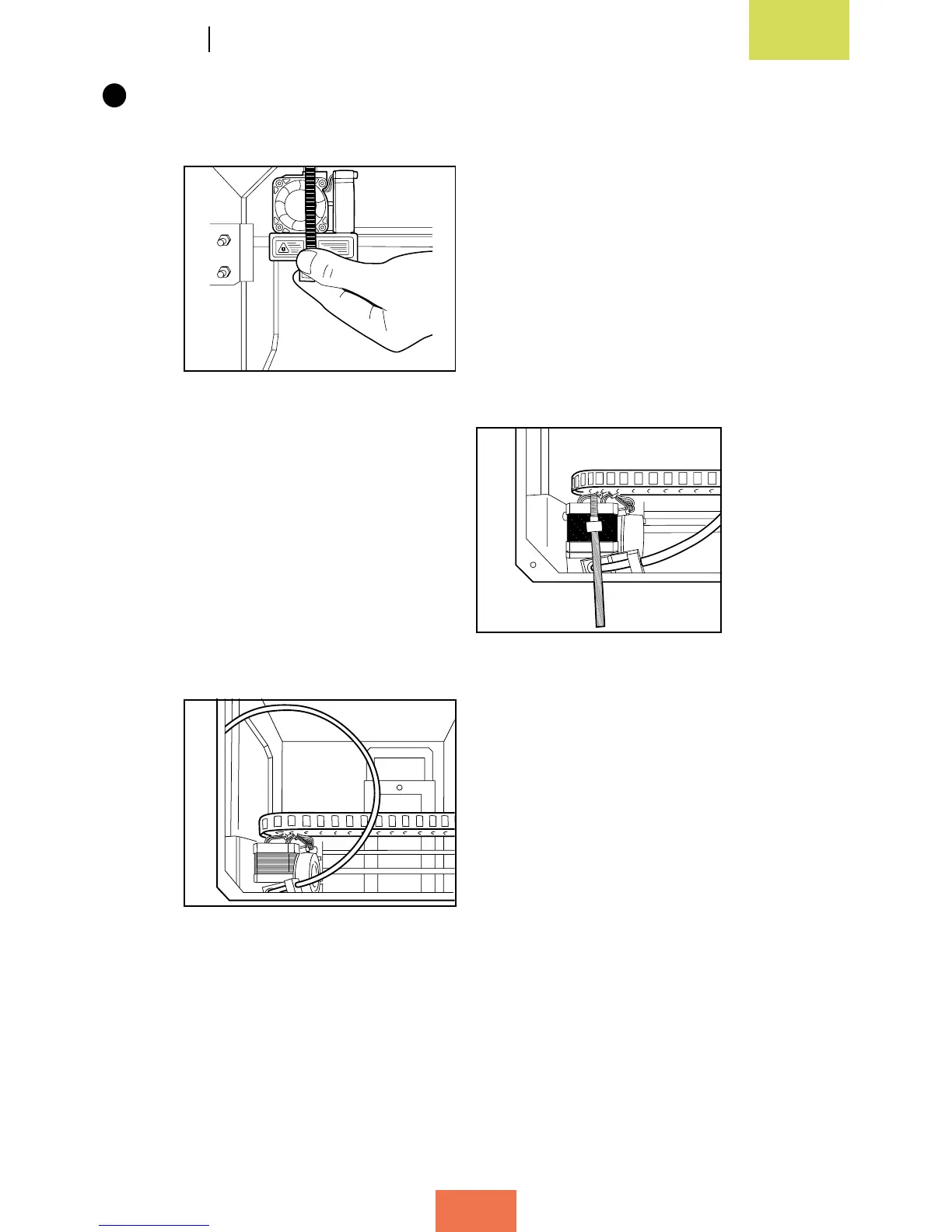
Move the extruder to the bottom left-hand corner of the printer in order to
immobilize it on the Y-axis.
ImmobilisetheextruderontheY-axis
using one long cable tie or two short
ones joined together
Viewfromaboveoftheextruder
immobilisedontheY-axis
To allow the door to close, place the cable
tiebetweentheframeatthefrontand
themainbodyoftheprinter



 To Next Page