SAFETY PRECAUTIONS
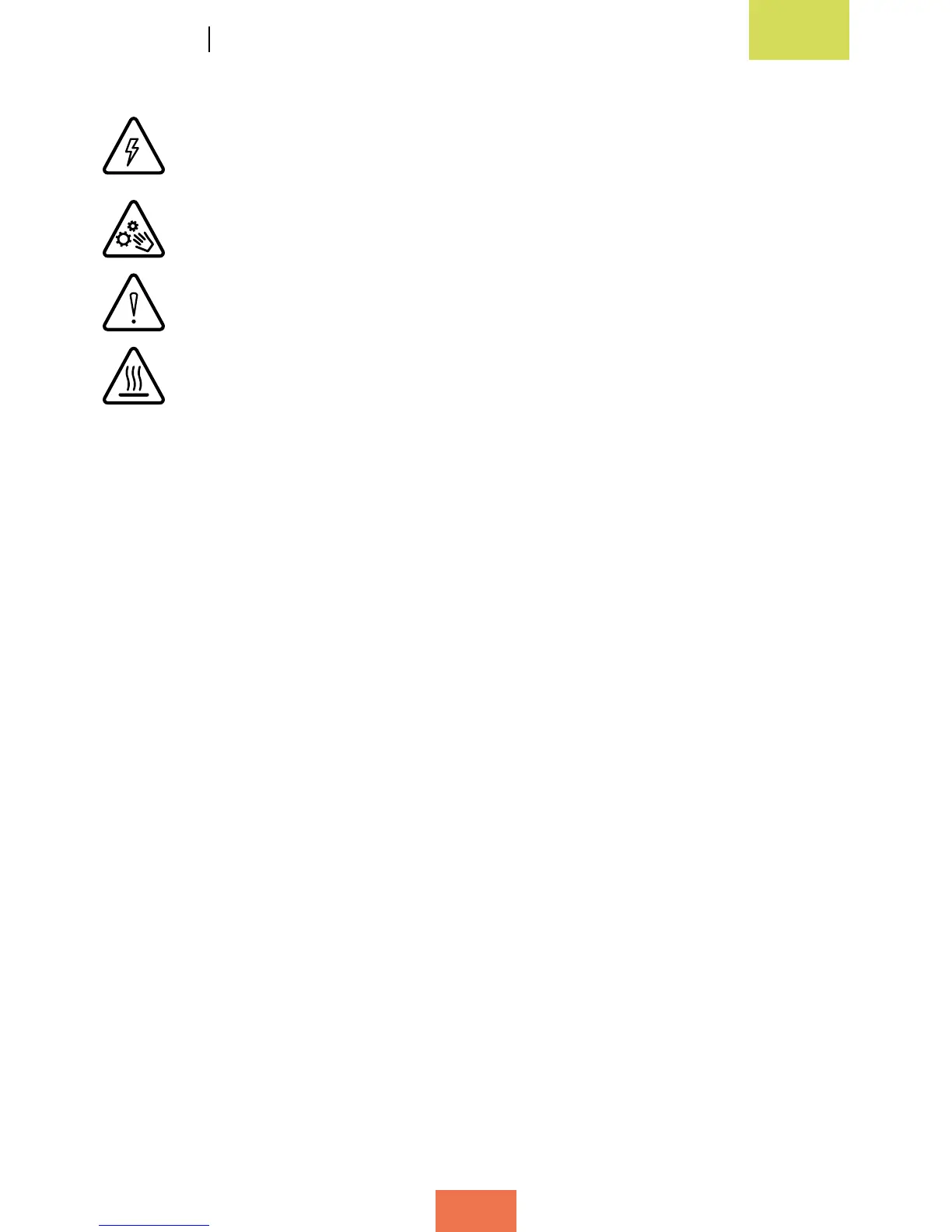
This symbol indicates the presence of components that may cause electric
shock.
This symbol indicates the presence of moving parts inside the device.
This symbol indicates that important documentation is attached.
This symbol indicates that the printer operates at high temperatures.
When using your Witbox, please observe the following safety precautions:
• Do not lift the cover that shields the power supply unit and the controller board,
as there is a risk of electric shock. The components under the cover should only
be handled by qualied technicians.
• The grooves at the rear of the Witbox are designed to allow air to ow out from
the fans. For this reason, they must not be covered or blocked.
• Avoid using the Witbox in enclosed spaces such as boxes, cupboards, etc., as the
device will not be able to cool down correctly.
• Avoid placing the Witbox near heat sources such as radiators and devices that
emit a large amount of heat, as this may have a negative impact on its operation.
• Keep the Witbox away from liquids, as they could pose a risk of re or electric
shock.
• Avoid using or storing the Witbox in damp environments such as bathrooms,
swimming pools, sinks, etc.
• Switch the printer off in potentially explosive environments or in the vicinity of
ammable chemicals. Always observe the site regulations, instructions and safety
signs.
• Do not store or transport ammable liquids or gases or explosive materials in the
vicinity of the device or any of its parts or accessories.
• Do not use power cables, connectors or plugs that are damaged or contain loose
wiring. Do not bend or damage the power cable and avoid placing objects on top
of it. Avoid using cables that have not been approved by the manufacturer.



 To Next Page