BradyPrinter i3300 10
Setup
Recycling the Label and Ribbon Cartridges
Recycling the Label and Ribbon Cartridges
Cartridges need to be recycled in accordance with local regulations. Before recycling, the used
cartridges must be pulled apart to release the individual components which then must be recycled in
the correct recycling bins.
Materials Required:
• 9/32- inch blade or 1/4-inch blade (ribbon) and 5/32- inch blade (label) flathead screwdrivers
• Safety Glasses
• Safety Gloves
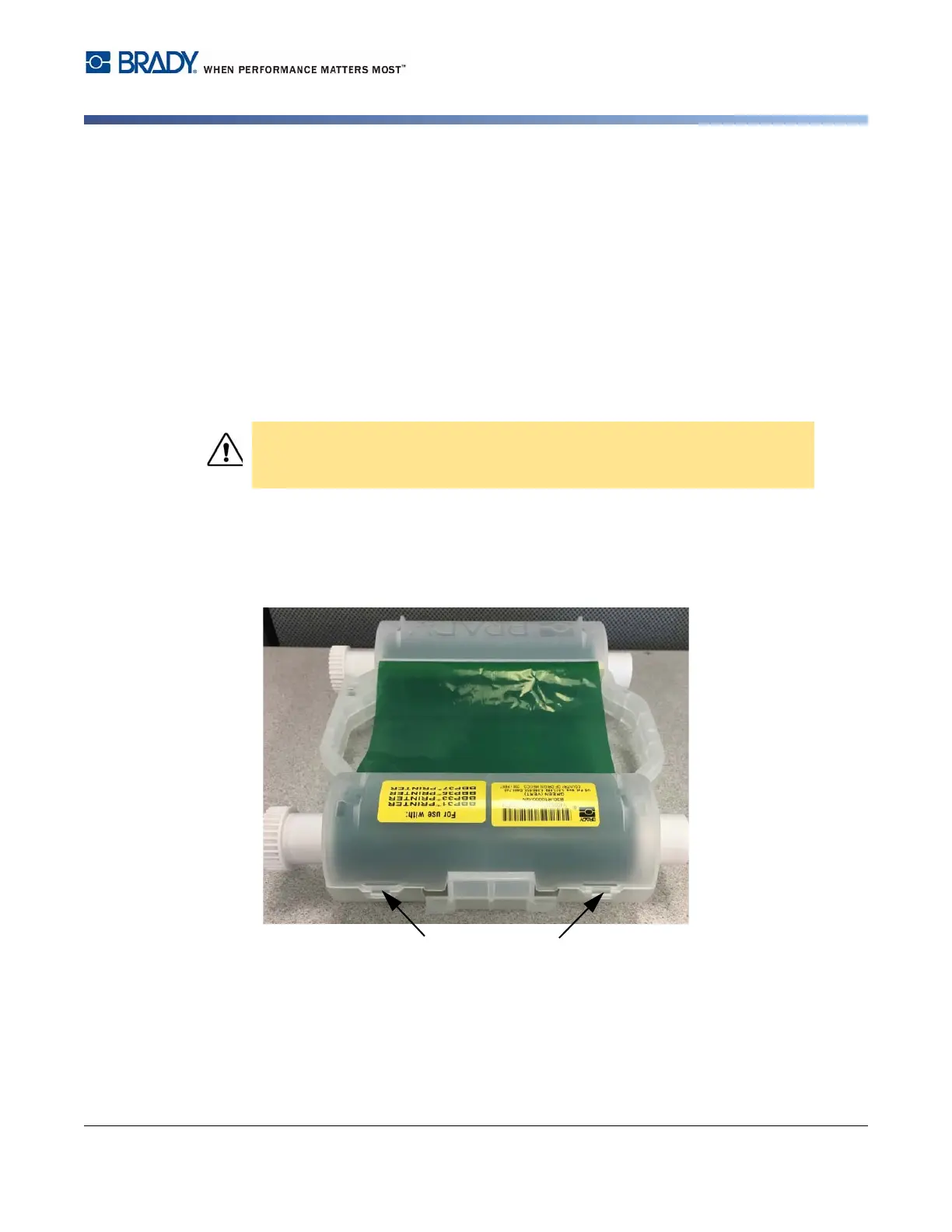
Dismantling the Ribbon Cartridge
1. Using your thumbnail or the blade of the screwdriver, apply pressure to push the clear plastic
locking tabs up until the cartridge unlocks.
CAUTION! Always wear Person Protective Equipment (PPE) when dismantling
a cartridge.















 To Next Page