BradyPrinter i3300 27
5 Maintenance
Display System Information
The About screen displays version numbers for various components of the system. Check the
Firmware driver version when considering a firmware upgrade. Use the remaining information on the
About screen if instructed by Brady Support.
To view system information:
1. From the home page, tap Settings.
2. Tap About.
Pre-maintenance Operations
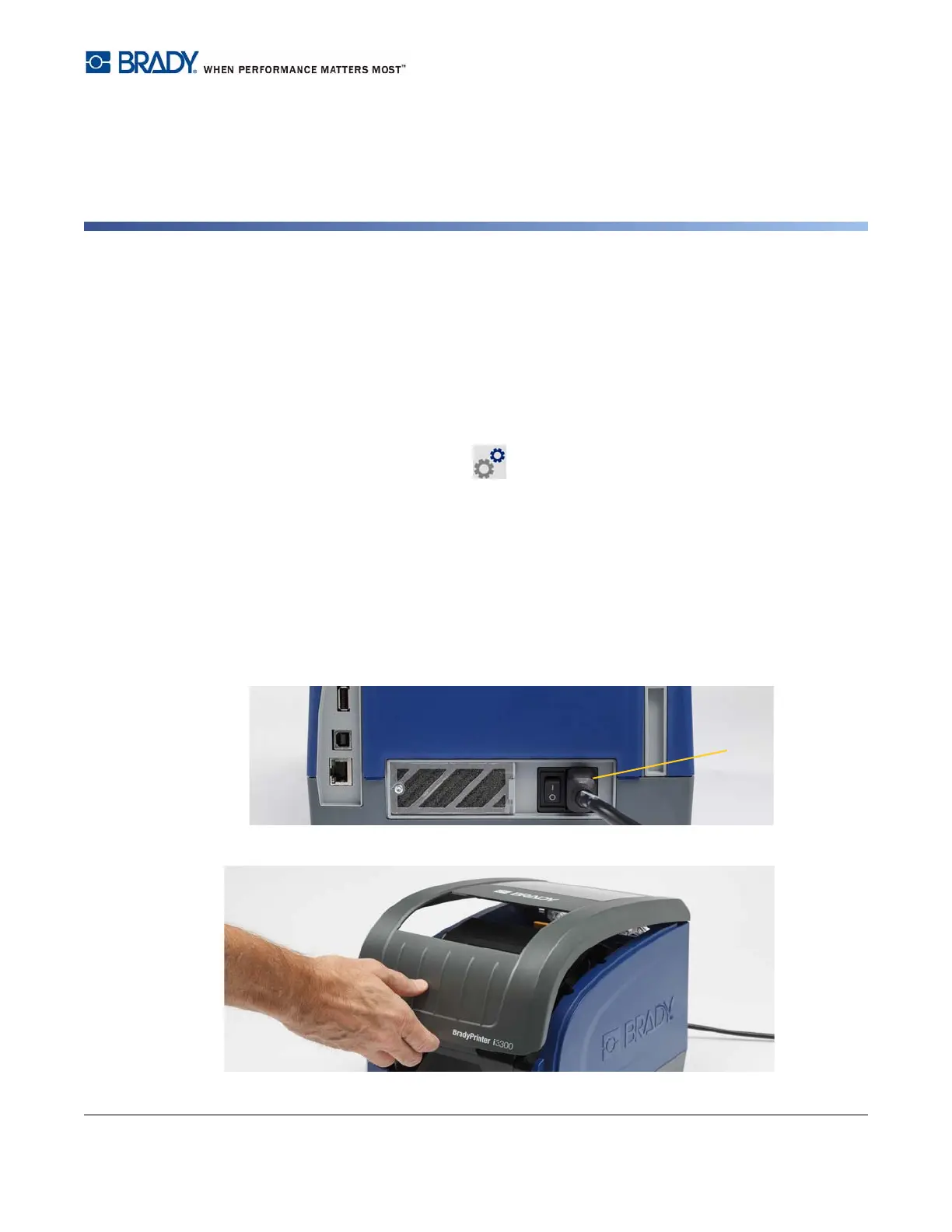
Before performing any maintenance procedure that involves opening the enclosure cover, you should
remove the power and supplies from the printer.
1. Remove the power plug [1] from the printer.
2. Open the enclosure cover.















 To Next Page